
Dreamlux
AI video generator with no watermark, private by default
About
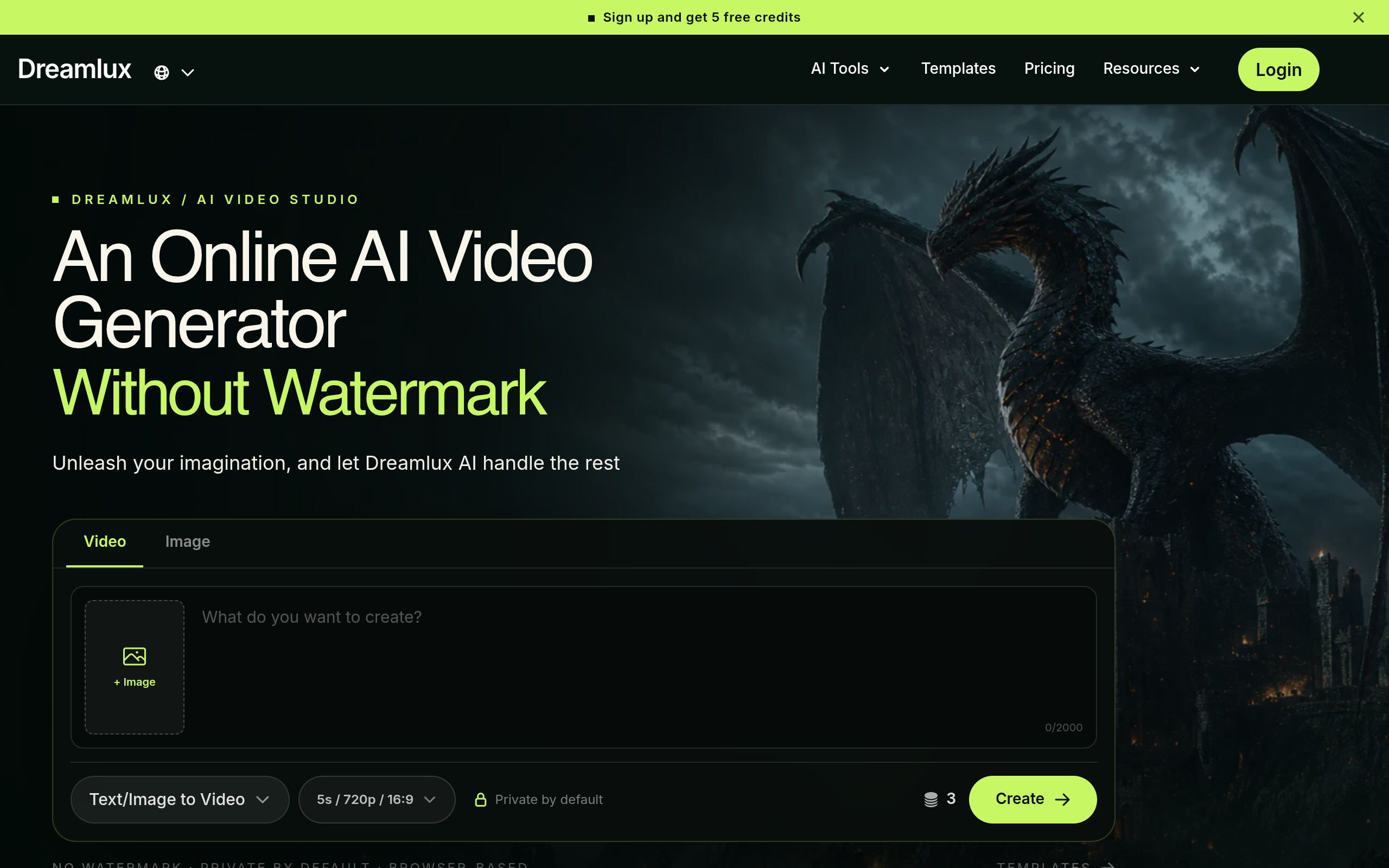
Dreamlux is a browser-based AI video studio that turns text, images or templates into polished videos in minutes. It supports text-to-video, image-to-video, lip sync, talking avatars and marketing templates, with watermark-free exports and private-by-default generation. A free plan is available to start; paid plans unlock more credits and faster generation. Commercial use is allowed.
Key Features
Text-to-Video
Generate polished videos directly from text prompts or scripts — Dreamlux converts written descriptions into multi-scene videos quickly and easily.
Image-to-Video & Consistent Characters
Animate static images into dynamic video sequences while preserving character consistency across scenes — useful for serial content or brand characters.
Talking Avatars & Lip Sync
Create talking avatars with synchronized lip movement and voice to bring characters or presenters to life for tutorials, ads, or social clips.
No Watermark & Private-by-Default
Export watermark-free MP4 videos and keep all generation private by default; suitable for commercial use and sensitive content.
Templates & Fast Browser-Based Workflow
Choose from marketing and creative templates, use a one-click generation pipeline in the browser, and iterate quickly with fast generation speeds and previewing.
How to Use Dreamlux
1) Sign up (free plan gives initial credits) and open the Studio. 2) Choose an input mode: Text-to-Video, Image-to-Video, or a prebuilt template. 3) Enter your prompt or script, upload reference images if needed, and adjust settings (duration, resolution, voice/avatar options). 4) Click Generate, preview the result in My Creations, then download the MP4 (no watermark) or regenerate with edits.