
Draftsheet AI
Draftsheet AI recovers the billable hours your lawyers have already worked but never invoiced.
About
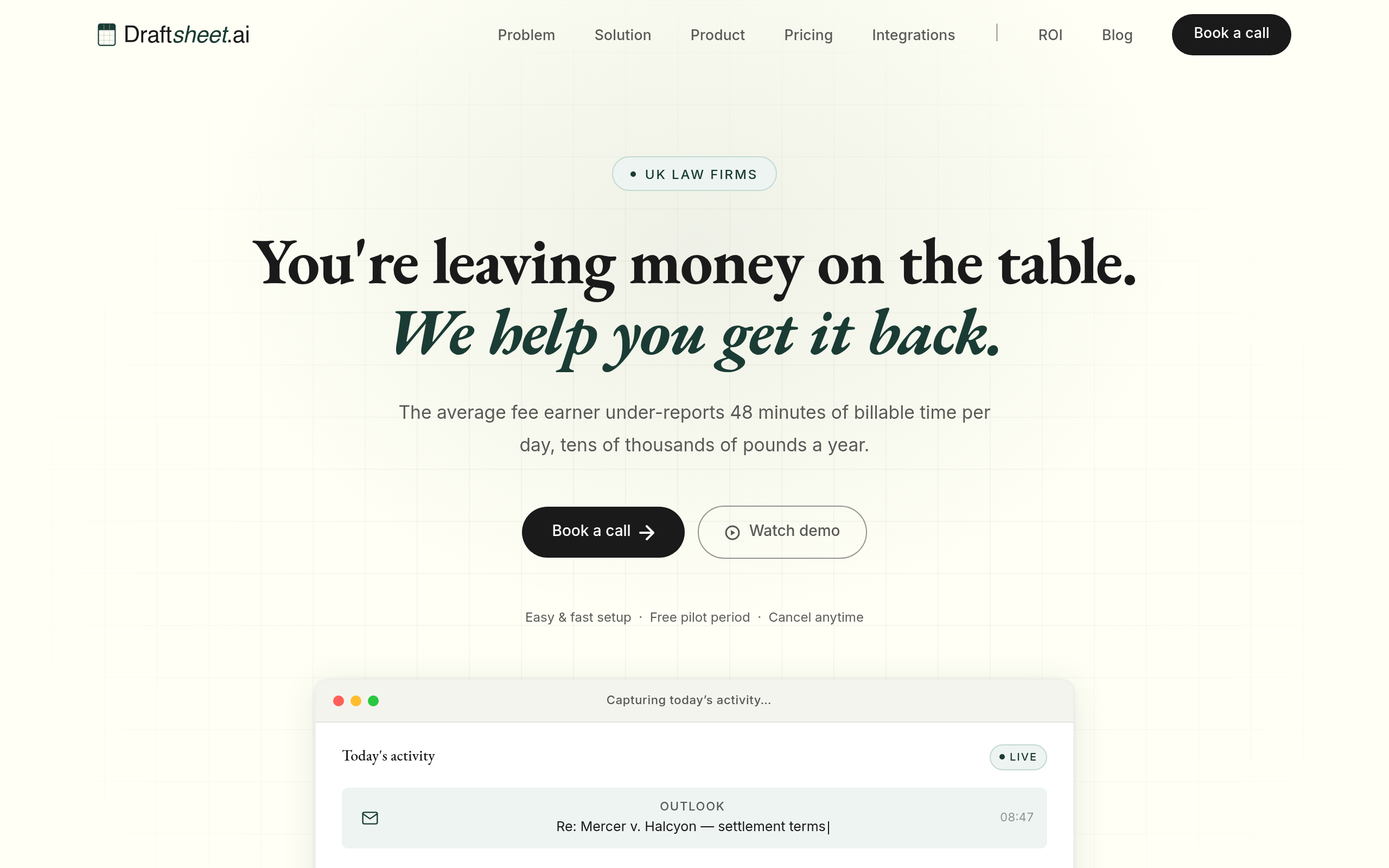
Every day, your lawyers do work that never makes it onto a timesheet. This happens due to time trackers that aren't user-friendly and that make it easy to forget to track and easy to make mistakes. The client call that ran long, the document reviewed between meetings, the email thread that quietly took forty minutes. By the time a lawyer sits down to log their time, the detail is gone. Industry data reports over 12% underbilling. At a 20-lawyer firm billing at £250 an hour, that's roughly £660,000 a year. Draftsheet stops that. A lightweight app installs on each lawyer's machine with a single click. It runs silently in the background: no timers, no interruptions, nothing for the lawyer to do but their job. It simply observes which documents are open, which applications are active, and which matters are in focus throughout the day. All without ever recording any document's content or inputs. As the managing partner, you can see what work was done and how much of that was billed.
Key Features
Passive Activity Capture
A lightweight desktop agent runs silently on Mac or Windows, recording active applications, window/document titles, browser tab titles and calendar events at intervals — without capturing keystrokes, screenshots, file contents or full URLs.
AI Timesheet Generation & Narratives
Automatically groups captured activity into billable sessions, matches them to clients/matters, assigns billing codes and drafts clear, editable narrative descriptions for each time entry.
Matter Matching & Billing Code Auto-assignment
Pulls clients, matters and billing codes from connected practice management systems (Clio, LEAP, etc.) and uses contextual signals to suggest accurate client/matter assignments and billing codes.
Integrations & Export
Direct integrations with common legal management systems allow one-click export of approved time entries; also supports CSV/PDF export for manual upload or reporting.
Revenue & Utilisation Reporting
Real-time dashboards for practice managers showing captured vs billed time, leakage, utilisation rates by fee earner/team and breakdowns by client and matter, with an ROI calculator.
How to Use Draftsheet AI
1) Install the desktop agent on each fee earner's Mac or Windows machine (one-click setup). 2) Fee earners work as usual — the agent passively records activity (no timers or interruptions). 3) At the end of the day, click “Report” to generate AI-grouped sessions, matter matches and drafted narratives. 4) Review, edit as needed, approve entries and export directly to your billing system (or CSV/PDF).