
downr.org
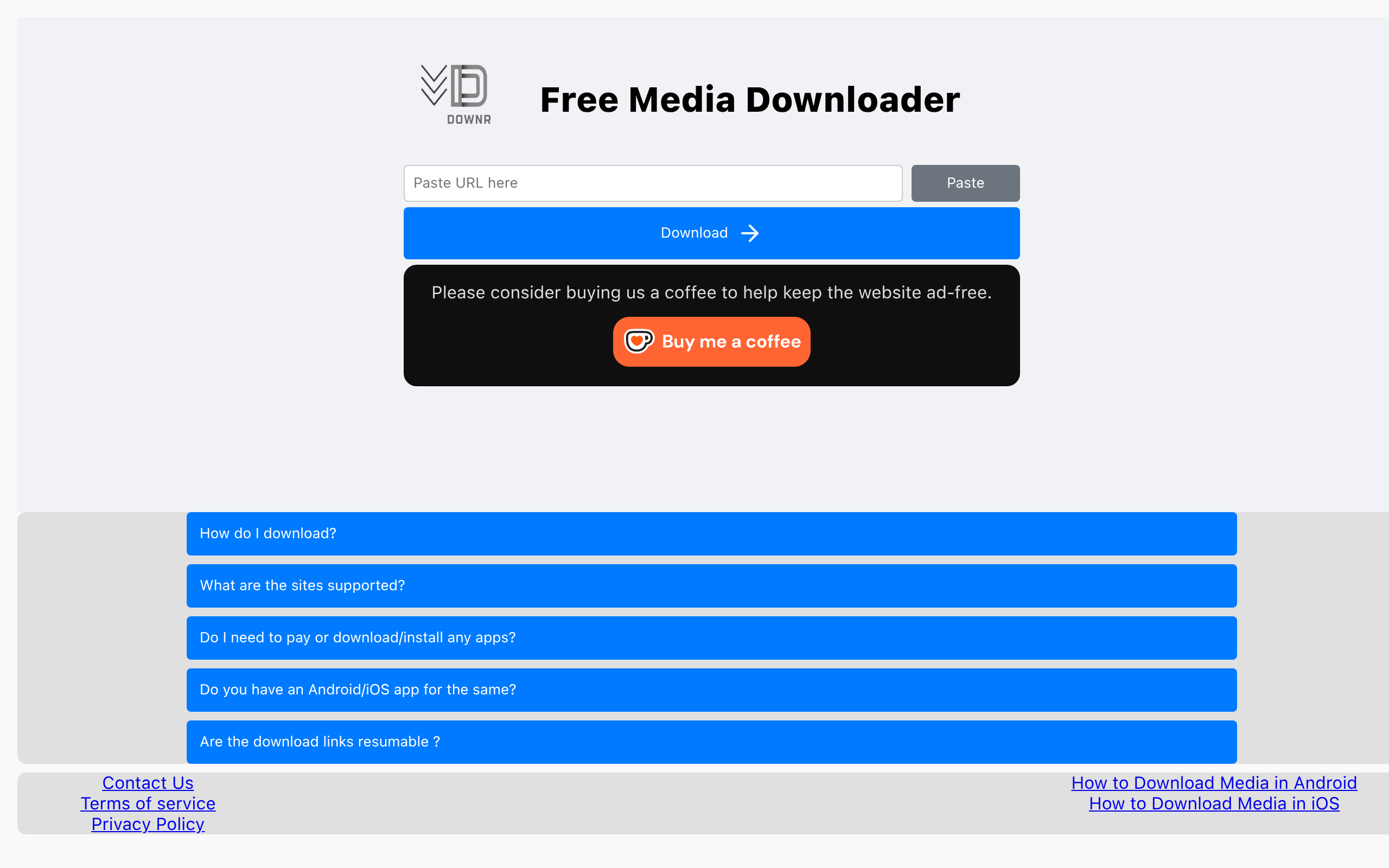
Free Media and Video Downloader
About
Downr.org is a web-based tool designed to help users download media (videos, audio, images, etc.) from 50+ online platforms directly through a simple interface — no software install required. Its main purpose is to let people quickly get content from websites that normally don’t let you save media easily.
Key Features
Supports 50+ Platforms
Download videos, audio, and images from a wide range of sites including YouTube, TikTok, Instagram, Facebook and Twitter.
Web-based — No Install
Use directly from the browser without installing software or browser extensions; works on desktop and mobile.
Multiple Output Formats
Choose from common formats and qualities (e.g., MP4, MP3, various resolutions) to get files optimized for your needs.
Quick Link-based Workflow
Simple paste-link-and-download workflow for fast retrieval of single or multiple media items.
Privacy-friendly & No Account Required
No sign-up required — media is downloaded directly and temporary processing does not require storing personal accounts.
How to Use downr.org
1) Copy the URL of the video, audio or image from the site you want to save. 2) Open downr.org and paste the URL into the input field. 3) Select the desired format/quality (if available) and click the download/convert button. 4) When processing completes, click the provided download link to save the file to your device.