
Dots
AI personal assistant for questions, plans, and tasks
About
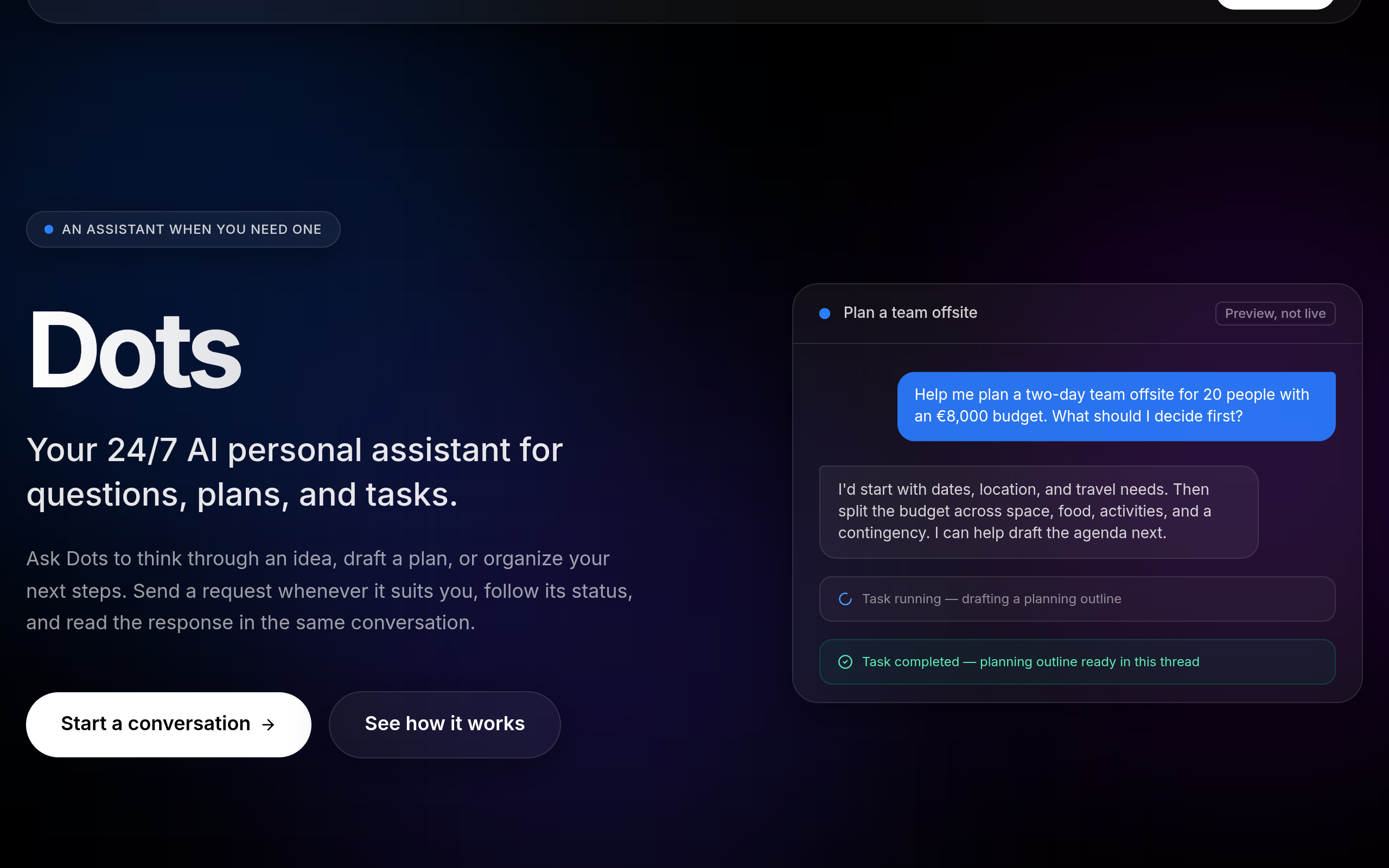
Dots is an on-demand AI personal assistant for questions, plans, and tasks. Describe a goal, ask for an explanation, compare options, or turn rough notes into a checklist. Dots keeps requests and AI responses together in conversation threads and displays queued, running, completed, or failed task status. It works in the browser without account registration. Users can delete individual conversations or all history linked to their browser session. The current version does not browse the web, send reminders, or act in other apps.
Key Features
Conversational AI Assistant
Ask questions, request explanations, compare options, or describe goals in natural language and get structured AI responses in the same conversation thread.
Task Queue & Status Tracking
Submitted requests become tasks with visible states (queued, running, completed, failed) so you can follow progress and open the thread when the result is ready.
Plan & Organize
Draft itineraries, project outlines, agendas, decision frameworks, or convert rough notes into checklists and step-by-step next actions.
Privacy-first Browser Sessions
No account required — conversations are linked to your browser session via a cookie and can be deleted individually or cleared entirely from Settings.
How to Use Dots
1) Open https://dotsai.bot/ in your browser — no sign-in required. 2) Start a conversation: type a question, describe a goal with constraints, paste rough notes, or ask for a comparison. 3) Submit your request and watch the task status (queued → running → completed) in the thread. 4) Read the AI response, ask follow-ups or refine the output, and delete conversations or clear history from Settings when finished.