
Dot Symbol
Copy dot symbols and check their Unicode, HTML, CSS, JavaScript, and keyboard references.
About
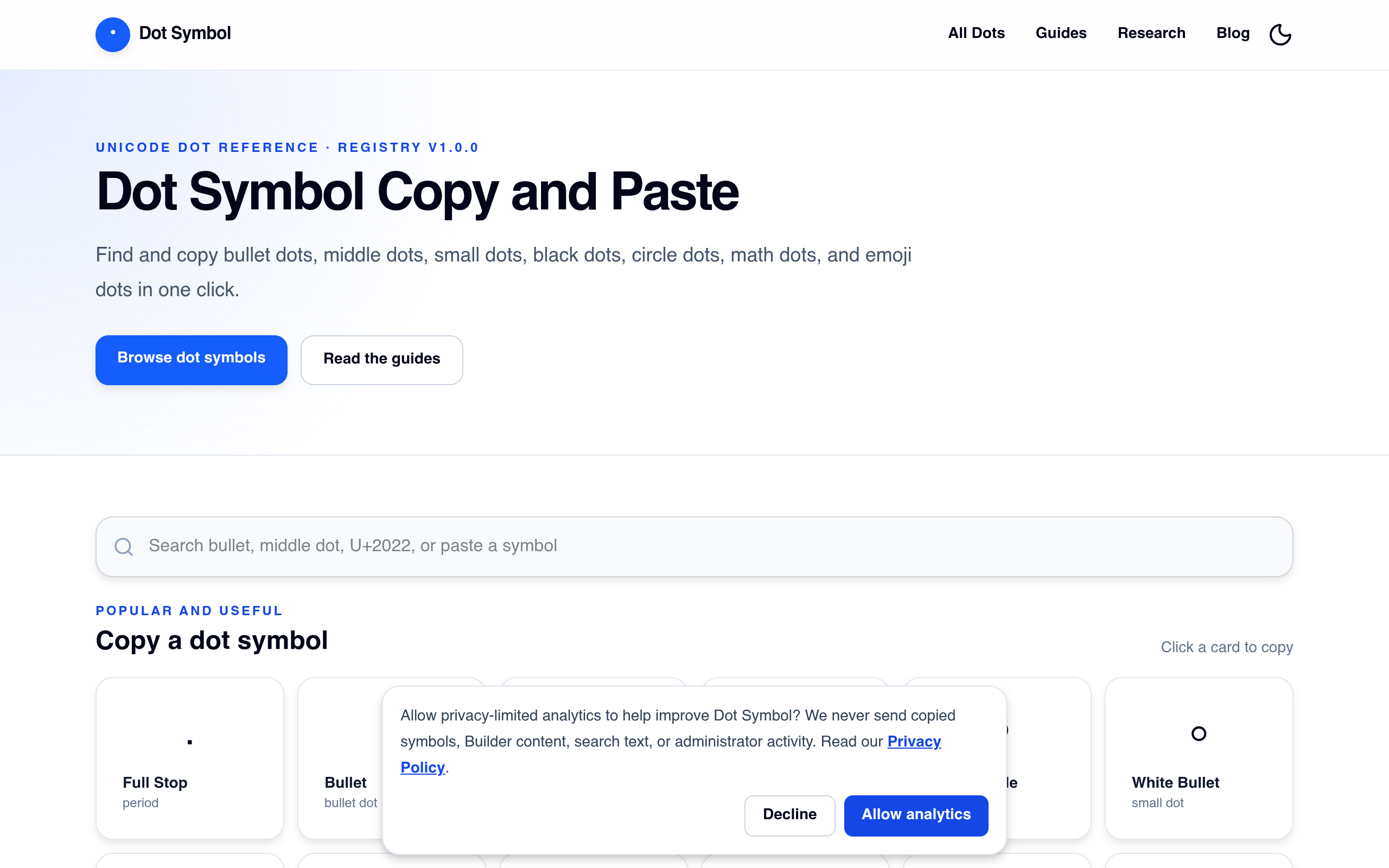
Dot Symbol is a free browser-based symbol tool for finding, comparing, and copying bullet dots, middle dots, circle dots, math dots, multi-dot characters, and emoji dots. It includes searchable symbol categories, copy feedback, a separator builder, character comparisons, keyboard guidance, code references, and detailed Unicode symbol pages.
Key Features
Symbol Browser
Browse organized categories of dot symbols (bullet, middle dot, circle, math dots, emoji dots, multi-dot sequences) with visual previews.
One‑click Copy with Feedback
Click any symbol card to copy to the clipboard with a reliable 'Copied' confirmation and fallback instructions if clipboard access fails.
Unicode & Code References
Detailed symbol pages that show the official Unicode name, code point, HTML entities, CSS and JavaScript escapes, and keyboard/input guidance for multiple platforms.
Dot Separator Builder
A lightweight builder to combine symbols (literal characters and multi-codepoint emoji kept intact) with spacing options (no space, single space, newline) and easy copy/remove actions.
Dot Compare & Look‑alike Guidance
Side‑by‑side comparisons and notes explaining visual similarities versus distinct code points, helping avoid misuse in math, identifiers, or technical documents.
How to Use Dot Symbol
1) Browse categories or use search to find the dot symbol you need. 2) Click a symbol card to copy it to the clipboard; a 'Copied' message appears when successful. 3) Open a symbol's detail page to view Unicode name, code point, HTML/CSS/JS escapes, and keyboard methods. 4) Use the Separator Builder to combine multiple symbols with chosen spacing, then copy the assembled sequence.