
Doodle Duel
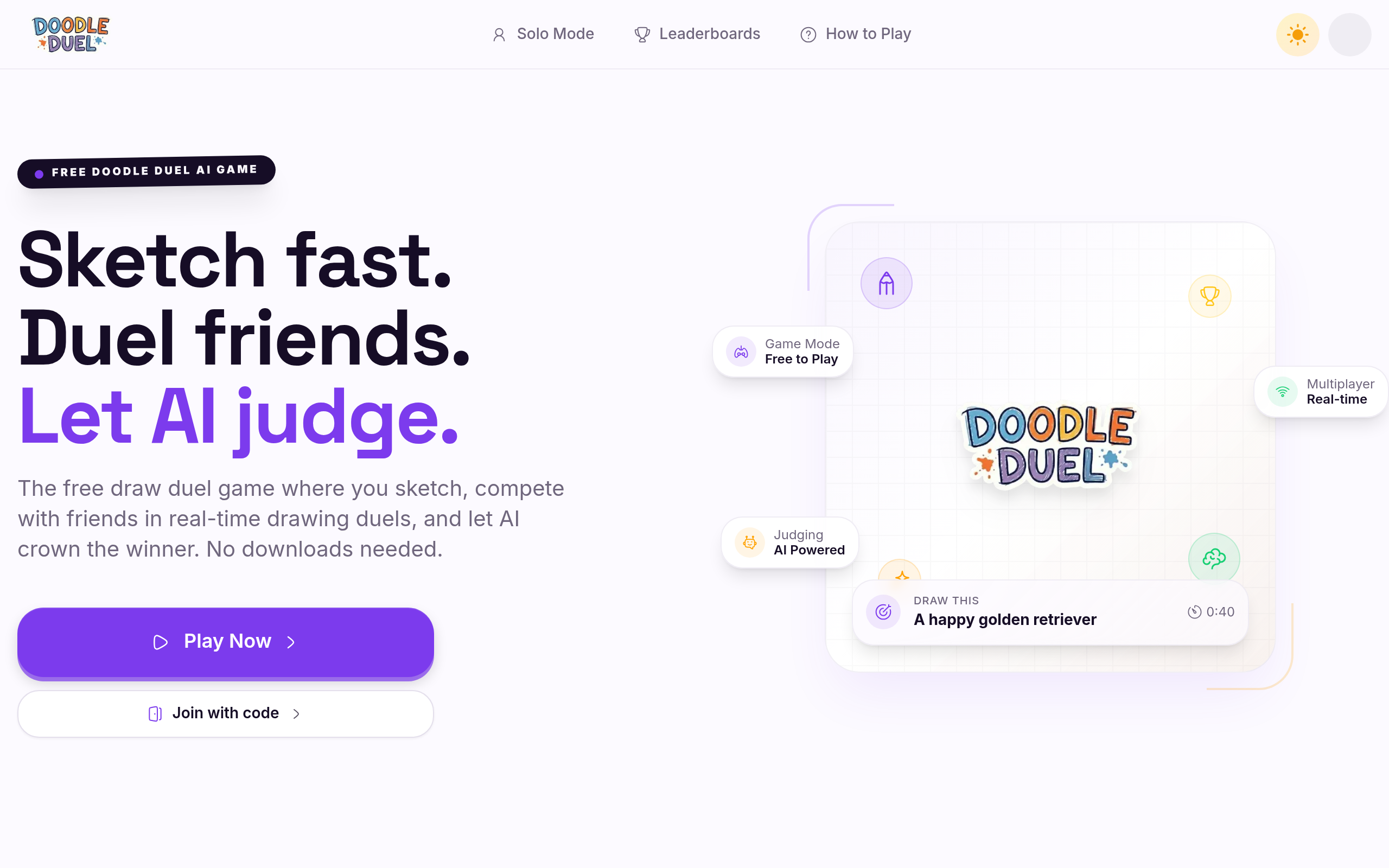
Doodle Duel is a free multiplayer drawing game — get a prompt, race the clock to sketch it, and let an AI judge score everyone's doodles in real time.
About
Doodle Duel drops you and up to 29 friends into a real-time drawing battle — no account, no app, no excuses. A prompt appears, the clock starts, and everyone races to sketch it as fast as humanly (or barely humanly) possible. When time runs out, your AI judge — powered by Google Gemini or OpenAI — steps in to roast and rate every submission with witty, surprisingly fair feedback. Choose your battlefield: jump into **Solo Arcade** and grind through 50 escalating levels to climb the global leaderboard, or fire up a **Multiplayer Duel** room, share the code with friends, and watch chaos unfold in real time. Pick your theme (animals, food, objects, and more), dial up the difficulty from *Easy* all the way to *Hard*, and let the best doodler win. Submit a prompt for 10 points, skip one for a -3 penalty, and keep drawing until the timer dies. No artistic skill required. Stick figures welcome. AI judges everyone equally.
Key Features
Real-time Multiplayer Duels
Create a room and invite friends with a code for instant, synchronized drawing rounds — party-sized games with real-time updates (larger rooms available via Pro).
AI-Powered Judging & Feedback
Automated ranking and witty feedback from an AI judge (powered by leading LLMs like Google Gemini or OpenAI) that evaluates accuracy, creativity, and style for every doodle.
Solo Arcade & Leaderboards
Single-player Arcade mode with escalating levels and global leaderboards so you can grind levels, earn points, and track improvement.
Instant Play — No Account Required
Web-based play with no downloads or sign-ups — create or join a room and start drawing in seconds on any device.
Customizable Prompts, Themes & Difficulty
Choose themes (animals, food, objects, etc.), set difficulty (Easy → Hard), submit your own prompts, or skip rounds (with penalty) to tailor the experience.
How to Use Doodle Duel
1) Open Doodle Duel on any device and choose 'Create Room' or 'Join with Code' (optionally pick theme and difficulty). 2) When a prompt appears, draw using the on-screen tools before the timer runs out; submit your doodle or skip (skip incurs a penalty). 3) After each round the AI judge scores and gives feedback; view scores and round winners in real time. 4) Repeat rounds, track your stats or leaderboard position, or switch to Solo Arcade to climb levels.