
Disclock
Free Discord time converter: turn any date and timezone into a Discord timestamp, preview it, and copy the code instantly.
About
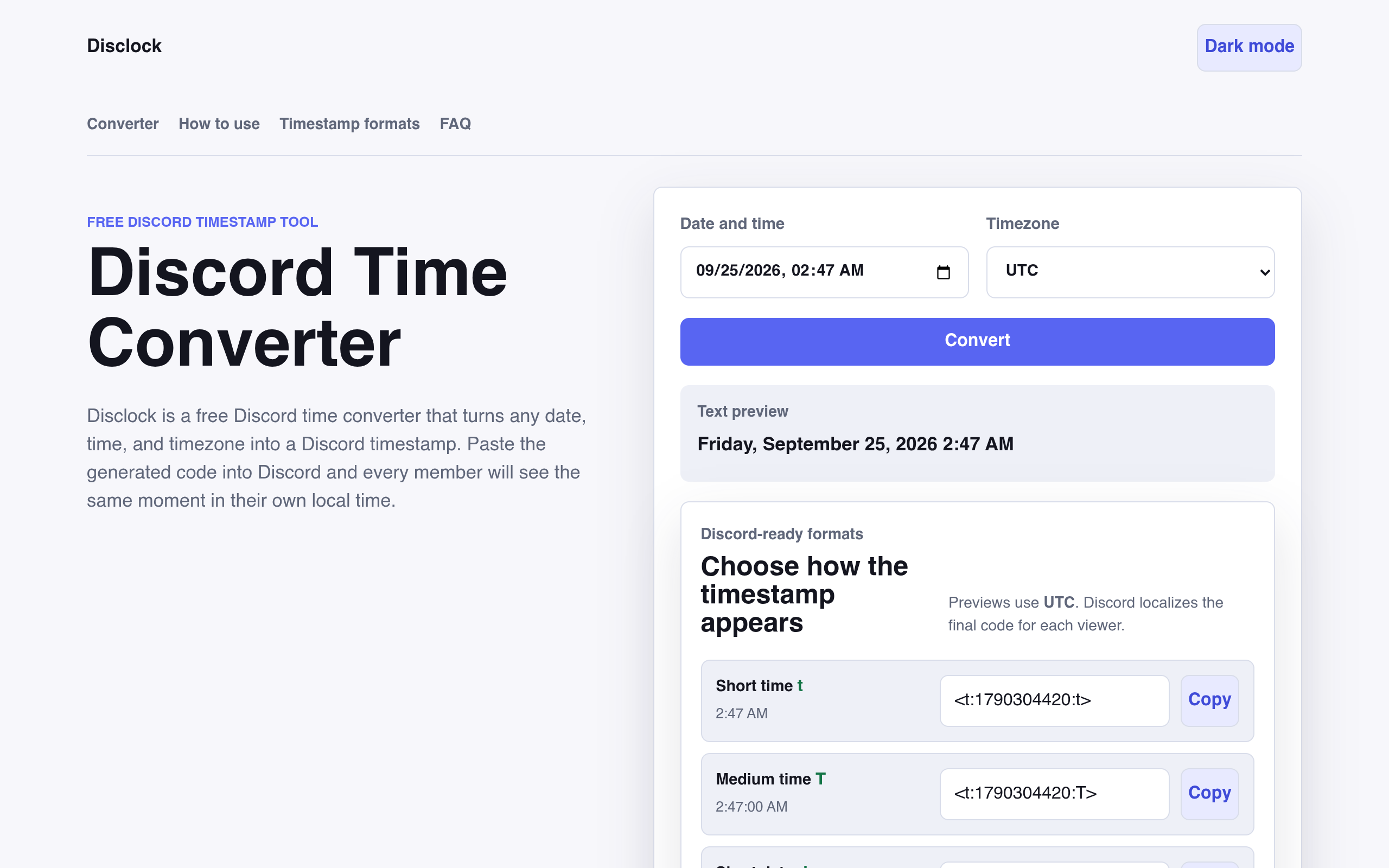
Disclock is a free browser-based Discord time converter and timestamp generator. Pick a date, time and timezone and it produces every Discord timestamp format (t, T, d, D, f, F, s, S, R) with a live preview of how each one renders. Because Discord localises timestamps for every viewer, everyone in a server sees the same moment in their own local time - useful for scheduling raids, streams, launches, classes and community events across timezones. It also outputs the raw Unix seconds value. No sign-up, no install, and it runs entirely in the browser.
Key Features
Full Discord Timestamp Generation
Produces every Discord timestamp format (t, T, d, D, f, F, s, S, R) and formats the code correctly for pasting into Discord.
Live Readable Preview
Shows an instant human-readable preview of each timestamp format so you can verify weekday, date and time before posting.
Timezone & DST-aware Conversion
Let’s you pick the event timezone (including daylight-saving rules) to calculate the correct Unix seconds for the exact instant across regions.
Copy-to-Clipboard & Raw Unix Output
One-click copy for each Discord-ready timestamp and access to the raw Unix seconds value for advanced uses.
Privacy-first, No Signup
Runs entirely in the browser with no account or installation required.
How to Use Disclock
1. Choose the date and clock time for your event (defaults to now). 2. Confirm the detected timezone, or pick the region where the event is actually scheduled. 3. Preview how the timestamp renders, then copy the Discord-ready code in the format you need (F - full date + short time - is the safest for announcements).