
Disavow.ai
Scan your backlinks, find the toxic ones, and generate a Google-compatible disavow file. 70% cheaper than Semrush. Built for business owners, not SEO
About
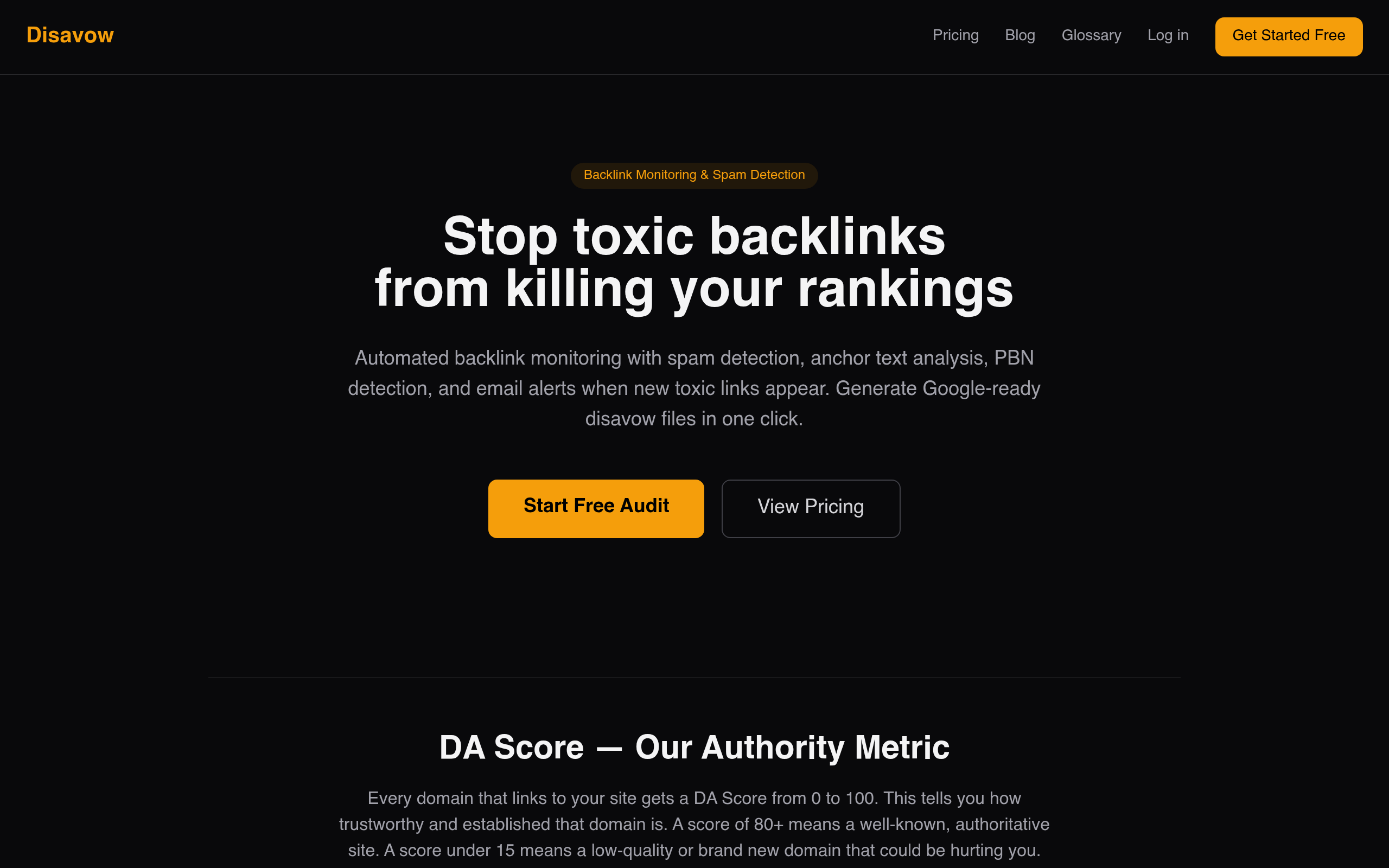
Every website picks up backlinks it didn't ask for — spam networks, link farms, scraper sites. When they cause a Google penalty or tank your rankings, you need to act fast. Disavow.ai scans your backlink profile, classifies every linking domain as clean, suspicious, or toxic using a 4-layer Smart Risk Engine, and generates the exact file Google needs to ignore the bad ones. Toxic domains are grouped into plain-English categories — Spam & Link Farms, Private Blog Networks, Known Spam Patterns, Risky Extensions, and Near-Zero Authority — each showing exactly why it was flagged. No SEO jargon, no black-box scores. Free tier lets you scan and see 15 backlinks. Pro at $39/mo gives you unlimited backlinks, full export, and weekly auto-scans. That's 70% less than Semrush for the same core functionality.
Key Features
Backlink Scanning & Classification
Scan your entire backlink profile and classify every referring domain as Clean, Suspicious, or Toxic so you can quickly see which links need attention.
Smart Risk Engine (4-layer)
Proprietary 4-layer engine combines authority metrics, spam fingerprints, TLD risk and link-type signals to reduce false positives and give clear, plain-English reasons for each flag.
One-Click Google-Ready Disavow Export
Generate and download a Google-compatible disavow file instantly (domain or URL level) so you can upload it to Google Search Console without manual formatting.
Automated Monitoring & Alerts
Schedule weekly or monthly scans and receive email alerts when new toxic links appear or when good links are lost, helping you act before rankings drop.
How to Use Disavow.ai
1) Create an account and enter the domain you want audited (or start a free audit). 2) Run a scan — Disavow.ai will inspect and classify referring domains using the Smart Risk Engine and DA Score. 3) Review results grouped by plain-English categories (Toxic, Suspicious, Clean) and inspect the reasons for each flag. 4) Export the Google-compatible disavow file and upload it to Google Search Console; enable automated scans and email alerts for ongoing monitoring.