
diffray
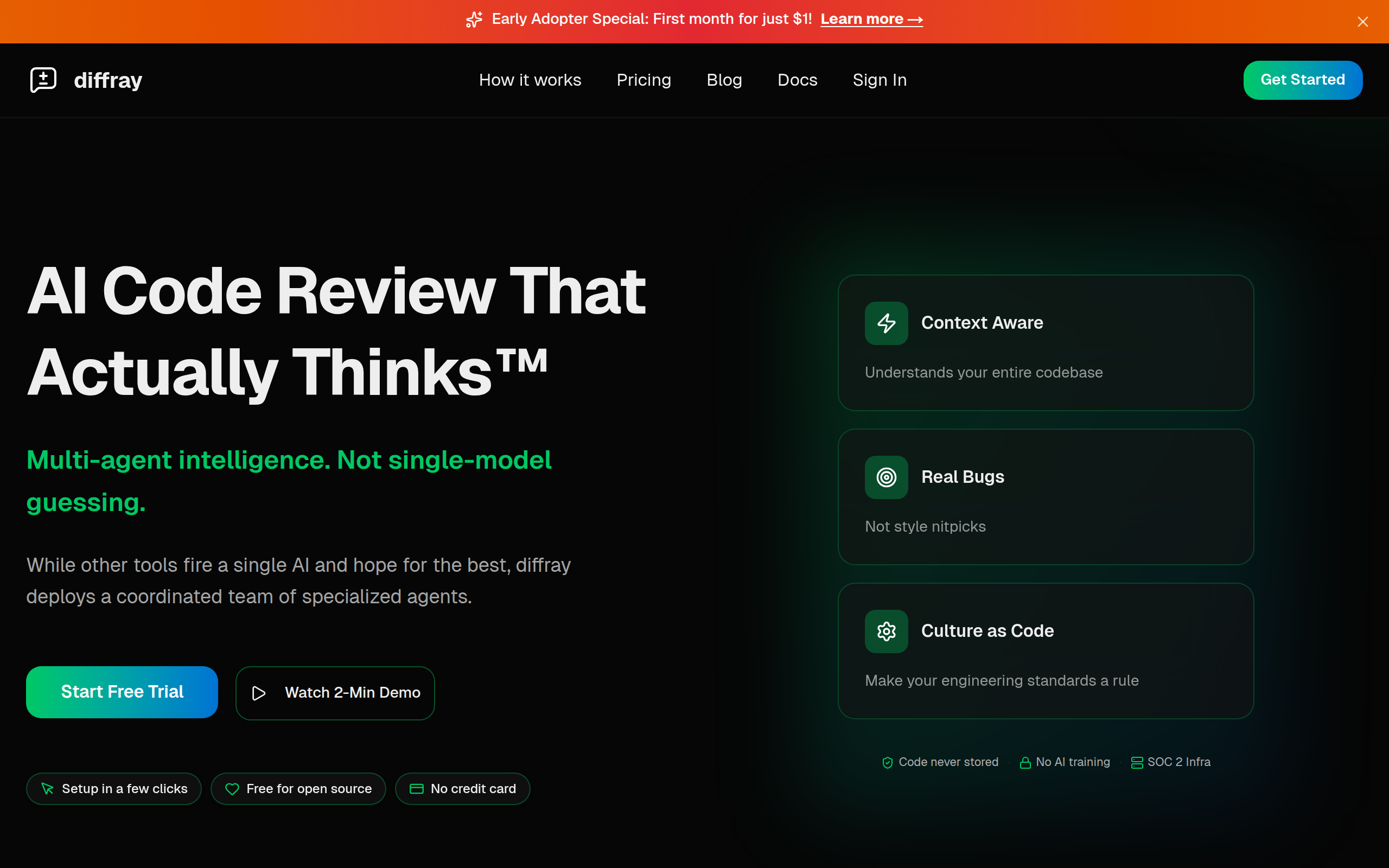
AI code review with 30+ specialized agents. Catches real bugs, not nitpicks.87% fewer false positives than single-agent tools.
About
Traditional AI code review tools use one generic model for everything and flood your PRs with noise. diffray takes a different approach: 30+ specialized agents, each focused on one thing (security, performance, bugs, best practices, SEO, and more). The result? 87% fewer false positives and 3x more real issues caught. Teams report cutting PR review time from 45 minutes to 12 minutes per week. Key features: * Multi-agent architecture: each agent is an expert in its domain * Codebase-aware: understands your repo context, not just the diff * Clean comments: no emoji spam, just actionable feedback * Works with GitHub; easy setup in minutes Free for open source. 14-day free trial for private repos.
Key Features
Multi-agent Architecture
30+ specialized agents each focused on domains like security, performance, bugs, best practices, and SEO—coordinated to investigate issues rather than give generic advice.
Codebase-aware Analysis
Analyzes the full repository context (not just diffs) to find real issues, locate callers/usages, check test coverage, and provide precise file paths and line numbers.
Actionable, Low-noise Comments
Focused, deduplicated feedback with confidence scoring and no emoji spam—designed to reduce false positives and increase the developer action rate.
Seamless GitHub Integration
One-click GitHub sign-in and a GitHub App for quick setup; reviews appear as PR comments so teams can adopt diffray without changing workflows.
Privacy & Security Controls
Code is not stored or used for training, SOC 2 infrastructure, and fine-grained repository controls; free for open source with a 14-day trial for private repos.
How to Use diffray
1) Sign in with GitHub: Authenticate diffray with your GitHub account to grant repository access. 2) Install the GitHub App: Add diffray to the repositories or organization you want reviewed and choose permissions. 3) Configure agents and guidelines: Enable or disable specific agents, tune review settings, and set your team's coding rules. 4) Open a Pull Request: diffray analyzes the PR with full codebase context and posts focused, actionable comments directly on the PR—review, apply fixes, and iterate.