
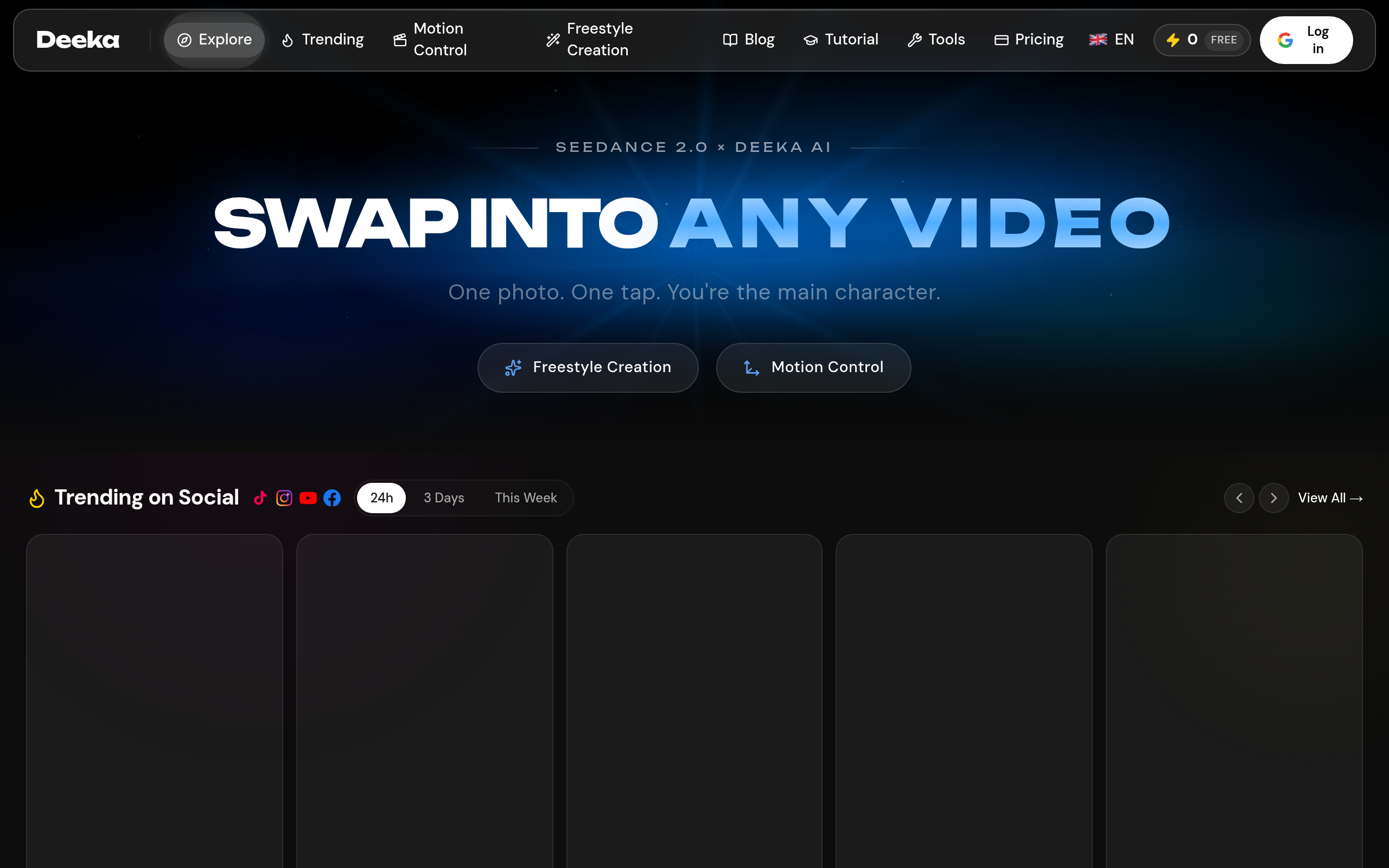
Deeka.ai
Deeka.ai is a free AI video generator powered by SeeDance 2.0, focused on enabling users to effortlessly remix trending TikTok, Reels, and YouTube Sho
About
Deeka.ai is an innovative platform at the forefront of AI video generation technology. Leveraging the SeeDance 2.0 multimodal model developed by ByteDance, it lowers the barrier to traditional video editing, offering a "photo-to-video" creation experience. Key features and advantages of the product include: • Powered by SeeDance 2.0 Technology: Utilizes advanced motion synthesis and style transfer techniques to accurately capture movements from reference videos and seamlessly apply them to user-uploaded character photos, ensuring physical realism and facial consistency. • Diverse Creation Modes: • Motion Control: Users can extract movements from any video (e.g., TikTok dances or movie clips) and transfer them onto custom characters. • Freestyle Creation: Supports generating creative videos from scratch using pure text descriptions (Text-to-Video) or a combination of images and text. • Vast Library of Trending Templates: Offers over 1000 face swap templates covering
Key Features
SeeDance 2.0 Motion Synthesis
High-fidelity motion extraction and style transfer that captures movements from reference videos and applies them to user photos with realistic body motion and facial consistency.
Motion Control Mode
Extract motion from any source video (TikTok, Reels, movie clips) and transfer the exact choreography to a custom character or user photo for accurate remixes.
Freestyle Text-to-Video
Generate creative short videos from text prompts alone or combine text + image inputs to produce original animated clips without needing a reference video.
Large Template Library & One-Tap Face Swap
Access 1000+ trending templates for instant face swaps and viral formats — one photo and one tap replaces the protagonist in popular short-video formats.
How to Use Deeka.ai
1) Sign up or log in to Deeka.ai. 2) Choose a creation mode: Motion Control (use a reference video), Freestyle (text-to-video or image+text), or Trending Templates. 3) Upload a clear face photo (or select a template) and either upload a reference video or enter a text prompt; adjust appearance, motion intensity and style settings. 4) Preview the generated clip, make edits if needed, then export and share to TikTok, Instagram Reels, or YouTube Shorts.