
Decor8 AI
Decor8 AI provides complete a solution for virtual staging and interior design.
About
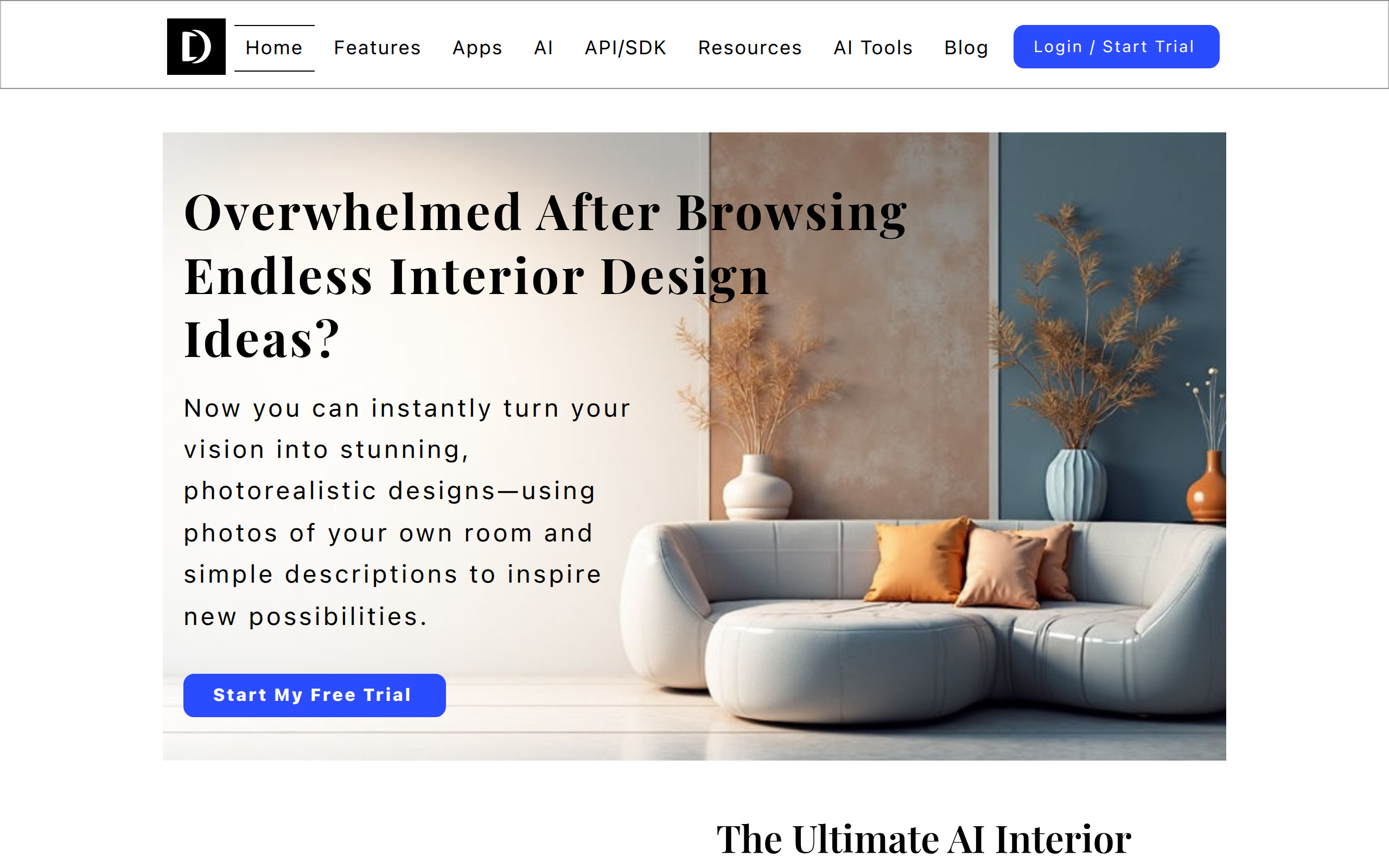
Decor8 AI is an advanced platform that transforms the way you approach interior design and property presentation. By combining cutting-edge AI technology with intuitive design tools, Decor8 AI allows you to create stunning, photorealistic virtual staging and interior layouts effortlessly. Users can upload photos of their spaces and, with just a few simple prompts, see their rooms reimagined with customized furniture, décor, color schemes, and layouts. Whether you're a real estate professional looking to showcase properties in their best light, an interior designer seeking to present clients with multiple design options, or a homeowner wanting to visualize your dream space before making changes, Decor8 AI provides a seamless, time-saving solution. Its smart AI ensures every design is proportionally accurate, aesthetically cohesive, and tailored to your unique vision, making interior design more accessible, creative, and efficient than ever before.
Key Features
Photorealistic Virtual Staging
Automatically furnish and decorate empty or sparsely furnished rooms with realistic furniture, decor, and lighting for marketing-ready images.
AI Chat & Prompt-driven Redesign
Describe styles or give natural-language prompts (or use style images) to generate multiple interior design variations tailored to your space.
Wall & Cabinet Paint Visualizer
Preview paint colors and finishes from major brands (Benjamin Moore, Sherwin-Williams, Behr) or custom HEX codes on walls and cabinets before committing.
Object Removal & Photo Touch-ups
Remove unwanted furniture, clutter, or objects and perform touch-ups (wall smoothing, construction finishing) for clean, polished photos.
API & Plugins for Integration
Developer-friendly API and plugins (Wix, WordPress, Bubble) to integrate virtual staging and room design into websites and workflows.
How to Use Decor8 AI
1) Upload a clear photo of the room (or start from a template). 2) Choose a tool: Virtual Staging, Redesign (chat/prompt), Paint Visualizer, or Object Removal. 3) Enter a prompt or select a curated style (you can also upload a style image or pick brand paint colors). 4) Review AI results, refine using chat or manual edits, then export high-resolution images or integrate via API/plugins.