
CyberScore Labs
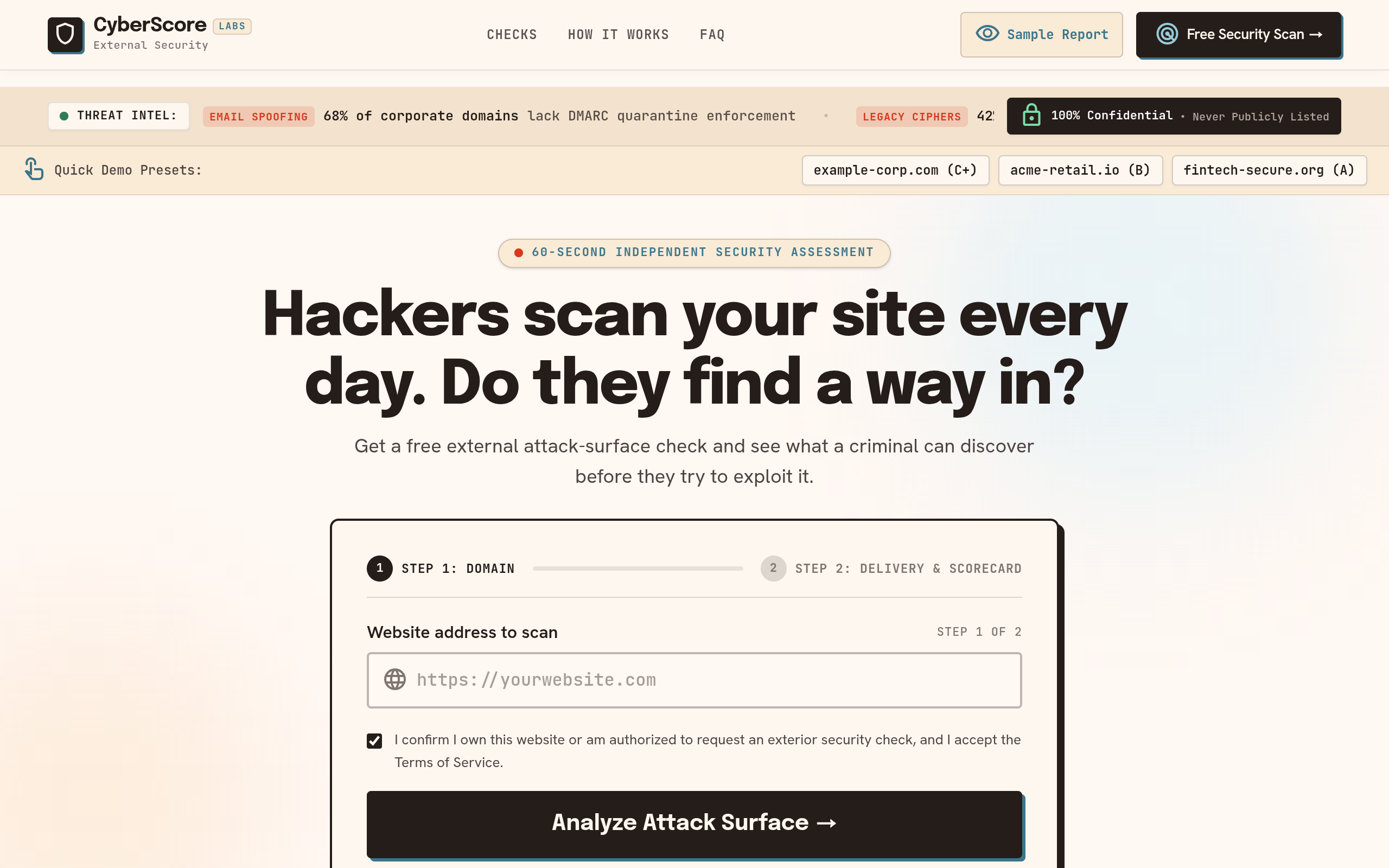
Free 60-second external attack-surface check. See what attackers can see from outside your website, with a plain-English fix for each finding.
About
Hackers scan business websites every day, looking for an easy way in. CyberScore Labs runs the same check on your site, for free, in 60 seconds. It shows whether scammers can send fake emails from your company address, whether old test sites are still online, and whether your site's encryption is out of date. You get a private report in plain English, with the exact fix for each problem. Most fixes take under an hour and cost nothing. There is nothing to install and no password to share. The report and the per-finding remediation guidance are written by an LLM from the external scan results.
Key Features
60-second External Scan
Run a fast, automated external attack-surface check that evaluates what an attacker can see from outside your domain in about one minute.
LLM-written Plain-English Reports
Get a private, easy-to-understand report where each finding includes a concise explanation and an exact remediation written by an LLM from scan results.
Actionable Remediation Guidance
Per-finding, step-by-step fixes that typically take under an hour and cost nothing — covering issues like email spoofing (SPF/DKIM), outdated TLS, exposed test sites, DNS misconfigurations, and more.
No Installation or Credentials Required
Scans are performed externally with nothing to install and no passwords to share, preserving operational safety and privacy.
Private, Shareable Findings
Reports are delivered privately and can be shared with developers, IT, or consultants to fast-track remediation.
How to Use CyberScore Labs
1. Enter your website address and a work email. 2. Confirm you own or are authorized to check the site. 3. The non-invasive scan runs from the outside and takes about 60 seconds. 4. You get a private report listing each finding in plain English, what a criminal could do with it, and the exact fix. 5. Share the technical appendix with your developer. No software to install and no password to share.