
CVFAST
Turn messy candidate resumes into professional, client-ready profiles automatically.
About
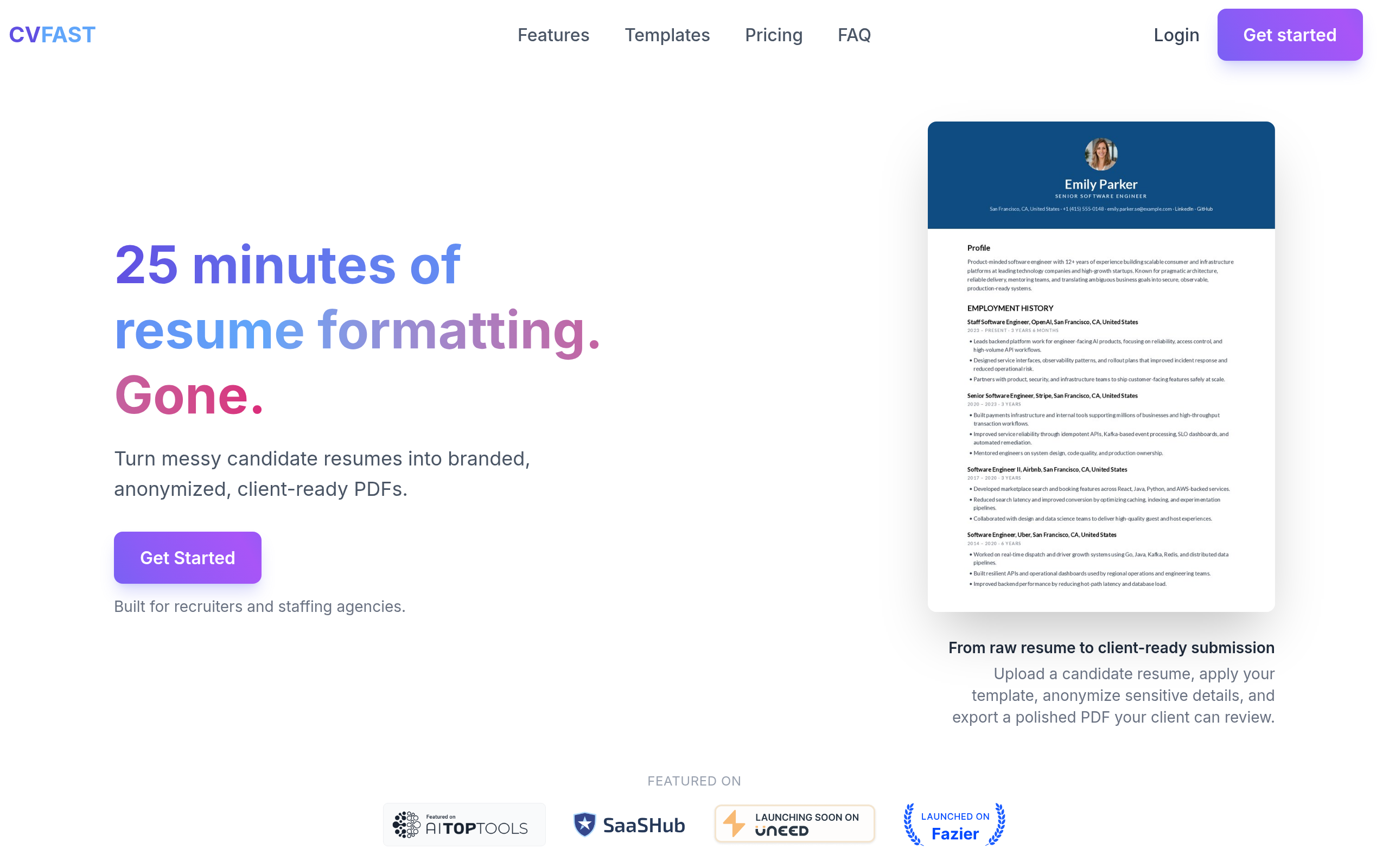
CVFAST is an AI-powered resume formatting tool for recruiters, recruitment agencies, and staffing firms. Candidate resumes are often messy: broken spacing, inconsistent fonts, poor structure, long summaries, and spelling mistakes. CVFAST automatically transforms them into professional, client-ready profiles. How it works: 1. Upload a resume: Import a candidate’s resume in PDF, Word, or other supported formats. 2. AI transforms it 3. Export and submit: Download a professional PDF ready to send to clients. Benefits: - Reduce resume preparation from 20 minutes to around 60 seconds - Submit more candidates in less time - Improve client review and acceptance rates Features: - Automatic resume formatting and layout cleanup - AI Writer for quick edits and rewrites - Generated candidate summaries - Profile photo extraction and placement - Agency branding and custom styling - Resume anonymization - Multiple modern templates - Professional PDF export for client submissions
Key Features
Automatic Resume Formatting
Parse messy PDFs/Word resumes and rebuild them into clean, consistent layouts with corrected spacing, fonts, headings and section ordering.
AI Writer & Summary Generator
Auto-generate concise candidate summaries and rewrite or polish resume text with plain-language prompts to highlight strengths and fit.
Agency Branding & Custom Templates
Apply agency logos, headers, preferred styles or reusable custom templates so every candidate submission matches your brand and client requirements.
Anonymization & Privacy Controls
Remove or hide names, contact details, photos and other identifiers to enable blind submissions and help maintain GDPR/CCPA-aware workflows.
Profile Photo Extraction & PDF Export (ATS-ready)
Automatically extract and place profile photos, then export polished, ATS-friendly PDFs optimized for client submission.
How to Use CVFAST
1) Upload a candidate resume (PDF, Word or import via the Chrome extension). 2) Choose a template and apply your agency branding or custom layout. 3) Use the AI Writer to rewrite summaries, correct spelling/formatting, and optionally anonymize personal details. 4) Review the editable output and export a polished, client-ready PDF for submission.