
CV Score
Free AI CV assessment across 8 categories and 48 criteria, in 60 seconds.
About
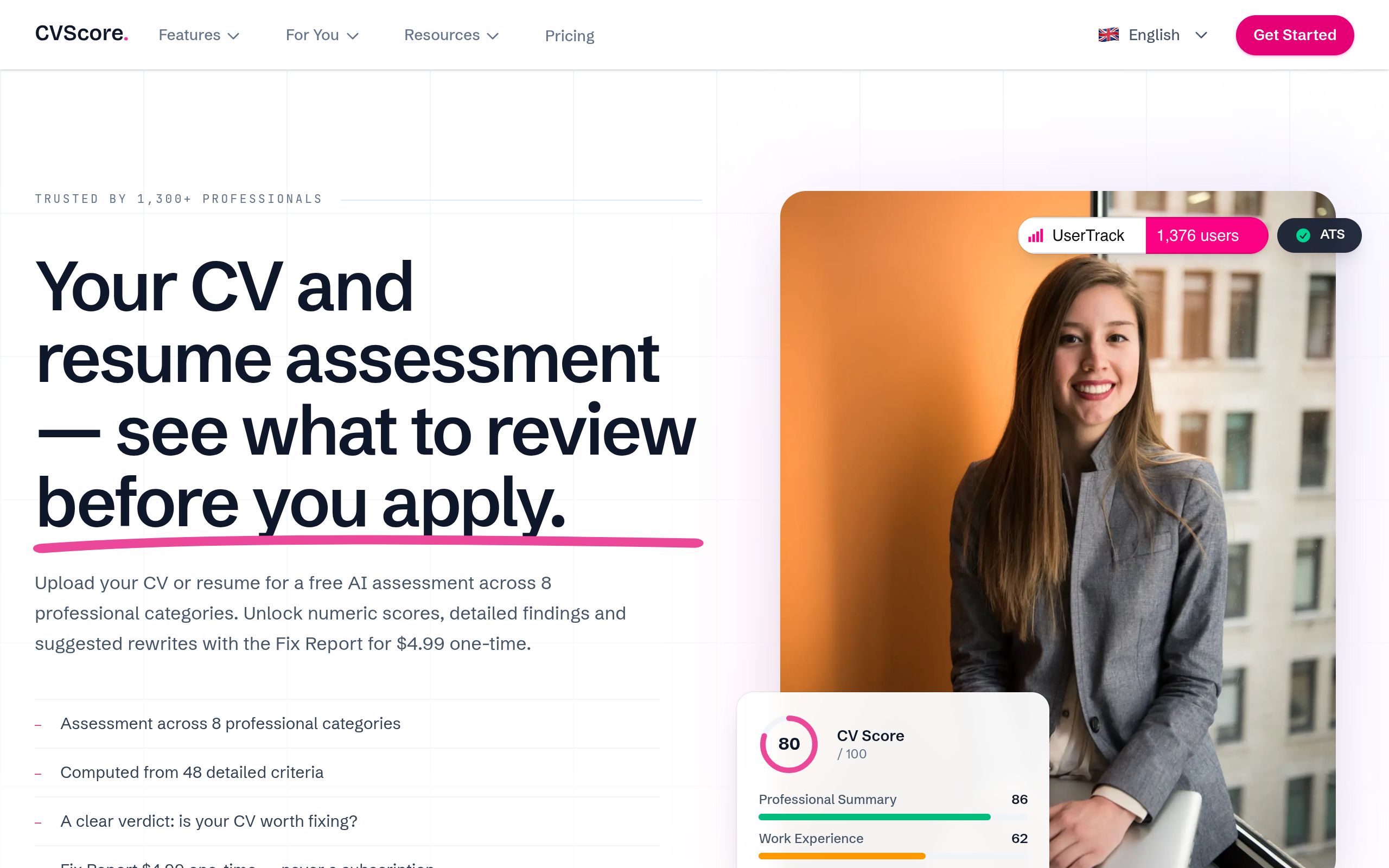
CV Score tells you what is wrong with your CV before you send it. Upload a PDF and get a free assessment across 8 professional categories, computed from 48 individual criteria: contact header, summary, work experience, education, skills, layout, language and ATS readiness. The free result gives a verdict, a percentile, a traffic-light band per category and the single highest-impact problem. The one-time Fix Report ($4.99) unlocks numeric 0-100 scores, every finding and rewritten before/after versions of the flagged passages, plus one verification re-scan. No subscription and no credit card to start; the full rubric and the documented limits are published at cvscore.net/methodology.
Key Features
60‑second AI Assessment
Upload a PDF (up to 3 pages) and get an instant AI-powered verdict, percentile and traffic-light band per category in about 60 seconds.
Eight-category, 48-criteria Rubric
Comprehensive evaluation across Contact Header, Summary, Work Experience, Education, Skills, Layout, Language and ATS readiness — computed from 48 measurable criteria.
Free Summary + One‑time Fix Report
Free assessment shows key problems and a prioritized single highest‑impact issue. Optional one-time Fix Report ($4.99) unlocks numeric 0–100 scores, detailed findings and before/after rewritten suggestions.
Privacy-focused Storage & Re-scan
Secure handling of uploaded CVs, user-controlled deletion, and a verification re-scan after fixes (included with Fix Report).
How to Use CV Score
1. Open cvscore.net and upload your CV as a PDF (max 5 MB, up to 3 pages; scanned files are read via OCR). 2. Wait about 60 seconds for the assessment across 8 categories and 48 criteria. 3. Read the free verdict, your percentile and the highest-impact problem. 4. Unlock the Fix Report ($4.99 one-time) for 0-100 scores, every finding and rewritten before/after passages. 5. Apply the fixes and use the included verification re-scan.