
CV Engineer
An AI-powered resume builder for job seekers
About
A simple and free way to build a PDF resume for your job applications. Available on Android, iOS, and macOS. The app was developed by a former professional recruiter. It contains advice and examples for each section of the resume. There's also an AI Assistant to make sure your resume is concise and professional.
Key Features
AI Assistant
Rewrite, condense and polish resume sections, correct grammar/spelling, and make language more professional and concise using AI suggestions.
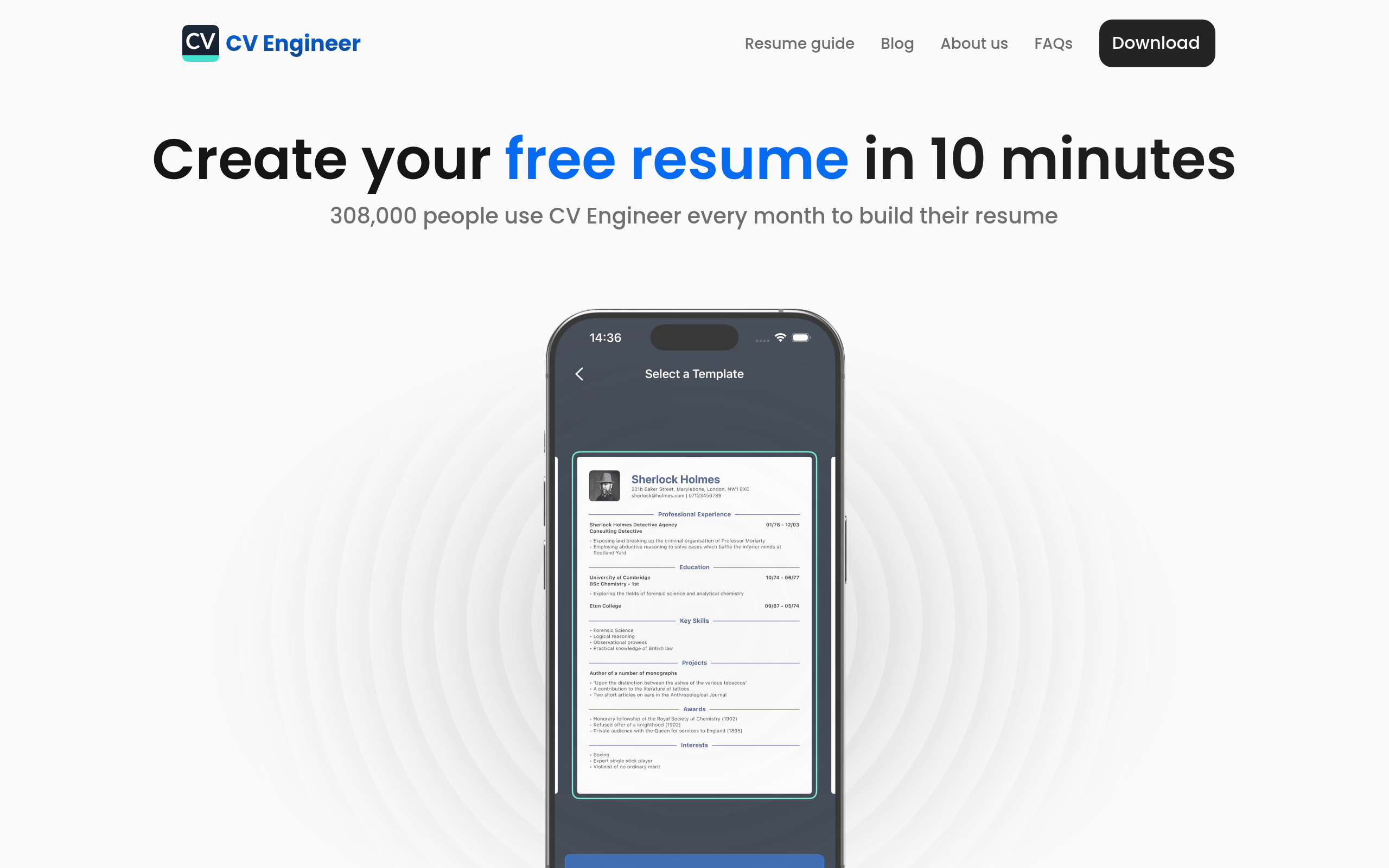
Professional Templates
Recruiter-designed templates with optimized layout, fonts and margins to help your resume stand out and fit typical one-page conventions.
Resume Scan & Feedback
Automated scan that checks for common resume mistakes, ATS issues, and gives actionable advice to improve clarity and impact.
PDF Export & Resume Hosting
Export a print-ready PDF for applications or host your resume on CV Engineer to share a public link with recruiters and contacts.
Easy Section Guidance & Examples
Step-by-step advice and example text for each resume section (summary, experience, skills, education) to speed writing and reduce guesswork.
How to Use CV Engineer
1) Install the app (iOS, Android, or macOS) and create an account or start a new resume. 2) Pick a professional template and fill in your basic info and job history using the guided section prompts and examples. 3) Use the AI Assistant to rewrite and tighten each section, and run the Resume Scan for suggestions and ATS-friendly fixes. 4) Adjust formatting (fonts, margins, photo) if needed, then export as PDF or enable resume hosting to share a public link.