
CustomTattoo AI
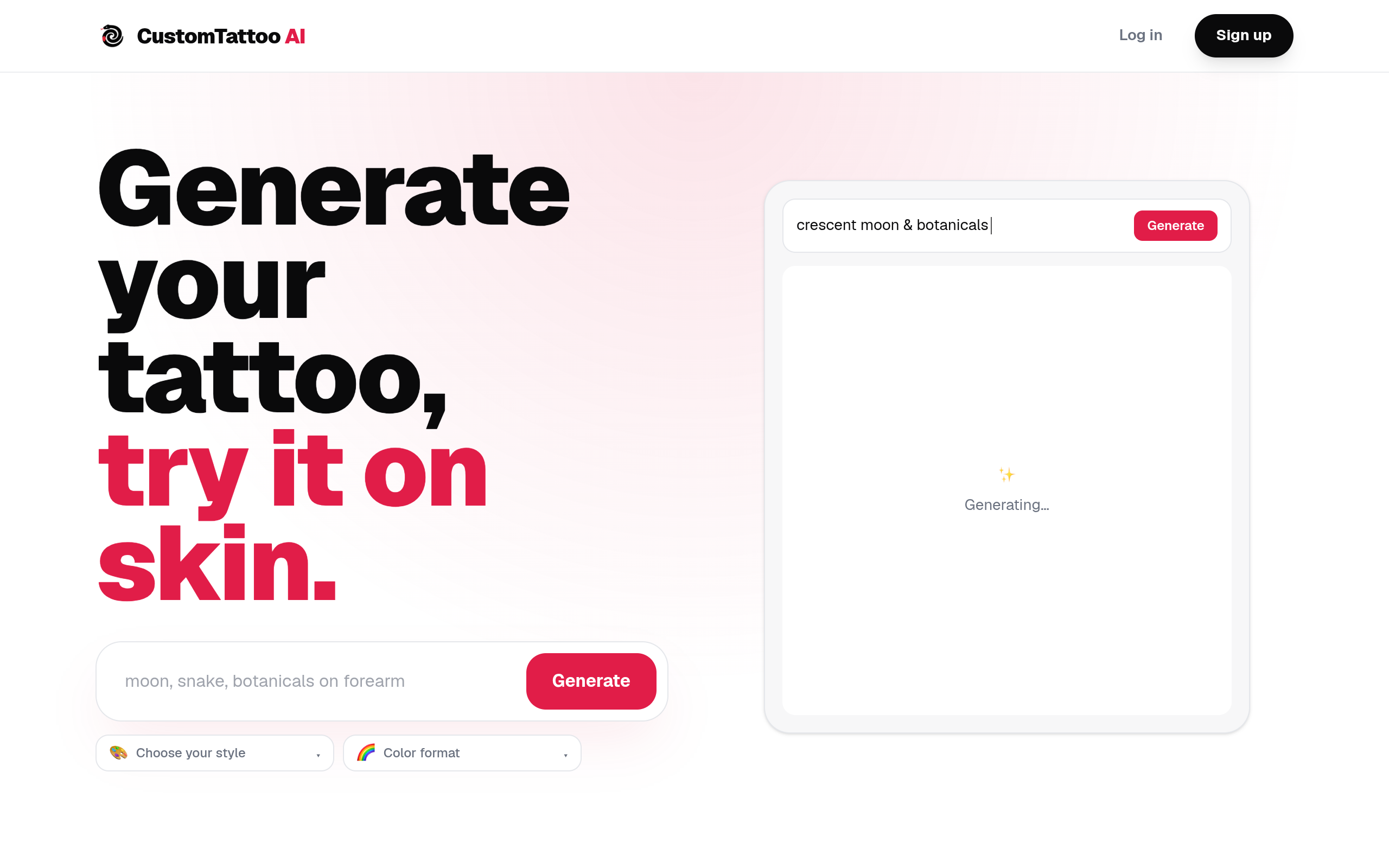
AI tattoo design tool that lets users generate custom tattoo ideas, save concepts, and preview designs on their own skin before getting inked.
About
CustomTattoo AI is an AI-powered tattoo design and try-on platform for people planning their next tattoo. Users can describe their idea, generate custom tattoo concepts in different styles, save their favorite designs to a personal library, and preview them on their own skin before booking a session with an artist. The product helps users compare styles, test placement, refine their visual direction, and bring a clearer reference to their tattoo artist. It is especially useful for first-time tattoo clients, tattoo enthusiasts, and anyone who wants more confidence before committing to a permanent design.
Key Features
AI Tattoo Generator
Create custom tattoo concepts from simple text prompts (subject, style, mood, and placement) with multiple generated directions to choose from.
On‑Skin Try-On Preview
Upload a photo of the body area and preview generated designs placed and scaled on your actual skin to evaluate size, placement, and realism.
Multiple Styles & Color Formats
Choose from a wide range of tattoo directions and color formats (black & grey, color, blackwork, etc.) to compare visual directions before committing.
Personal Library & Save
Save favorite concepts to a personal library to revisit, refine, and compare designs over time.
High‑Resolution Download & Stencil Export
Download clean, high-resolution design files (including studio-ready stencils) to bring directly to a tattoo artist.
How to Use CustomTattoo AI
1) Sign up to claim your 3 free credits. 2) Describe your tattoo idea — include subject, placement, preferred style and color format — then generate several design directions. 3) Select a design and upload a photo of the body area to preview the tattoo placed on your real skin. 4) Save favorites to your library and download high-resolution files or a stencil to share with your tattoo artist.