
Crowdstake AI
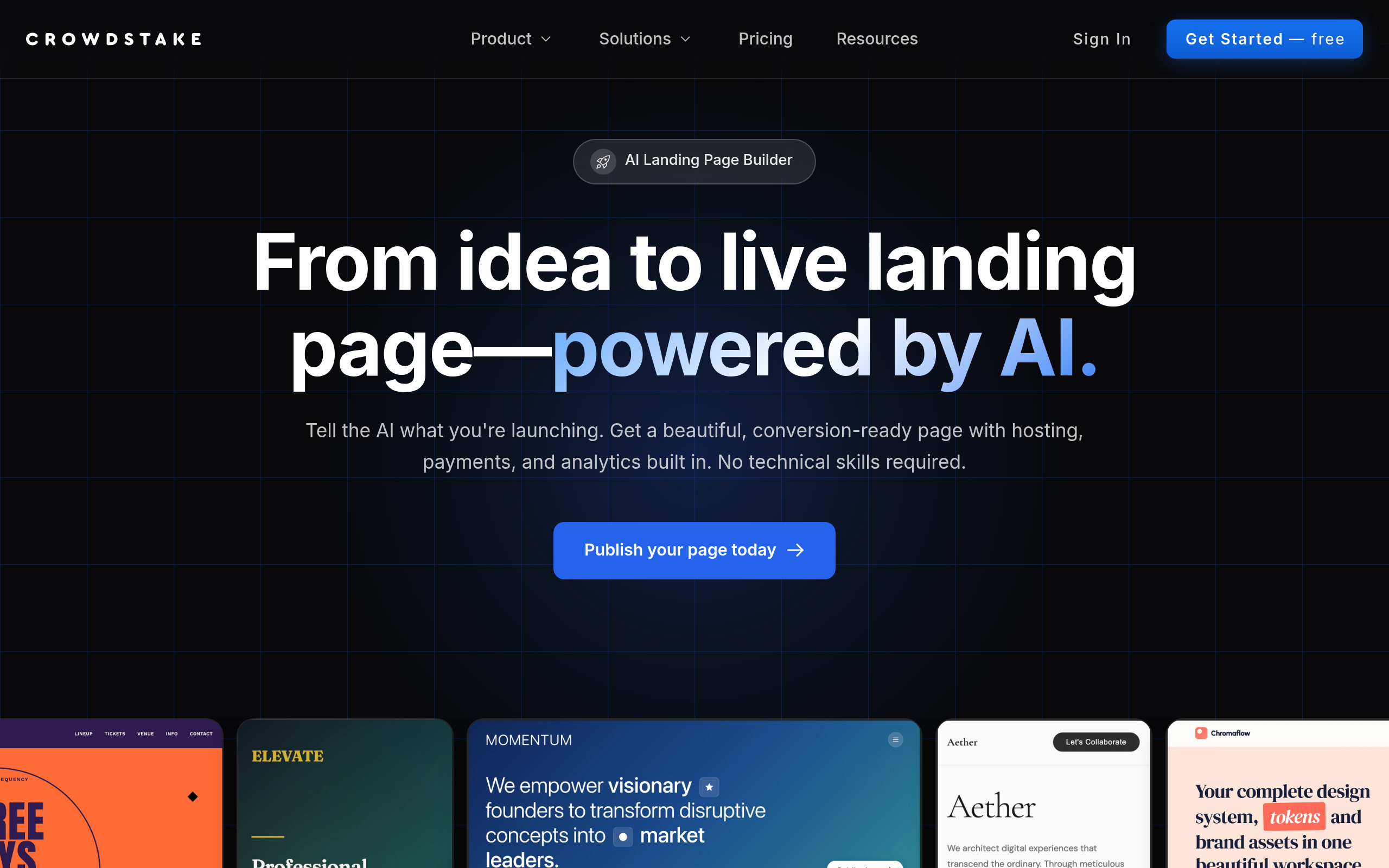
Crowdstake is an AI-powered web and marketing system that helps founders and teams launch beautiful, high-conversion websites.
About
Crowdstake is an AI-powered web and marketing system that helps founders and teams launch beautiful, high-conversion websites and turn visitors into customers. It combines website building, email capture, reservations, and analytics into one intelligent platform, so you do not need to stitch together multiple tools. Crowdstake instantly generates on-brand, conversion-ready web pages designed to collect emails, take reservations, accept payments, and drive signups. Every page comes with hosting, analytics, and built-in optimization, so you can launch fast and start converting traffic immediately. As people interact with your site, Crowdstake learns what performs best and automatically improves layouts, messaging, and calls to action over time. Whether you are launching a product, taking pre-orders, collecting RSVPs, or growing an email list, Crowdstake helps you publish better pages and convert more visitors with less effort.
Key Features
AI Page Builder
Describe your idea in plain English and the AI designs and builds a conversion-ready, on-brand landing page tailored to your launch.
Hosting & Custom Domains
Pages include instant hosting and support for custom domains so you can publish quickly without separate infrastructure.
Stripe Payments & Pre-orders
Accept payments, deposits, and pre-orders directly from your page via built-in Stripe integration.
Built-in Analytics & Tracking
Integrated analytics dashboard plus support for Google Tag Manager and Meta Pixel to monitor traffic and campaign performance.
Automatic A/B Testing & Optimization
Crowdstake automatically creates and runs page variations, learns what converts, and updates layouts, messaging, and CTAs over time.
How to Use Crowdstake AI
1) Describe your idea: Tell the AI what you’re launching, who it’s for, and the primary goal (signup, payment, reservation, waitlist). 2) Review and customize: Inspect the generated page, tweak copy, images, pricing, and CTAs as needed. 3) Configure launch settings: Connect a custom domain, enable Stripe for payments, and add tracking pixels or email integrations. 4) Publish and optimize: Go live immediately, then monitor analytics while automatic A/B tests run and the platform optimizes page variants.