
Crops
Digital Asset Management software where creative teams organize assets, catch errors instantly, and streamline approvals to create campaigns that conv
About
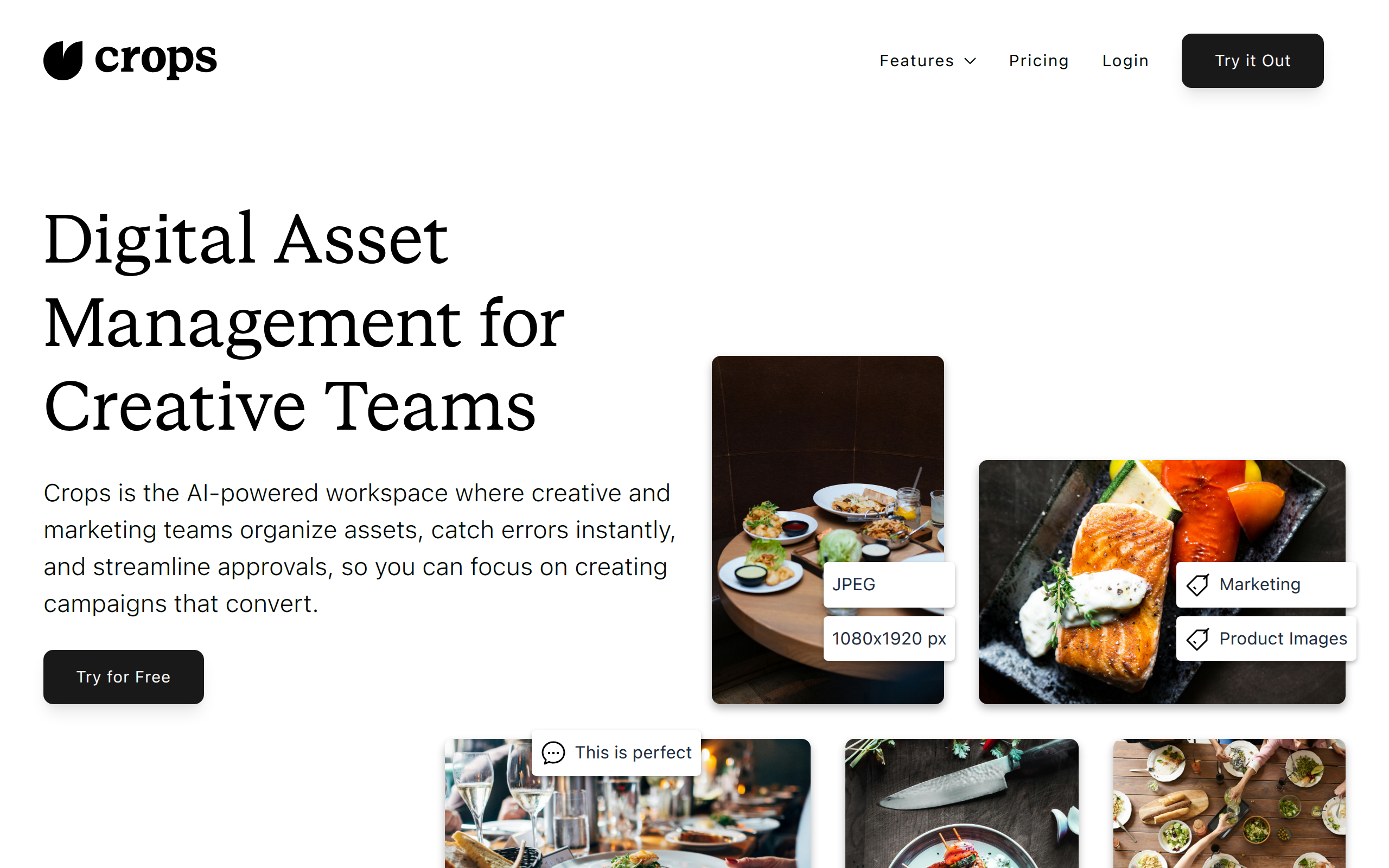
Crops is Digital Asset Management software built specifically for creative and marketing teams. We solve the chaos that plagues every creative workflow: hours lost searching for files, feedback scattered across email and Slack, errors that slip through to production, and endless version confusion. Our platform combines four core capabilities: - Smart Asset Organization with AI auto-tagging and visual search. - Streamlined Approvals with visual annotations and centralized feedback. - AI Review that catches typos, placeholder text, accessibility issues and quality problems before stakeholders see them. - Secure Sharing with password-protected links and guest access. Creative teams get back their time by automating quality control and eliminating workflow chaos. Find any asset immediately, keep approvals moving, maintain brand consistency automatically, and ship campaigns with confidence knowing nothing slipped through.
Key Features
Smart Asset Organization
AI auto-tagging, visual search and intelligent categorization so assets are easy to find and can live in multiple boards without duplication.
Streamlined Approvals
Visual annotations, contextual comments on assets, and customizable approval workflows to centralize feedback and track sign-offs.
AI Quality Control
Automated checks that catch typos, placeholder text, accessibility issues and other quality problems before assets are shared or published.
Secure Sharing
Password-protected, expiring review links with guest access and download controls so stakeholders can review without accounts.
How to Use Crops
1) Upload & Ingest: Add your creative assets (images, video, PDFs) to Crops; AI will automatically tag and index each file. 2) Organize & Search: Create boards or collections, use visual search and filters to find assets instantly. 3) Review & Approve: Share assets with stakeholders via secure links; collaborators leave visual annotations and approvals in one centralized place. 4) Run AI Review & Publish: Run automated quality checks (spelling, placeholders, accessibility), resolve issues, then export or share final approved assets.