
Credops
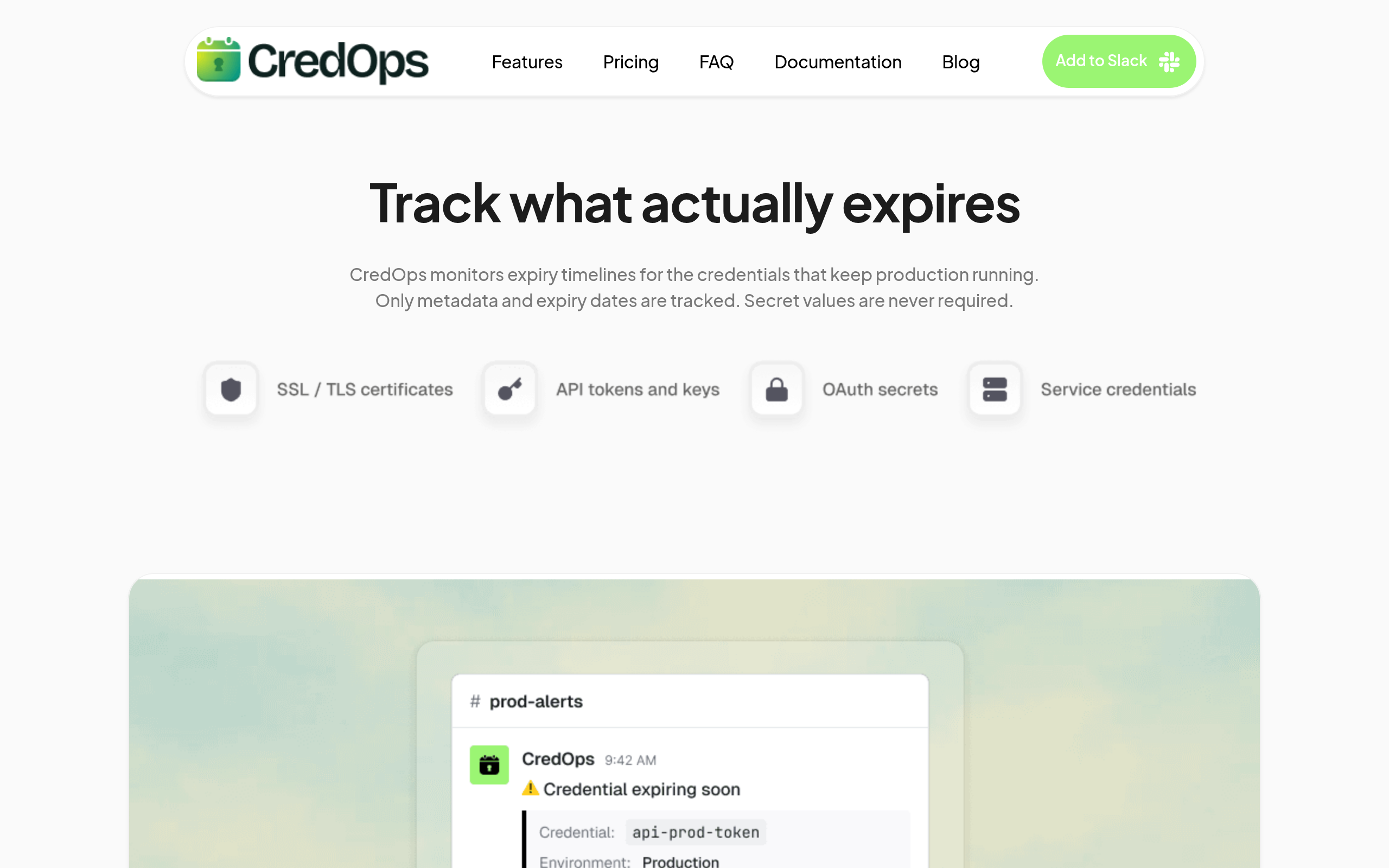
CredOps monitors expiry timelines for the credentials that keep production running. Only metadata and expiry dates are tracked. Secret values are neve
About
Custom reminder windows 30 / 14 / 7 / 1 day reminders. No dashboards Slack is the UI, by design. Shared Responsibility Expiry alerts are sent directly to a configured Slack channel (e.g., #oncall-ops or #infrastructure). Seamless Transitions If an admin leaves, your infrastructure doesn't break. The "Institutional Memory" stays inside your Slack workspace. Collective Action Any authorized engineer in the channel can see the alert, view the expiry, or update the certificate Customised channels Each credential can be mapped to a different slack channels
Key Features
Expiry Timeline Tracking
Track metadata and expiry dates for certificates, keys, and credentials without storing secret values. Centralised view of upcoming expirations by item.
Slack-native Alerts
Expiry reminders are delivered directly into configured Slack channels (e.g., #oncall-ops) with configurable reminder windows (30/14/7/1 days). No separate dashboard required.
Per-credential Channel Mapping
Map each credential to a specific Slack channel so relevant teams receive targeted alerts and can coordinate renewals in-place.
Shared Operational Memory
Preserve institutional memory inside your Slack workspace — any authorized channel member can view expiry details or update credentials so transitions (e.g., when admins leave) are seamless.
Collective Action & Access Control
Authorized engineers in the alert channel can acknowledge alerts, update expiry metadata, and coordinate remediation, enabling team-wide responsibility for credential health.
How to Use Credops
1) Add CredOps to your Slack workspace and grant the requested permissions. 2) Register credentials by adding their metadata and expiry dates (no secret values required) and choose the reminder window. 3) Map each credential to the appropriate Slack channel or team so alerts go to the right place. 4) Monitor incoming reminders in Slack; any authorized channel member can view expiry details, update the record, and coordinate renewal.