
creatview
AI Video Agent for Films & Ads and Social Videos | CreatView
About
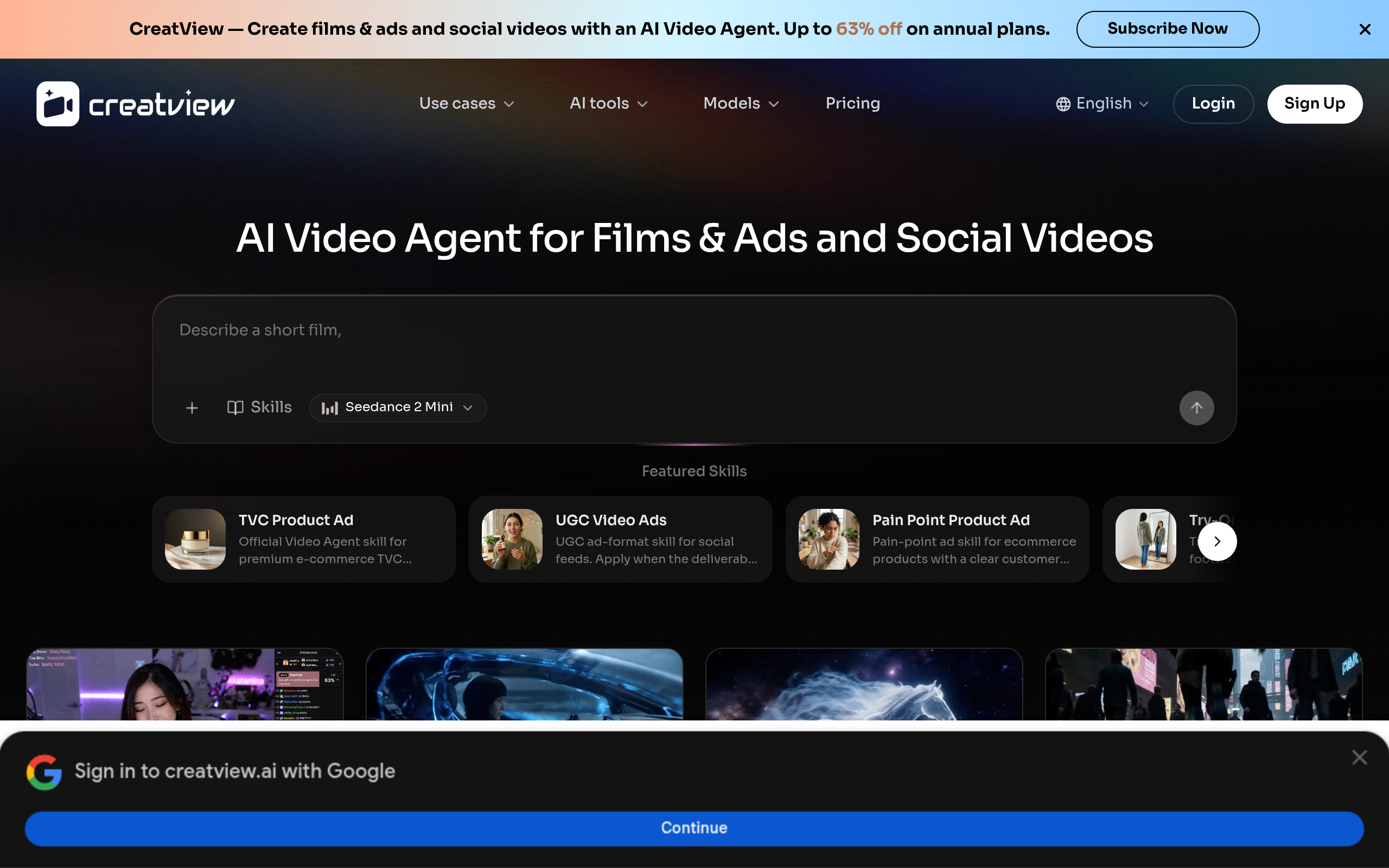
CreatView's AI Video Agent plans scenes, picks models, and creates every shot from your idea, script, reference, or product URL—films & ads and social videos in one workspace.
Key Features
AI Video Agent
Automatically plans scenes, selects models and camera language, and generates shot-by-shot video sequences from an idea, script, reference or product URL.
Skill-Based Templates
Library of production skills (TVC, UGC, try-on, split-screen, lookbook, interview, close-up, before/after, etc.) to enforce the right tone, pacing and camera grammar for each deliverable.
Storyboard & Segment Clip Generation
Composer writes segmented storyboards (e.g., N×15s beats) and produces preview clips per segment (Seedance clips) so teams can review and iterate before final render.
Composer Toolbar & Output Controls
Lock duration, aspect ratio and resolution for platform-ready exports and enforce brand or platform constraints from the start.
Product Input & Model Casting
Start from product images or URLs; automatic model selection and on-camera actions (try-on, close-ups, demos) tailored to product and creative brief.
How to Use creatview
1) Start a new project and provide your input: a short creative brief, script, reference video, or product URL/images. 2) Pick a skill/template (TVC, UGC, Try-On, Pain-Point, etc.) that matches the desired format and audience. 3) Use the composer toolbar to lock duration, aspect ratio and resolution; review the AI-generated segmented storyboard and model/casting suggestions. 4) Generate preview clips, refine copy or camera directions, iterate on segments, then export platform-ready videos.