
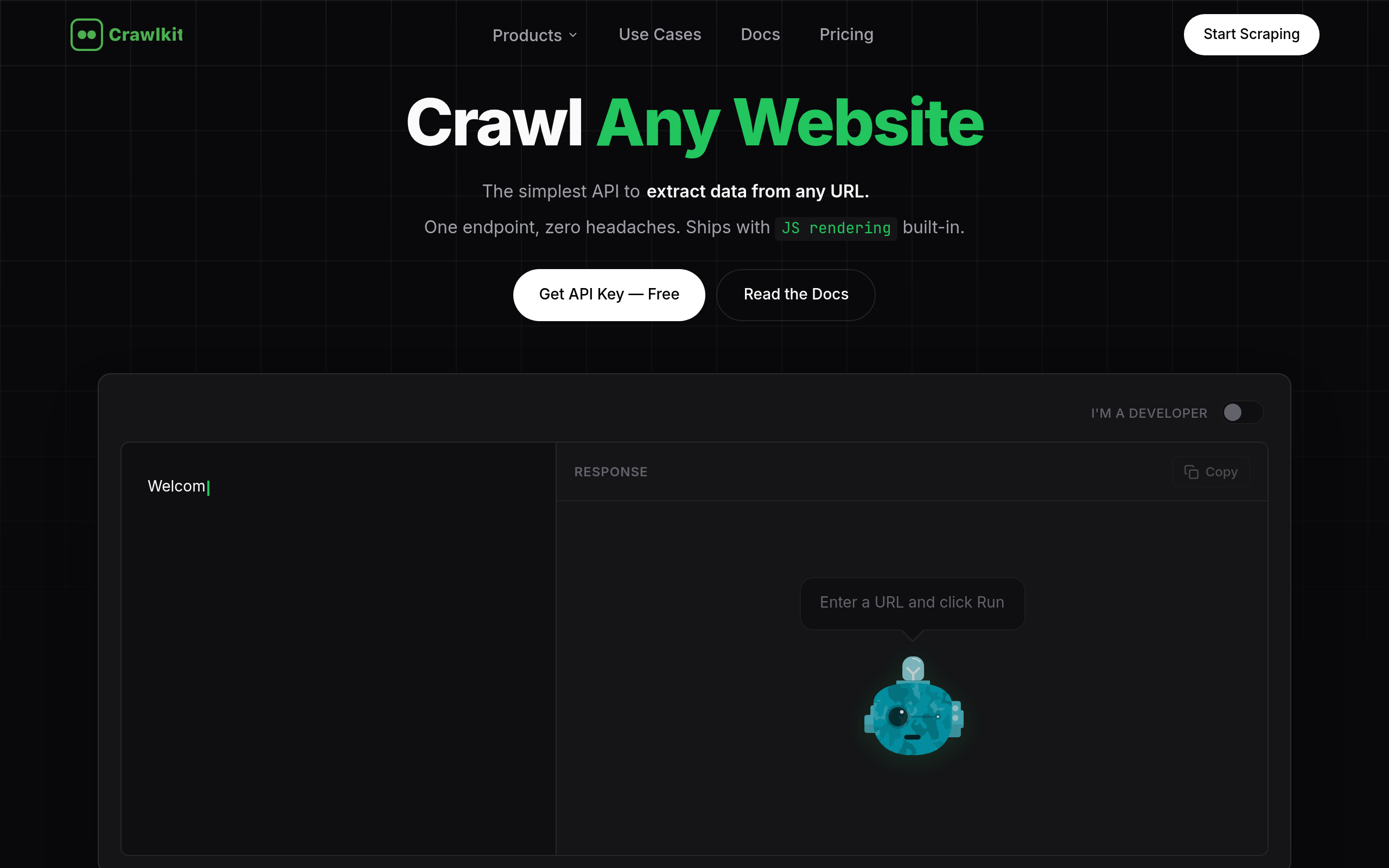
Crawlkit
CrawlKit is an API-first web scraping platform that lets developers extract data, search results, screenshots, and LinkedIn insights from any website.
About
CrawlKit is a web data extraction platform designed for developers and data teams who need reliable, scalable access to web data without building or maintaining scraping infrastructure. Modern web scraping usually means dealing with rotating proxies, headless browsers, anti-bot protections, rate limits, and constant breakages. CrawlKit removes all of that complexity. You send a request, and CrawlKit handles proxy rotation, browser rendering, retries, and blocking—so you can focus on using the data, not collecting it. With CrawlKit, you can extract multiple types of web data through a single, consistent interface: raw page content, search results, visual snapshots, and professional data from LinkedIn.
Key Features
API-First Unified Endpoints
Single, consistent REST API (and SDKs for Node, Python, Go, etc.) to fetch raw HTML, search results, screenshots, or social/LinkedIn data without maintaining scraping infrastructure.
JS Rendering & Anti-bot Handling
Built-in headless-browser rendering, automatic retries, and bypasses for common anti-bot protections so complex SPAs and protected sites are reliably crawled.
Automatic Proxy Rotation & Global Edge
Proxy rotation and a global edge network ensure high success rates and low latency at scale, removing the need to manage proxies or regions.
Screenshots & Visual Snapshots
Capture full-page PNG or PDF screenshots in one call for visual monitoring, QA, or archival of pages.
Social & LinkedIn Extraction
Specialized endpoints for LinkedIn (company and person) and other social platforms to extract professional and profile-level insights programmatically.
How to Use Crawlkit
1) Sign up and get your API key from the CrawlKit dashboard. 2) Choose the endpoint you need (raw HTML, web search, screenshot, LinkedIn/social) and install the SDK or prepare a POST request. 3) Send a request with the target URL and options (e.g., render=true, fullPage=true, headers/cookies). 4) Parse the JSON response (body, statusCode, timing, screenshot data or structured search results) and integrate into your pipelines; schedule repeated crawls or monitor changes as needed.