
CoPilly
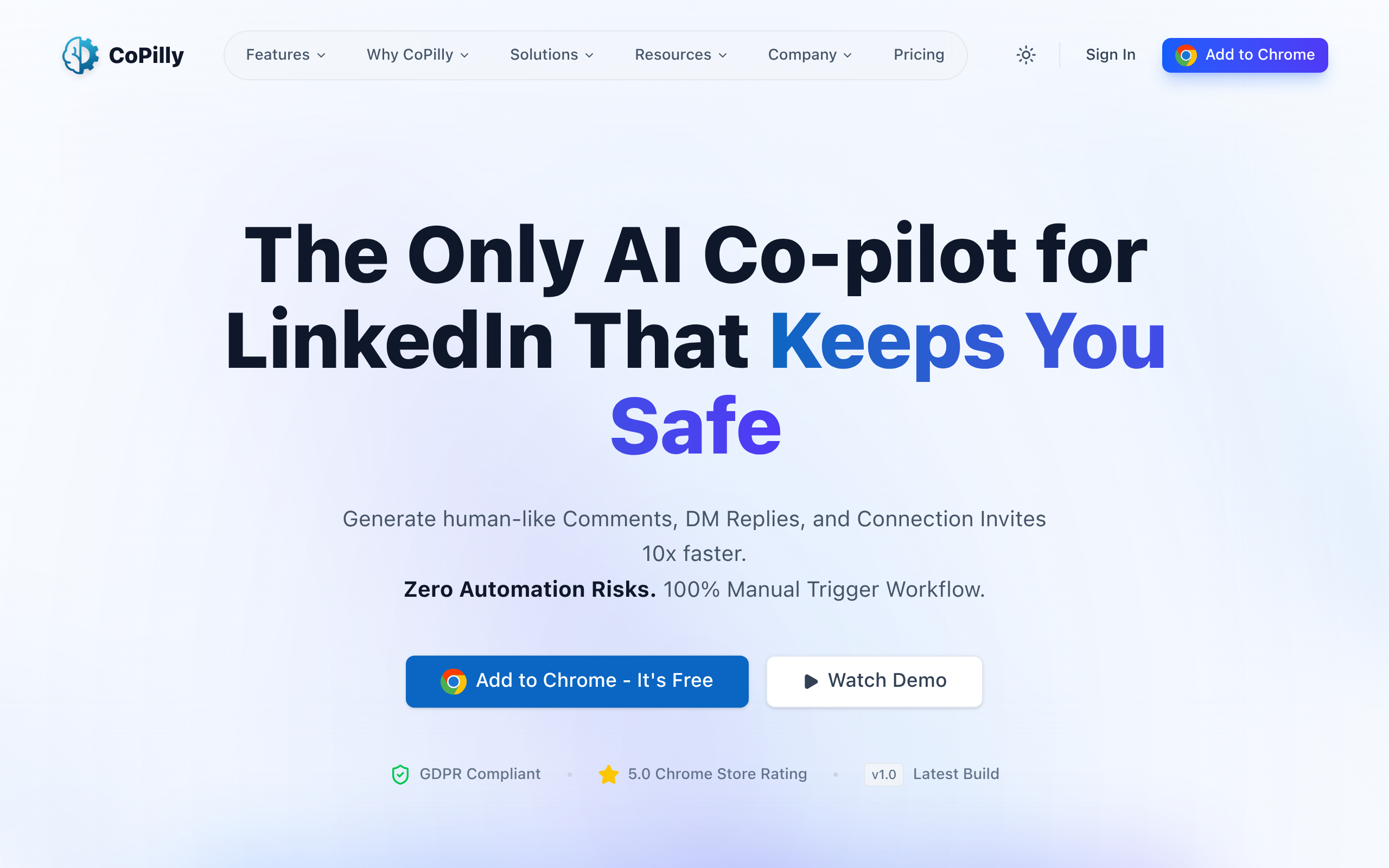
AI Chrome extension for LinkedIn comments, DM replies & connection invites. Manual workflow = zero automation risk. Generate in 2 seconds.
About
CoPilly is the smart, safe way to grow your LinkedIn presence without risking your account. Most LinkedIn tools use automation that violates LinkedIn's Terms of Service, putting your professional reputation at risk. CoPilly is different: our Chrome extension generates high-quality, context-aware content that you manually copy and paste - zero automation, zero risk. Features: • Smart Comments - AI reads post context and generates relevant responses • DM Assistant - Quick reply suggestions for messages • Connection Invites - Personalized invite messages that get accepted • Custom Persona - Train AI to match your writing style • Multiple Tones - Professional, Casual, or Friendly • Fast - Generates in under 2 seconds Perfect for sales teams, founders, recruiters, and professionals growing their network. Why CoPilly: • 100% LinkedIn ToS compliant • GDPR compliant & privacy-first • Never stores LinkedIn credentials • 5.0 Chrome Store rating
Key Features
Smart Comments
AI reads post context and generates relevant, human-like comment options you can edit and post manually.
DM Assistant
Generate fast, context-aware reply suggestions for LinkedIn messages to speed up conversations while keeping your voice.
Connection Invite Generator
Create personalized, high-acceptance connection messages tailored to the profile or conversation context.
Custom Persona & Tone Control
Train the AI to match your writing style and choose tones (Professional, Casual, Friendly) to maintain consistent personal branding.
Privacy-first, ToS-safe Workflow
Manual copy-paste workflow with no automation, no stored LinkedIn credentials, and GDPR-compliant handling to avoid account risk.
How to Use CoPilly
1) Install the CoPilly Chrome extension and sign in. 2) On LinkedIn, right-click a post, message, or profile and choose the appropriate generator (Comment, DM Reply, or Connection Invite). 3) Pick a tone or persona (or use your trained persona), generate 1–3 options, then edit if needed. 4) Copy the chosen text and paste it into LinkedIn — no automation, manual posting to keep your account safe.