
Contextli
AI dictation short
About
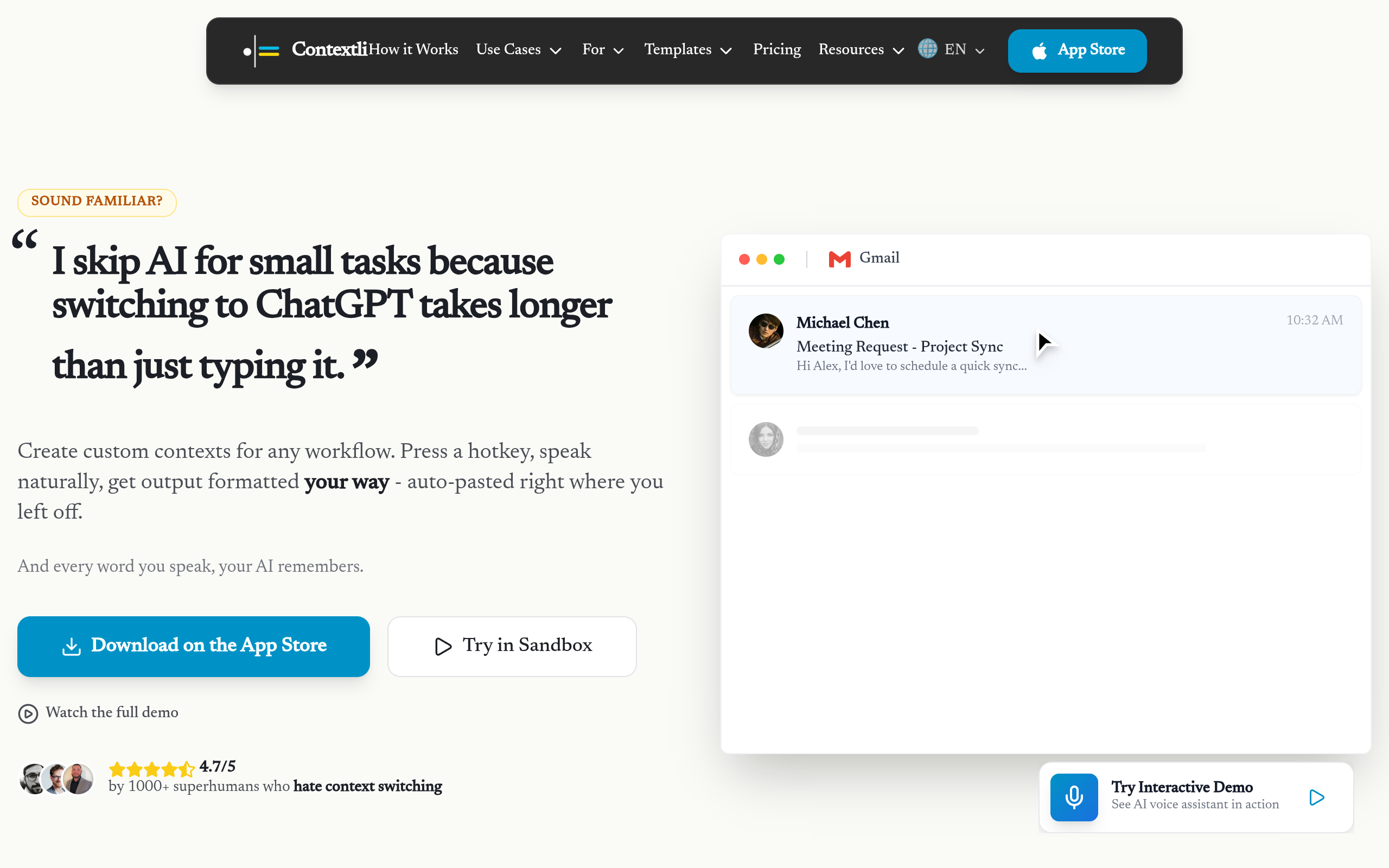
Contextli is an AI dictation tool for professionals. Press a hotkey from any app, speak, and get polished text pasted back where you were in.
Key Features
Global Hotkey Dictation
Press a configurable global hotkey from any app, speak naturally, and get polished text pasted back into the active text field without switching windows or tabs.
Context-Aware Memory & Feed
Every dictation is stored as a searchable feed with context, so you can recall decisions, pull recent notes, or let other AIs (Claude, ChatGPT, Perplexity) read your feed for richer answers.
Customizable Contexts & Templates
Create per-task contexts and templates (tone, instructions, product details) to control how transcriptions are phrased and formatted for different apps or audiences.
Cross-Platform & In-App Compatibility
Available on macOS, Windows, Linux, mobile and as browser integrations — works in any text field across Gmail, Slack, Notion, Jira, VS Code, CRMs and more.
How to Use Contextli
1) Install Contextli for your platform (desktop app or browser extension / mobile). 2) Configure or confirm a global hotkey and optionally create/select a context/template for tone and instructions. 3) From any app where you can type, press the hotkey and speak naturally — Contextli transcribes and polishes your words. 4) The result is automatically pasted into the active text field; review, tweak if needed, and save or route the dictation to your Contextli feed or connected AI.