
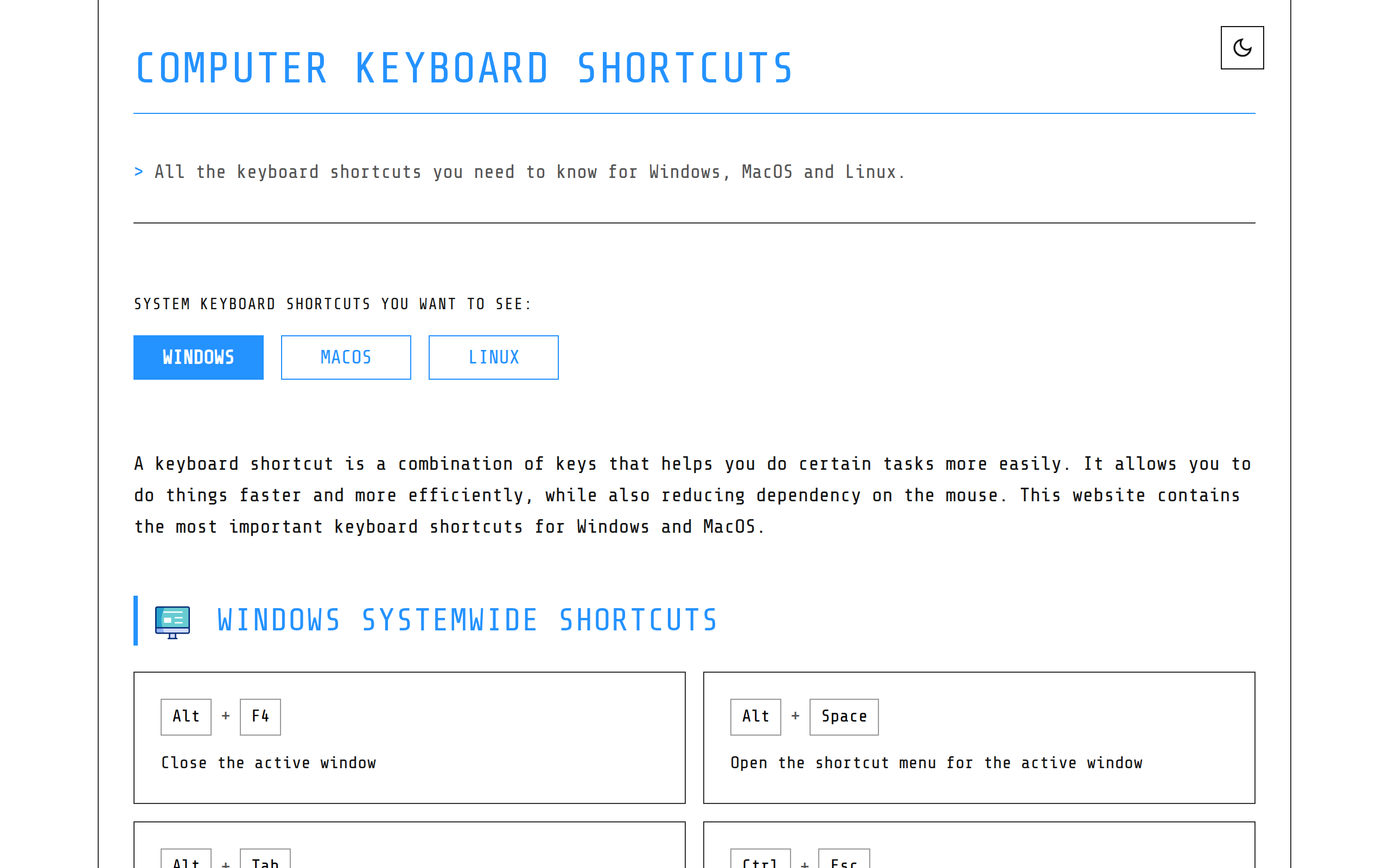
Computer Keyboard Shortcuts
Computer Keyboard Shortcuts Cheat Sheet
About
The ultimate guide to computer keyboard shortcuts and hotkeys for Windows and MacOS.
Key Features
Comprehensive OS Coverage
Curated lists of the most important keyboard shortcuts and hotkeys for Windows, MacOS and Linux, covering system, window management, text editing, web browsing, terminal and more.
Downloadable Cheat Sheets
Ready-to-download PDF and PNG cheat sheets (light and dark versions) for quick offline reference or printing.
Organized, Searchable Categories
Shortcuts are grouped by systemwide, application-specific and task categories (text editing, file management, browsers, virtual desktops), making it easy to find the right hotkey fast.
Printable / Print-friendly Format
Clean, printable layouts that are optimized for quick glanceable reference at your desk or in training materials.
How to Use Computer Keyboard Shortcuts
1) Open the website and select your operating system (Windows, MacOS or Linux). 2) Browse the organized categories (Systemwide, Text Editing, File Management, Browsers, Terminal, etc.) or use the page search to find a specific shortcut. 3) Click the downloadable cheat sheet (PDF or PNG) if you want an offline or printable version. 4) Practice and apply the shortcuts during your regular workflows to speed up common tasks and reduce mouse dependency.