
CoffeeTrans
It is an all-in-one transcription and translation platform designed for seamless uploading, subtitle recognition, translation, and exporting of audio
About
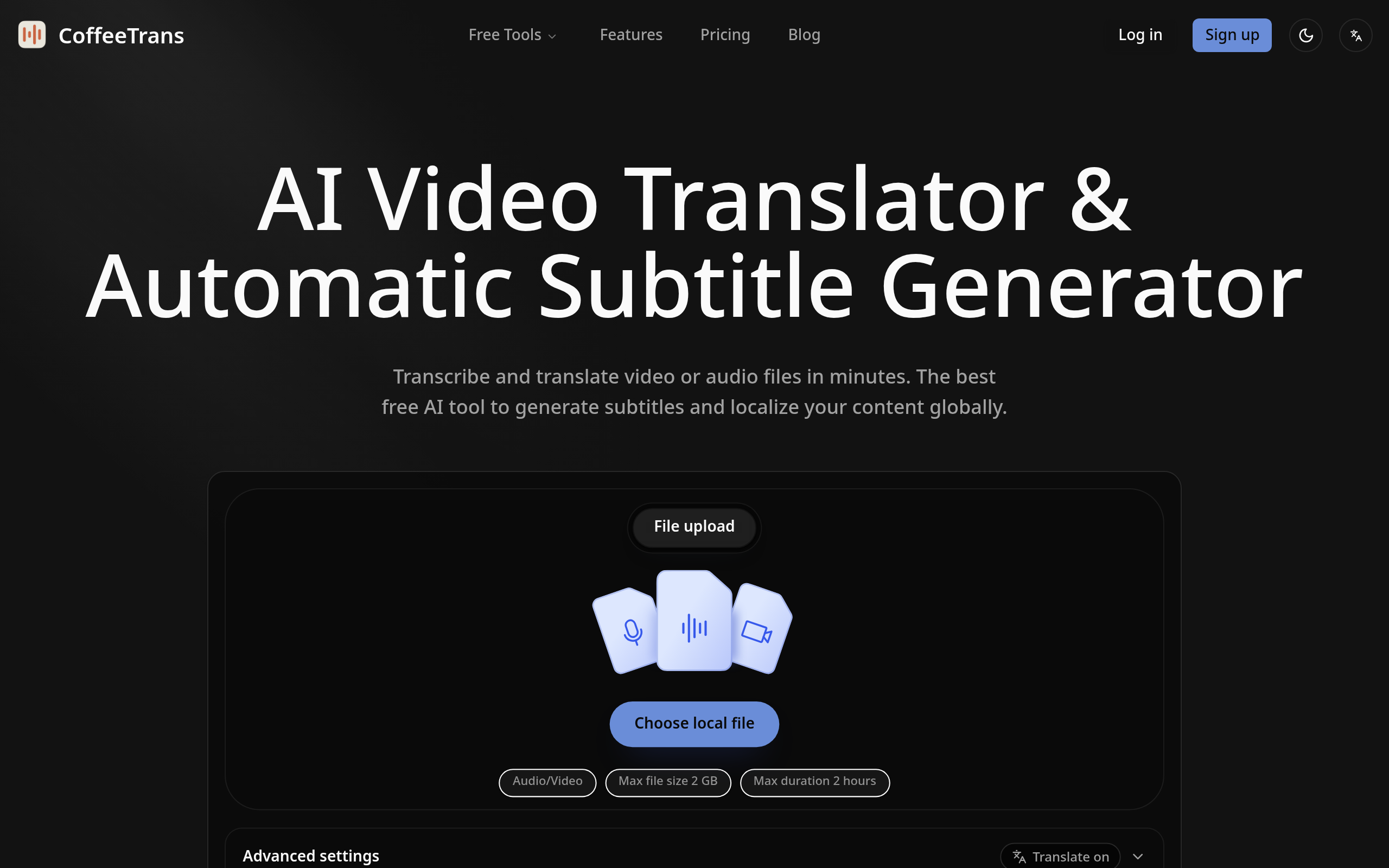
CoffeeTrans is an all-in-one AI-powered video translation platform designed to help creators and teams localize their content effortlessly. Upload any common audio or video format (MP4, MP3, WAV, etc.), select your target language from over 20+ options, and let AI do the rest. What takes human translators a week can be done in minutes with CoffeeTrans, at 1% of the cost, while maintaining near-human accuracy. It features context-aware translation, ensuring that your generated subtitles read naturally. You can easily export original, translated, or bilingual subtitles in SRT format. Whether you are translating online courses, product demos, podcasts, or short-form social media videos, CoffeeTrans streamlines your entire workflow. Try it today with 30 minutes of free translation per month!
Key Features
Lightning-Fast Translation
Compared to local Whisper transcription, CoffeeTrans is significantly faster. A 2-hour video can be transcribed in just a few minutes.
Batch Processing
Upload and process multiple files simultaneously.
Multilingual Support
Comprehensive support for various languages, a fundamental standard for transcription tools.
High-Quality Translation
Powered by the latest Large Language Models (LLMs) to ensure top-tier translation accuracy.
Context Awareness
The system performs a full contextual scan before translating, automatically extracting terminology and relationships. This context is maintained throughout the process to ensure continuity and precision.
Precise Timestamps
Generates highly accurate subtitle timelines—an essential feature for professional editors.
Multi-Target Translation
Select multiple target languages at once to drastically reduce workload and save credits.
Smart Filler Word Removal
Automatically identifies and removes filler words (ums, ahs, etc.) to make subtitles feel more natural and fluid.
How to Use CoffeeTrans
upload -> choose source language and target language -> done