
CodaOne AI
59+ free AI, PDF, image & dev tools in your browser. No signup needed. Free tier with no credit card required. Paid plans from $9.99/month.
About
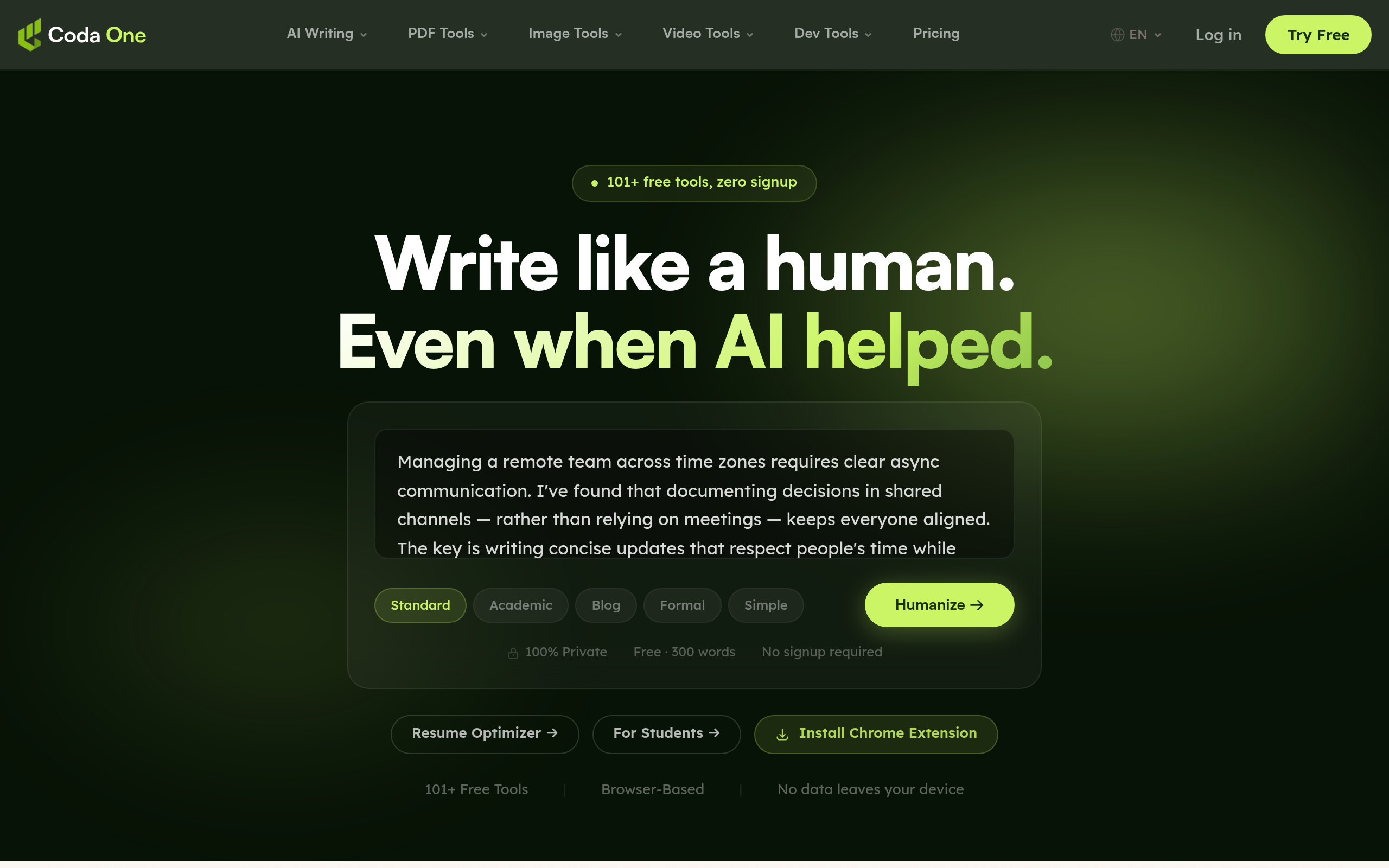
CodaOne: All-in-One AI Writing, PDF, Image, and Developer Toolkit CodaOne offers 59+ free online tools across four categories: AI Writing, PDF, Image, and Developer utilities. The flagship AI Humanizer rewrites AI text into natural writing across nine modes. The AI Detector checks text for AI fingerprints, free and unlimited. Other tools include rewriter, grammar checker, summarizer, translator, essay writer, and HD text-to-speech.PDF and image tools run in your browser via WebAssembly — merge, split, compress, convert, remove backgrounds — files never leave your device. Dev tools cover JSON/CSV, JWT decoder, regex tester, Base64, and more. Key Highlights: -59+ tools, generous free tier, no signup or credit card required. -PDF/image/dev tools process 100% locally in-browser. -Available in 7 languages (EN, AR, TR, ES, ZH, PT, ID). -Chrome extension: right-click to humanize, detect, or translate on any website. Free: 3 AI uses/day, unlimited local tools. Paid plans from $9.99/month.
Key Features
AI Humanizer
Rewrites AI-generated or user text into natural, human-sounding copy across 9 selectable modes (Standard, Academic, Blog, Formal, Simple, plus premium modes) while preserving original meaning.
Free & Unlimited AI Detector
Instant, unlimited checks for AI-generated text fingerprints using a statistical model — no signup or limits, ideal for verification before publishing.
100% Local PDF & Image Processing
PDF and image tools run completely in your browser via WebAssembly (merge, split, convert, compress, remove backgrounds) so files never leave your device and privacy is preserved.
Developer Utilities
A suite of in-browser dev tools (JSON/CSV converters, JWT decoder, regex tester, Base64 encode/decode, timestamp tools, password and QR generators) for quick developer workflows.
Chrome Extension & Multilingual Support
Chrome extension lets you humanize, detect, or translate text directly from web pages. The platform is available in 7 languages for international users.
How to Use CodaOne AI
1) Open codaone.ai and pick a category (AI Writing, PDF, Image, or Dev Tools). 2) For text tools: paste or upload your text, choose a mode (e.g., Humanizer mode), set options and click the action button. For file tools: upload or drop your PDF/image, choose the operation (merge, split, remove BG, etc.) and run it — processing happens in your browser. 3) Review results, iterate (e.g., run AI Detector after humanizing), then download or copy the output. 4) (Optional) Install the Chrome extension to humanize, detect, or translate selected text on any webpage via right-click.