
CloudPloy
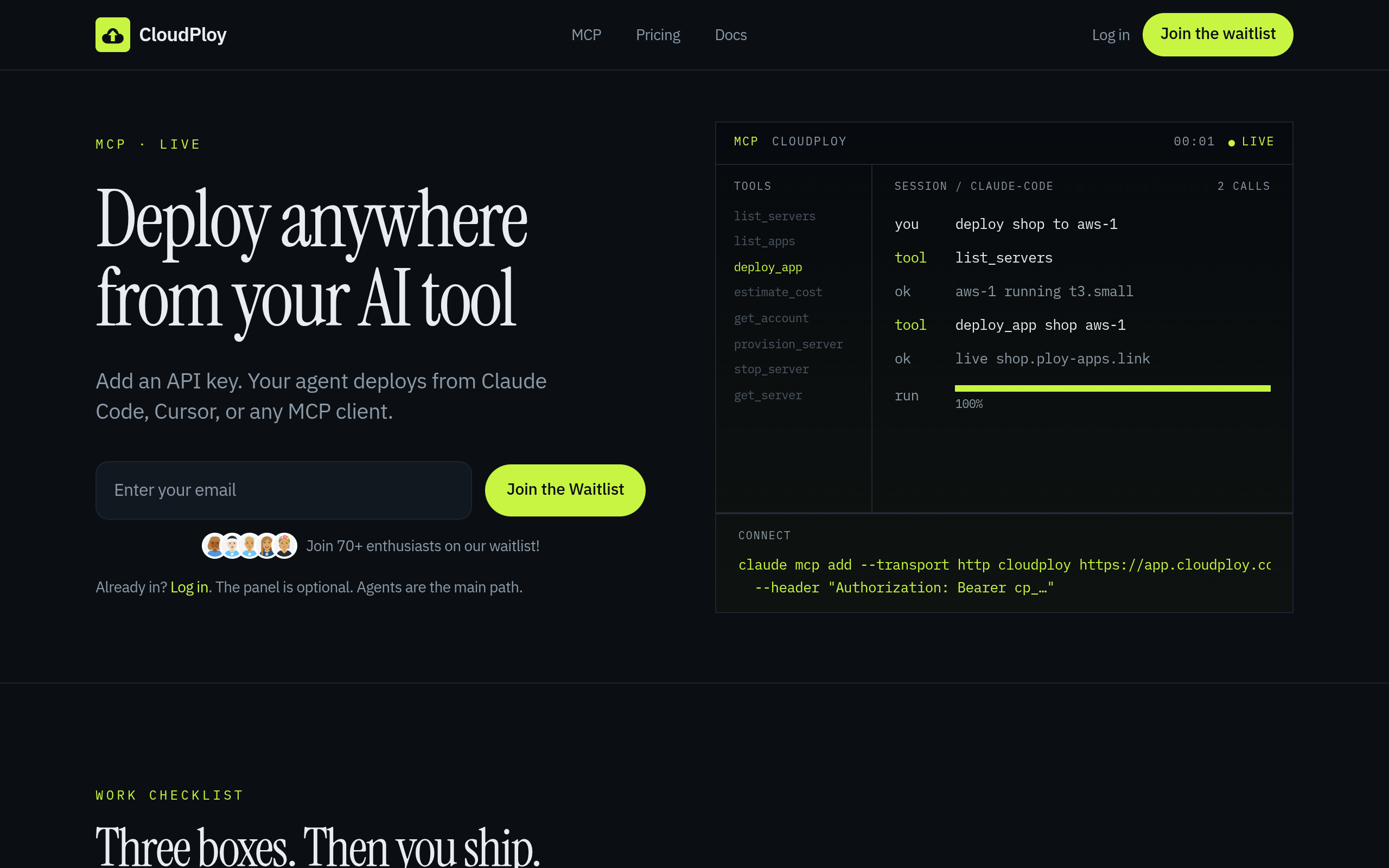
Deploy anywhere from your AI tool.
About
Add an API key. Your agent deploys from Claude Code, Cursor, or any MCP client. Bring your own Ubuntu/AWS server or provision Hetzner, DigitalOcean, or AWS at cost. Flat plan for the control plane; compute at the provider’s rate. Free forever: 1 small server, 1 app.
Key Features
Agent-driven Deployments
Connect an AI tool (Claude Code, Cursor, or any MCP client) using a scoped API token so your agent can list servers, estimate costs, provision, deploy, stop, and destroy resources via the MCP API.
BYO Server or Provider Provisioning
SSH an existing Ubuntu box you own or let CloudPloy provision servers on Hetzner, DigitalOcean, or AWS at the provider's rate — compute billed separately from the control plane.
Polyglot Build Support & Presets
Deploy apps built with Node, Python, Go, Rust, Ruby, Java, PHP, Deno, static sites (via Nixpacks). One-click presets are available for WordPress and Laravel teams.
Flat Control Plane Pricing & Free Tier
Flat-rate plans cover the control plane; a free forever tier includes one small server and one app (max 2 vCPU / 2 GB RAM). Provisioned compute is charged from prepaid credits at provider rates.
Full Team & API Controls
Scoped API tokens, team settings, logs, environment variables, SSL, domains, and an API (MCP endpoints) give power users fine-grained control and automation capabilities.
How to Use CloudPloy
1) Sign up and create a scoped API token in Team Settings — grant deploy and provision scopes. 2) Point your AI tool (Claude Code, Cursor, or any MCP client) at the CloudPloy MCP endpoint and include the token in requests. 3) Choose your target: SSH an existing Ubuntu server you own or request CloudPloy to provision a server on Hetzner/DigitalOcean/AWS (top up credits only if provisioning). 4) Provide the git repository (and any env vars/domains) to your agent and instruct it to deploy. Monitor and manage deploys, logs, and SSL via the optional panel or MCP API calls.