
Cliptude
Turn a prompt or script into a finished AI video
About
Cliptude turns a text prompt or full script into a finished AI-generated video, handling research, script, voiceover, footage, music and editing automatically. It supports formats like documentary, listicle, whiteboard animation and more, with 21+ AI voiceovers, burned-in captions, and export as MP4 or a full project ZIP for Premiere Pro, DaVinci Resolve or Final Cut Pro. Built for YouTube creators, marketers and educators.
Key Features
Automatic Script & Research
Generate a researched, story-driven script from a simple topic prompt or paste your own script; the AI assembles facts, hooks and pacing optimized for long-form video.
Ultra-Realistic AI Voiceovers
Choose from 21+ premium AI voices with natural pacing, pauses and intonation built for narrative storytelling; voices sync to the edit and captions automatically.
Automated Footage Sourcing & Editing
AI finds relevant stock A-roll and B-roll (including YouTube-sourced clips), edits to a professional beat, and applies motion graphics and transitions without manual timeline work.
Multiple Video Styles & Data Visualizations
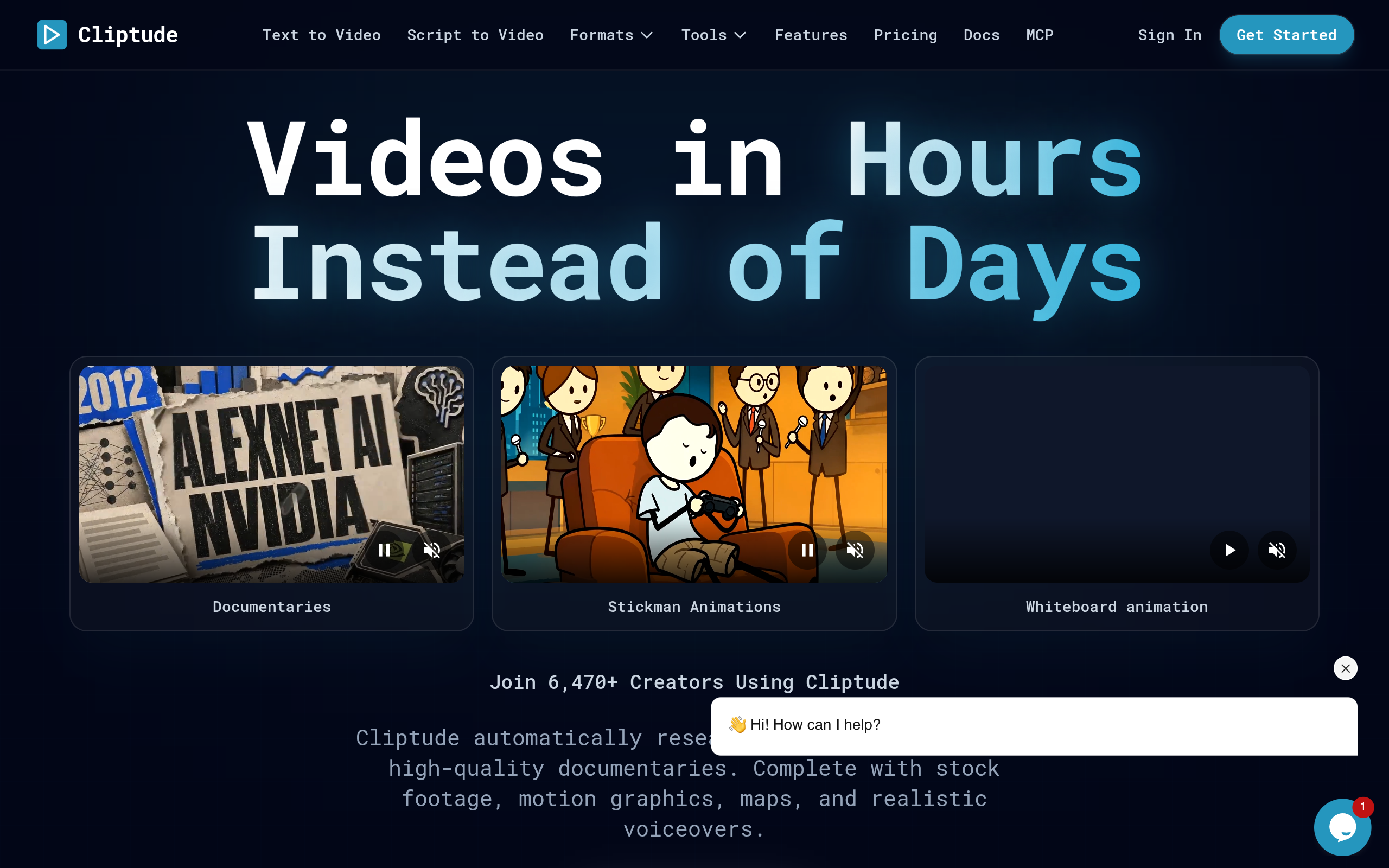
Produce documentaries, listicles, whiteboard and stickman animations, 2D explainers, AI music videos and automated maps/timelines/counters generated from script data.
Flexible Export & Project Packaging
Export finished MP4s with burned-in captions or download full project ZIPs (Premiere, DaVinci, Final Cut) plus separate stems and SRT files for further editing or repurposing.
How to Use Cliptude
1) Enter an idea or paste a full script: type a topic (e.g., “The Rise of Nvidia”) or upload your script. 2) Choose a video style & voice: pick documentary, listicle, whiteboard, etc., and select a voice and caption style. 3) Let the AI assemble: Cliptude will research, create or refine the script, source footage, generate voiceover and build the edited timeline with motion graphics and data viz. 4) Review and export: preview the video, make minor edits or caption tweaks, then export an MP4 or download a full project ZIP and separate stems/SRTs.