
ClikDeo
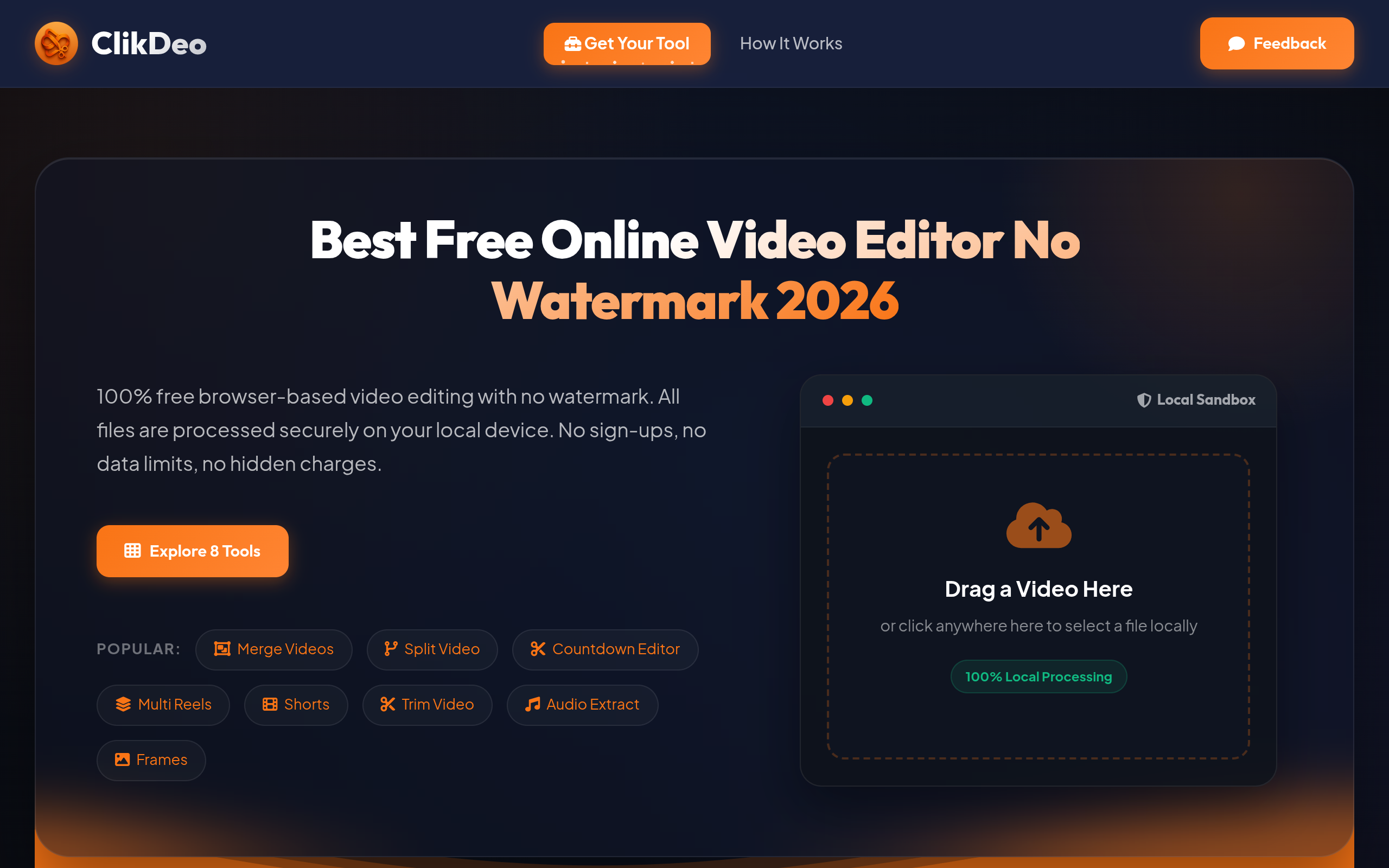
Free browser-based video tools: trim, merge, split, make Shorts, extract audio and frames. No signup, no watermark, no uploads.
About
ClikDeo is a free suite of browser-based video and audio tools for quick edits without installing software. Open a tool, choose your file, edit, and download the result. The suite includes a Video Trimmer, Video Splitter, Video Merger, Shorts Creator, Multi-Reel Builder, Interval Countdown Editor, Audio Extractor, and Frame Extractor. Each tool does one job, so you can finish common tasks in a few clicks instead of learning a full timeline editor. Privacy is built in. All processing happens locally in your browser using standard web technologies, so your videos and audio files are never uploaded to a server. There is no account to create, no signup, and no watermark on your exports. ClikDeo is made for creators who need fast edits: cutting a clip down, joining several videos, splitting a long recording, preparing vertical videos for Shorts and Reels, pulling audio from a video, or saving a frame as an image. It is not a full multi-track editor, and it is designed to stay simple, fast, and free.
Key Features
Video Trimmer
cut unwanted parts from the start or end of a clip
Video Splitter
divide a long video into separate segments
Video Merger
join multiple videos into one file
Shorts Creator
prepare vertical clips for YouTube Shorts, Reels, and TikTok
Multi-Reel Builder
combine multiple videos into a single reel
Audio Extractor
save the audio track from any video
Frame Extractor
capture still images from your video
Interval Countdown Editor
add interval and countdown edits to your videos
How to Use ClikDeo
1. Go to clikdeo.com and pick the tool you need, such as the Video Trimmer or Video Merger. 2. Select a video or audio file from your device. It loads directly into your browser and is not uploaded anywhere. 3. Make your edits using the controls on the page, such as setting trim points, ordering clips, or choosing a frame. 4. Preview the result. 5. Download the finished file to your device. No account or signup is needed. Closing or refreshing the page clears the file from browser memory.
Use Cases
Frequently Asked Questions
Q: Is ClikDeo really free?
A: Yes. All tools are free to use, with no signup and no watermark.
Q: Are my videos uploaded to your servers?
A: No. Files are processed locally in your browser and never leave your device.
Q: Do I need to create an account?
A: No. Open a tool and start editing.
Q: Does ClikDeo add a watermark to my videos?
A: No. Exports are watermark-free.
Q: Which browser should I use?
A: Use an up-to-date modern browser such as Chrome or Edge for the best results.