
CleverBalance - Intercompany Reconciliation
AI-powered intercompany reconciliation that matches transactions across entities, detects mismatches, handles splits and netting, and delivers fast, a
About
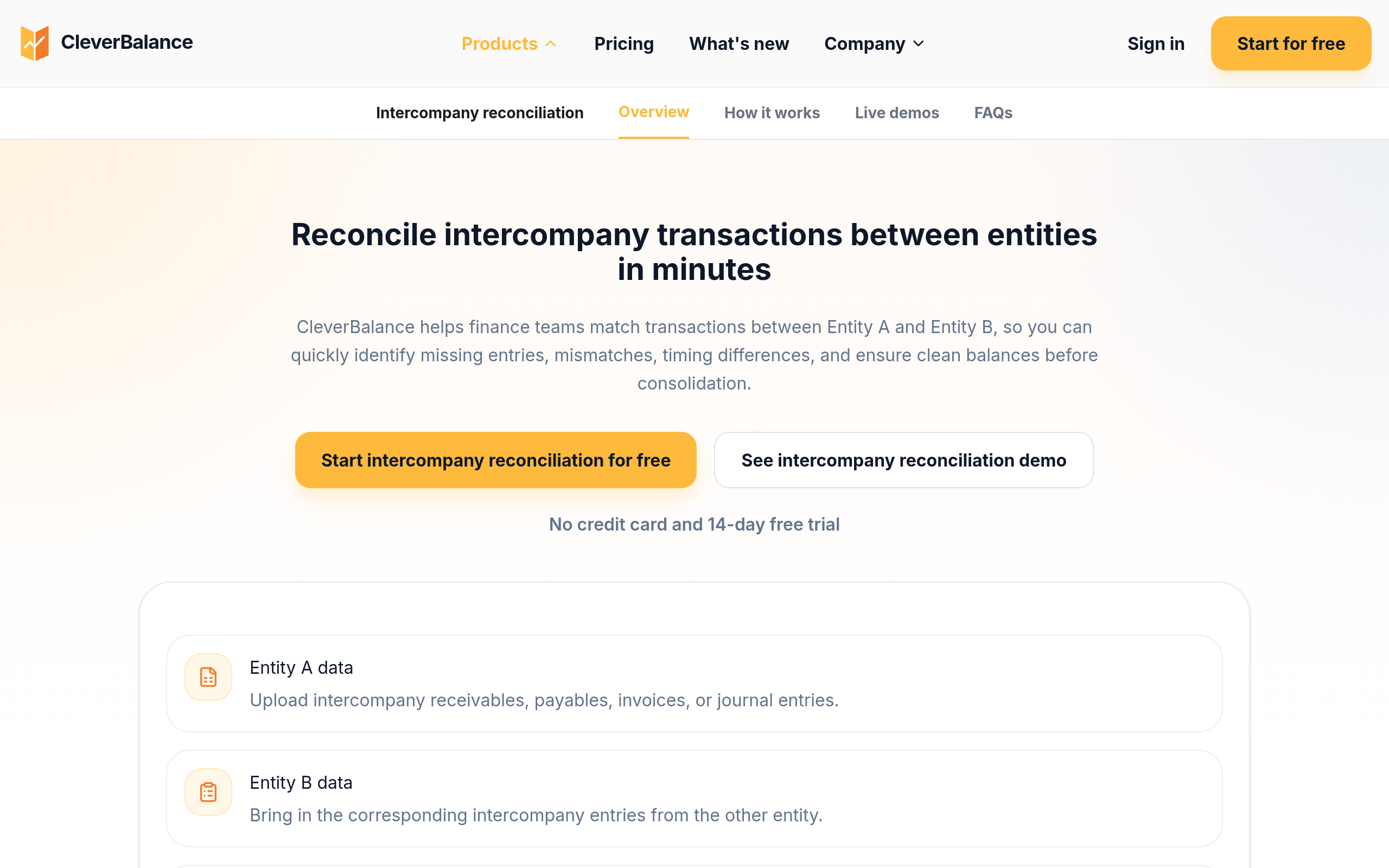
CleverBalance automates intercompany reconciliation by matching transactions between entities with speed and precision—eliminating manual Excel work and reducing reconciliation errors. Upload data from both entities, and the platform standardizes formats, cleans references, and structures records for accurate comparison. It first applies rule-based matching using invoice numbers, references, amounts, and dates to identify high-confidence matches. It then handles complex scenarios like one-to-many entries, split settlements, netting arrangements, and timing differences. For unmatched records, AI steps in to intelligently identify patterns across entities, without forcing incorrect matches—ensuring accuracy and reliability. The system clearly separates matched and unmatched transactions, helping teams quickly identify missing entries, incorrect postings, and reconciliation gaps. The result is a faster financial close, clean intercompany balances, and audit-ready outputs—making consolidation smoother and more reliable for finance teams.
Key Features
Invoice & Reference-Based Matching
Matches transactions using invoice numbers, journal IDs, and document references for high accuracy.
Date & Amount Matching
Identifies matches even when references are missing using amount and date proximity.
One-to-Many & Netting Support
Handles split entries, grouped transactions, and intercompany netting seamlessly.
AI-Powered Matching Engine
Resolves complex and edge-case scenarios without forcing incorrect matches.
Clear Matched vs Unmatched View
Separates reconciled and unreconciled items for easy tracking and action.
How to Use CleverBalance - Intercompany Reconciliation
1. Upload Data- Upload Entity A and Entity B datasets (CSV/XLS/XLSX). 2. Map Fields- Select date, identifier (invoice/reference), and amount columns. 3. Run Reconciliation- System standardizes data and performs rule-based + AI matching. 4. Review Results- Check matched transactions and investigate unmatched items. 5. Take Action- Resolve discrepancies and finalize clean balances for consolidation.