
CleverBalance — 26AS TDS Reconciliation
Automate 26AS TDS reconciliation with accurate matching, reduced errors, and audit-ready reports for faster, reliable finance workflows.
About
CleverBalance 26AS TDS Reconciliation helps finance teams and accounting firms automatically reconcile Form 26AS with books of accounts, eliminating the need for manual, spreadsheet-based comparison. Users simply upload their 26AS statement and books data, and the platform handles data cleaning, deductor name normalization, and structured reconciliation through a powerful rule-based engine. The system matches transactions using key parameters like deductor name, invoice date, and amount, while also supporting complex scenarios such as contra entries and multi-to-multi matches. For unresolved cases, AI-assisted analysis identifies patterns and suggests accurate matches without compromising audit reliability. Final outputs are clearly categorized into matched and unmatched records, available both in the UI and as downloadable Excel reports. The key benefits include significant time savings, reduced manual errors, improved accuracy, and audit-ready reconciliation outputs. Teams can focus only on real exceptions instead of reviewing entire datasets. What makes CleverBalance unique is its hybrid approach, combining deterministic rule-based reconciliation with controlled AI assistance. This ensures high accuracy, transparency, and trust, while still handling complex edge cases that traditional tools and spreadsheets fail to resolve.
Key Features
Automated 26AS vs Books Reconciliation
Upload 26AS and books data to automatically reconcile transactions without manual comparison. The system processes large datasets quickly, reducing dependency on spreadsheets and minimizing reconciliation time.
Deductor Name Normalization
Cleans and standardizes deductor names across 26AS and books to handle inconsistencies. This improves matching accuracy and eliminates errors caused by spelling variations or formatting differences.
Rule-Based Matching Engine
Uses structured logic based on name, date, and amount to match transactions. Supports FIFO, date-based, and period-based matching, including handling of contra and multi-entry scenarios.
AI-Assisted Matching
Analyzes complex unmatched cases after rule-based processing. Identifies patterns and suggests valid matches without forcing incorrect reconciliation, ensuring accuracy and audit reliability.
Matched & Unmatched Reports + Excel Export
Provides clear outputs separating matched and unmatched entries in the UI and downloadable Excel reports. Enables easy review, sharing, audit support, and further analysis.
How to Use CleverBalance — 26AS TDS Reconciliation
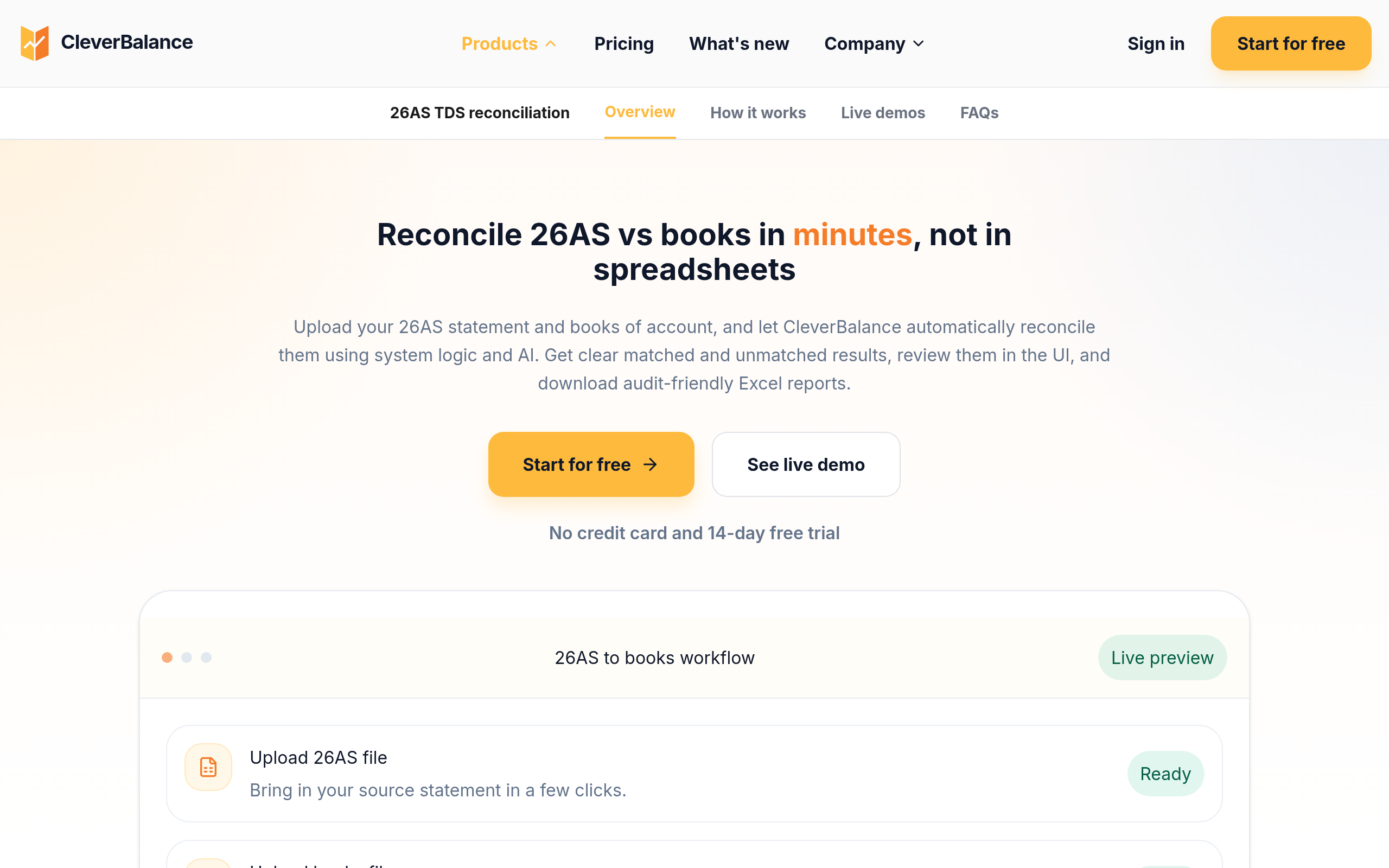
Upload your 26AS statement and Books of Account files to start reconciliation. The system automatically cleans and standardizes data, including deductor name normalization for accurate comparison. It then applies rule-based matching using deductor name, invoice date, and amount to resolve straightforward cases. For remaining complex entries, AI-assisted analysis identifies possible matches without forcing incorrect results. Once processing is complete, review matched and unmatched transactions directly in the UI to focus on real exceptions. Finally, download a structured Excel report for further analysis, sharing, or audit purposes.