
Clearmargin
All your freelance billing tools in one app. Clearmargin handles proposals, time tracking, expenses, invoicing, and payments — so nothing slips throug
About
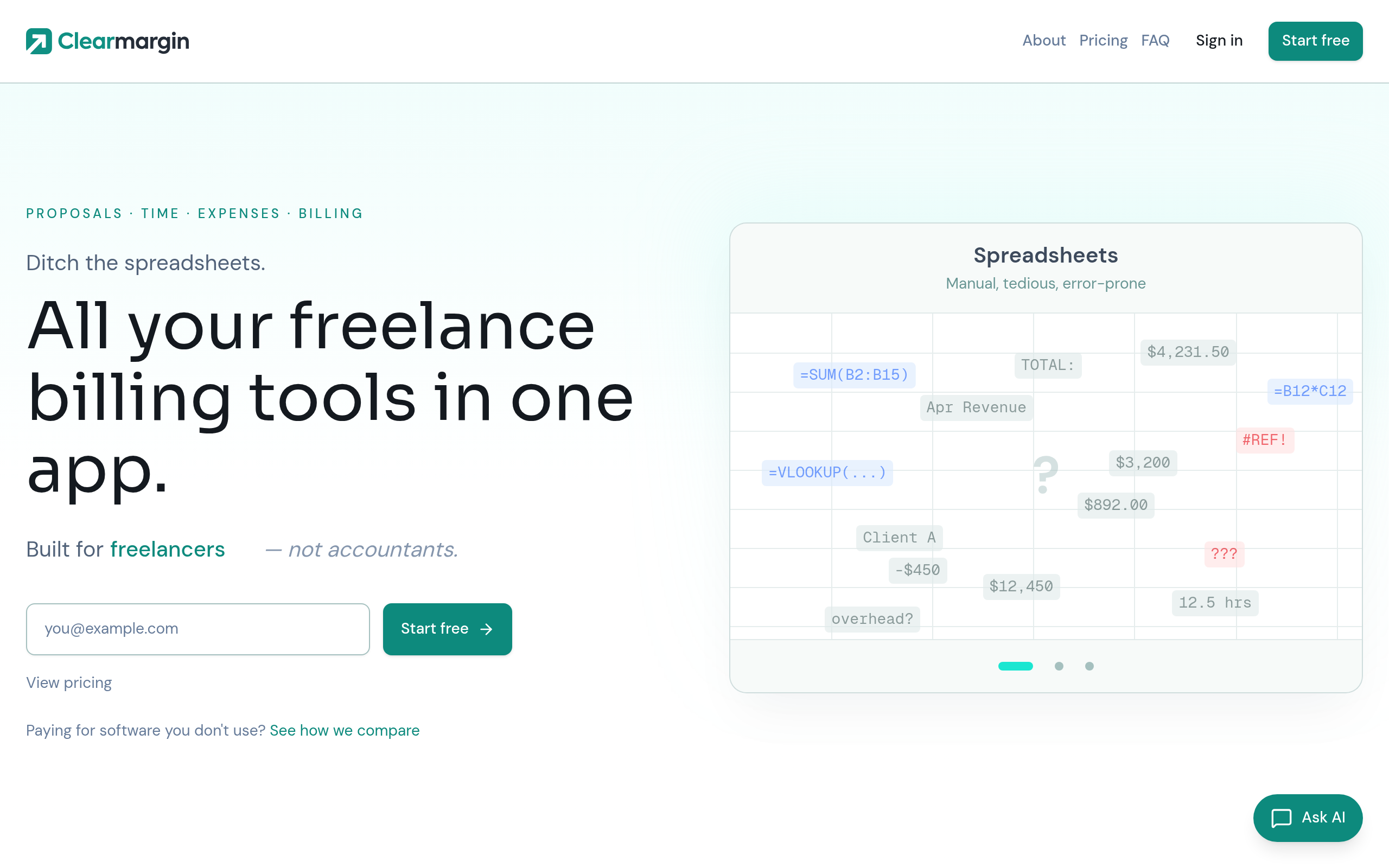
Freelancers and small teams don't have a billing problem — they have a juggling problem. One app for proposals, another for time tracking, a spreadsheet for expenses, a third tool for invoices, and maybe QuickBooks because someone said they should. Things slip through the cracks. An invoice goes out late. Hours don't get logged. A cost gets eaten because nobody tracked it. The mental overhead of keeping it all straight is exhausting. Clearmargin puts proposals, time tracking, expenses, invoicing, and payments in one place. Build professional proposals with scope, timeline, and pricing. Track time with a quick-entry strip or running timer. Log expenses and assign them to projects — or split shared costs like software subscriptions across multiple clients automatically. When it's time to bill, generate invoices from project data in one click. Accept credit card and ACH payments directly through your invoices via Stripe Connect at standard processing rates — no platform fees, no per-invoice charges, no revenue sharing. Clearmargin's subscription is all you pay us; client payments go straight to you. This isn't accounting software. There's no chart of accounts, no general ledger (unless you want to see it), no double-entry bookkeeping. If you signed up for QuickBooks because you thought you were supposed to, Clearmargin is the escape hatch. Import your clients and history in minutes and get back to the work that actually matters.
Key Features
Proposal Builder
Create professional, customizable proposals with scope, timeline, line items and smart defaults that use historical averages to help you price with confidence. Accepted proposals automatically become projects.
Time Tracking
Quick-entry strip or running timers to track billable hours by project, with rate multipliers (overtime, rush) and easy manual entry so you never lose billable time.
Expense Tracking & Hybrid Allocation
Log one-off and recurring expenses, assign costs to projects or split shared overhead (e.g., Adobe CC across clients) automatically for accurate per-client profitability.
Invoice Generation & Payments
Generate invoices in one click from project data, set up recurring invoices or auto-invoicing, and accept card and ACH payments via Stripe Connect with no platform fees.
Client & Project Profitability
Integrated visibility into revenue, costs and margins per project or client, with budget/scope creep alerts and toggles for true cost vs contribution margin.
How to Use Clearmargin
1) Sign up and add your clients: create clients or import existing data (QuickBooks import available). 2) Create a proposal: add scope, timeline and line items (use smart defaults/historical averages). Once accepted it converts to a project with a budget. 3) Track work and costs: start timers or enter time manually, and log expenses—assign or split costs across projects. 4) Bill and get paid: generate an invoice from project items, send to the client, and accept payments via Stripe (card or ACH). Monitor margins and adjust budgets from the dashboard.