
Claw Messenger
iMessage, RCS, and SMS API for AI agents. Give your agent a dedicated phone number. No Mac required. Works with OpenClaw, LangChain, and others.
About
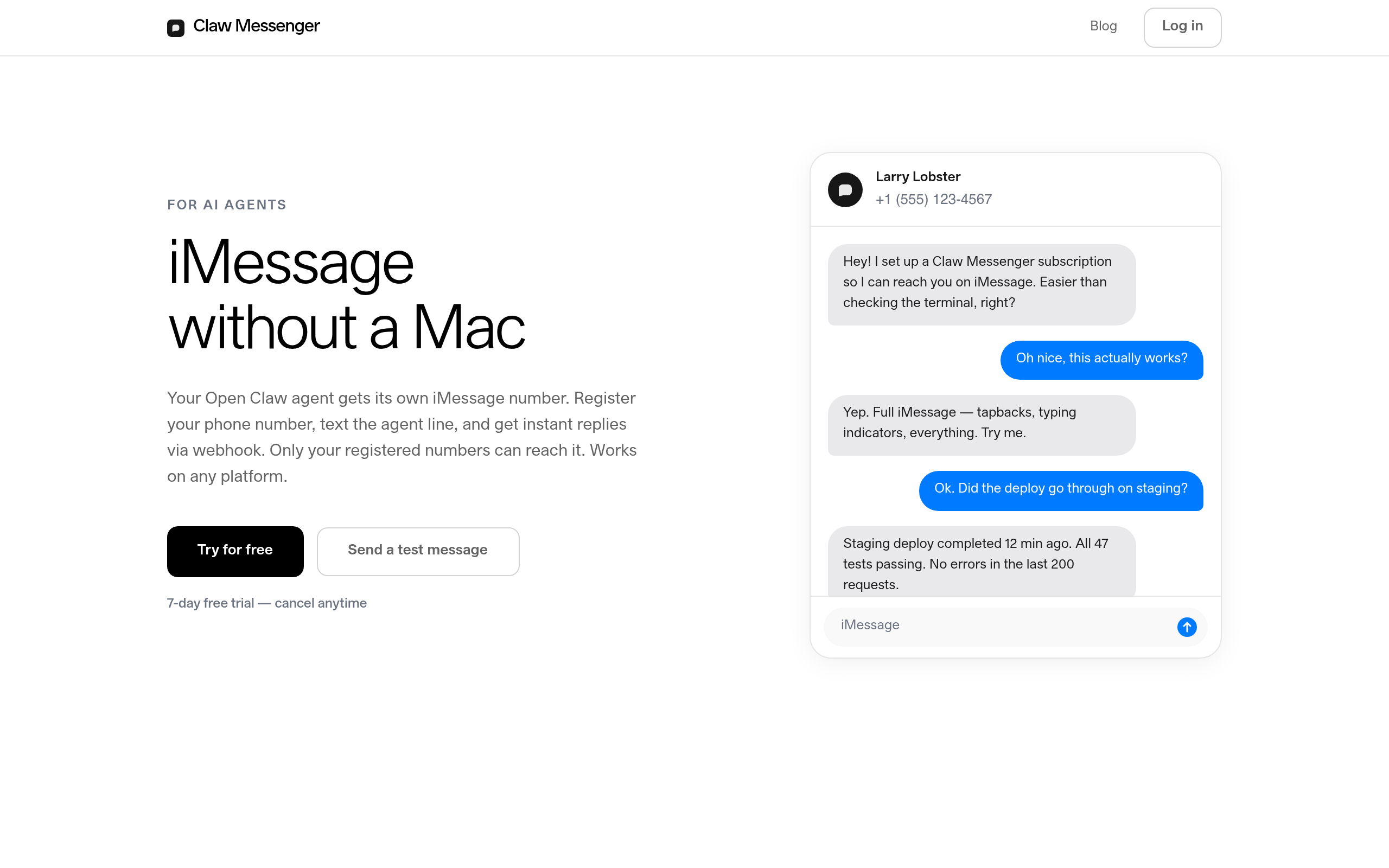
Claw Messenger gives AI agents a dedicated US phone number to send and receive iMessage, RCS, and SMS — no Mac hardware required. Built for developers running agents on Linux, VPS, or Docker who need native messaging capabilities. Features: iMessage tapbacks and reactions, typing indicators, read receipts, group messages, automatic iMessage-to-SMS fallback, HMAC-signed webhooks, and WebSocket-first architecture (no public URL needed on your side). Integrates in minutes with a native OpenClaw plugin or REST/WebSocket API for LangChain, n8n, CrewAI, and custom agents. Register a number, give your agent instructions, and start messaging. Plans start at $5/mo for 1,000 messages. All plans include a 7-day free trial, tapbacks and read receipts at no extra cost, and cancel-anytime billing. Custom plans available for agencies and high-volume use cases with unlimited numbers and dedicated infrastructure.
Key Features
Native iMessage / RCS / SMS Support
Send and receive messages across iMessage, RCS, and SMS with automatic iMessage-to-SMS fallback so conversations work regardless of the sender's platform.
Dedicated Agent Phone Numbers
Provision a dedicated US phone number for each agent so they appear in users’ conversation lists and only registered numbers can reach the agent.
Full Native iMessage Experience
Supports iMessage features such as tapbacks/reactions, typing indicators, read receipts, and group messaging to keep agent interactions natural and familiar.
Developer-First API & Secure Webhooks
WebSocket-first architecture (no public URL required), REST API support, and HMAC-signed webhooks for secure, low-latency integrations with OpenClaw, LangChain, n8n, and custom agents.
How to Use Claw Messenger
1) Sign up and choose a plan (7-day free trial available). 2) Register a dedicated phone number in the dashboard and add the phone numbers allowed to reach the agent. 3) Integrate your agent: install the native OpenClaw plugin (5-minute setup) or connect via REST/WebSocket API (LangChain tool, n8n HTTP node, or custom agent). 4) Provide your agent’s prompt/instructions, then start sending messages — monitor responses via WebSocket or HMAC-signed webhooks.