
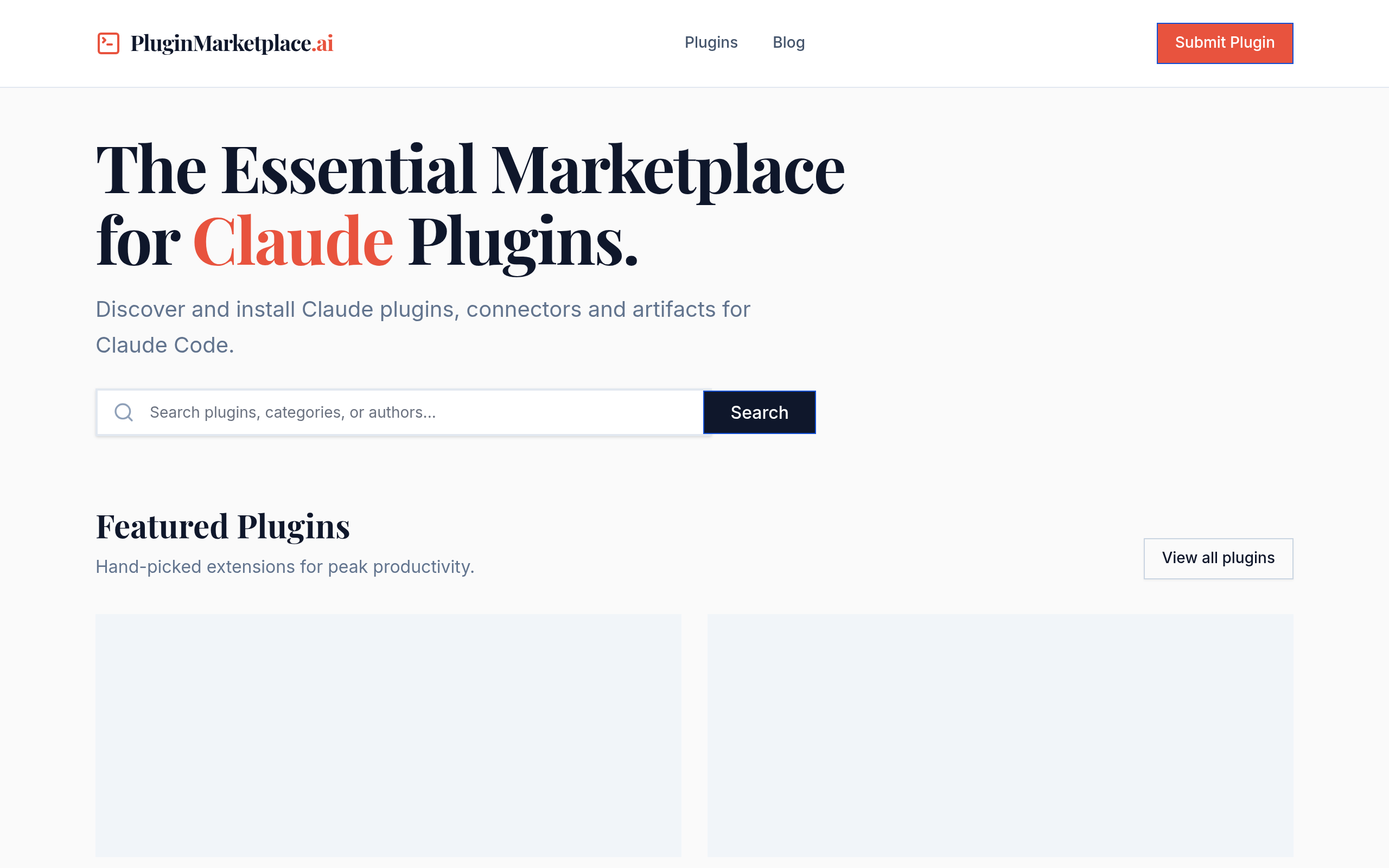
Claude Plugin Markeplace
Claude Plugins Marketplace for claude code including connectors, artifacts, skills and templates.
About
The Claude Plugins Marketplace for Claude Code is a carefully curated repository of extensions which enable you to customize your workflows using advanced connectors, pre-defined artifacts, expertise, and templates. Find and easily deploy AI plugins and connectors created by the community and by the official developers which can boost your productivity and automate your workflows. With a wide variety of plugins available, you can customize your workflows based on your needs, whether you’re developing agents or integrating APIs.
Key Features
Curated Plugin Library
A hand-picked and categorized collection of Claude Code plugins, connectors, artifacts and templates to help you find production-ready extensions quickly.
One‑click Install & Deployment
Install or deploy plugins and connectors directly into your Claude Code environment with clear setup instructions and configuration guidance.
Search, Filters & Categories
Robust search and filtering by category, popularity, and function (connectors, skills, templates) to quickly surface relevant plugins.
Community Submissions & Developer Portal
Submit plugins, get discovered by thousands of users, and manage plugin listings via a developer submission flow.
Ratings, Installs & Featured Picks
Plugin metadata such as install counts, featured picks, and editorial highlights to help you choose reliable extensions.
How to Use Claude Plugin Markeplace
1) Browse or search the marketplace to find plugins, connectors, artifacts or templates relevant to your project. 2) Open a plugin's detail page to review description, requirements, installation instructions, and any example usage or documentation. 3) Follow the provided install/deploy steps (one-click or manual configuration) to add the plugin to your Claude Code environment or agent, supplying any required API keys or permissions. 4) Test the plugin within your workflow and, if you're a developer, submit your own plugin via the Submit Plugin flow to share with the community.