
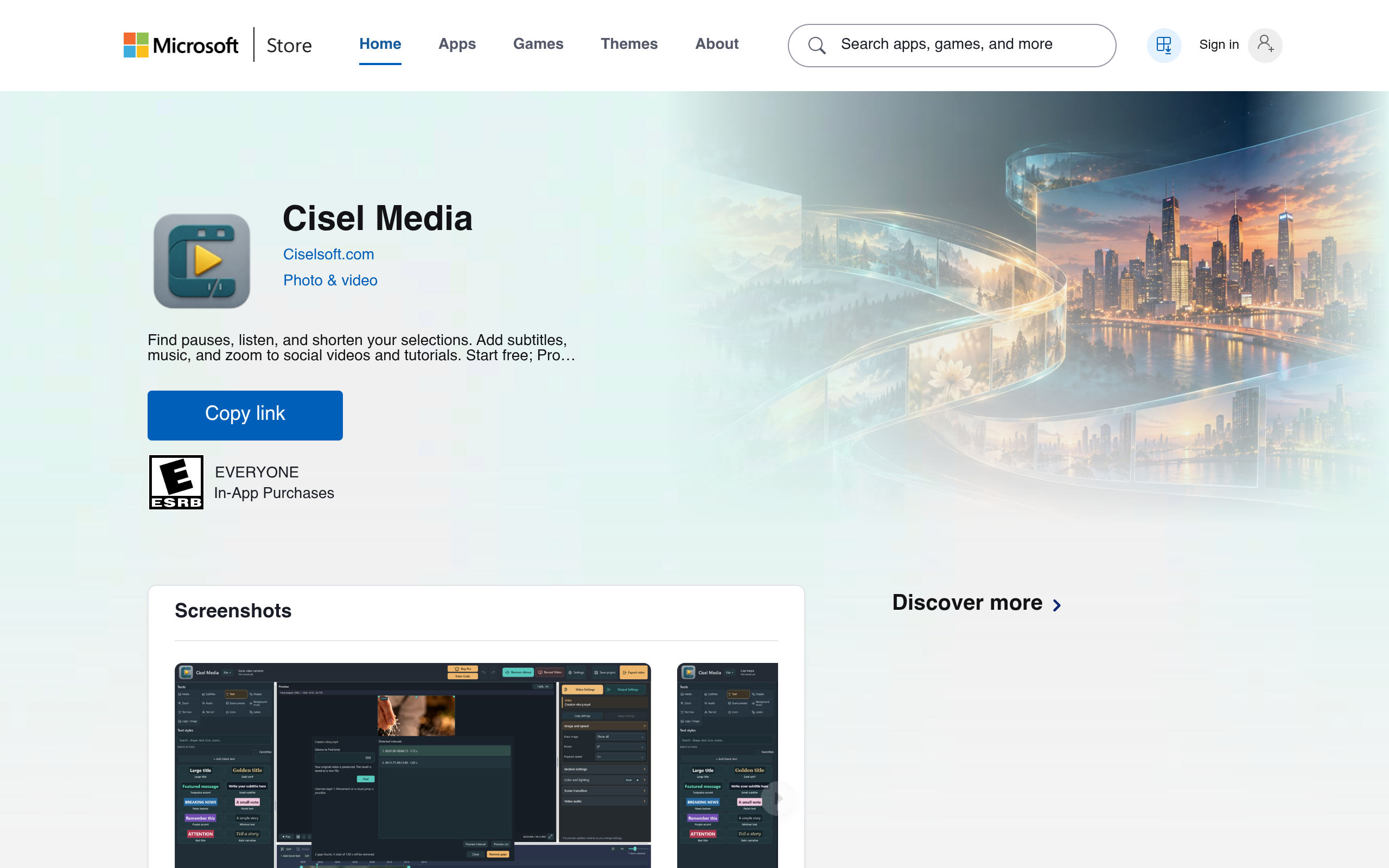
Cisel Media
Windows video editor with a free tier and paid Pro: pause cleanup, subtitles, screen/camera/audio recording and social presets.
About
Cisel Media has a free tier and paid Pro licenses. 1. Clean up detected speech pauses in one click—no manual range selection. 2. Generate and edit automatic subtitles in 20 spoken languages. 3. Record your screen, camera, microphone and system audio together. 4. Clean up audio, balance voices and lower music during speech. 5. Trim, split, merge and arrange videos and photos. 6. Add animated text, logos, transitions and zoom effects. 7. Create social-ready videos with one-click platform presets; Pro exports up to 8K/60 FPS, depending on hardware. Microsoft Store — buy Pro in the app: https://apps.microsoft.com/detail/9NPJCBH1528G Lemon Squeezy — buy a web license: https://licenses.ciselsoft.com/
Key Features
One‑Click Pause Cleanup
Automatically detects and removes long speech pauses from recordings with a single click — no manual trimming required.
Automatic Multilingual Subtitles
Generate, edit and export subtitles in 20 spoken languages with time-synced captions and manual adjustment tools.
Screen, Camera & System Audio Recording
Record screen, webcam, microphone and system audio simultaneously for tutorials, gameplay or presentations.
Audio Enhancement & Voice Balancing
Clean up background noise, balance multiple voices, and automatically lower background music during speech.
Social Presets & High‑Quality Exports
Trim, split and arrange clips; add animated text, logos and transitions; export using one-click platform presets up to 8K/60 FPS (Pro, hardware-dependent).
How to Use Cisel Media
1) Install Cisel Media from the Microsoft Store or activate a Pro license. 2) Import your media or use the built-in recorder to capture screen, camera, mic and system audio. 3) Click Pause Cleanup to remove silent gaps, then generate automatic subtitles and adjust timings/text as needed. 4) Add transitions, animated text or logos, choose a social platform preset (or custom export), and export your finished video.