
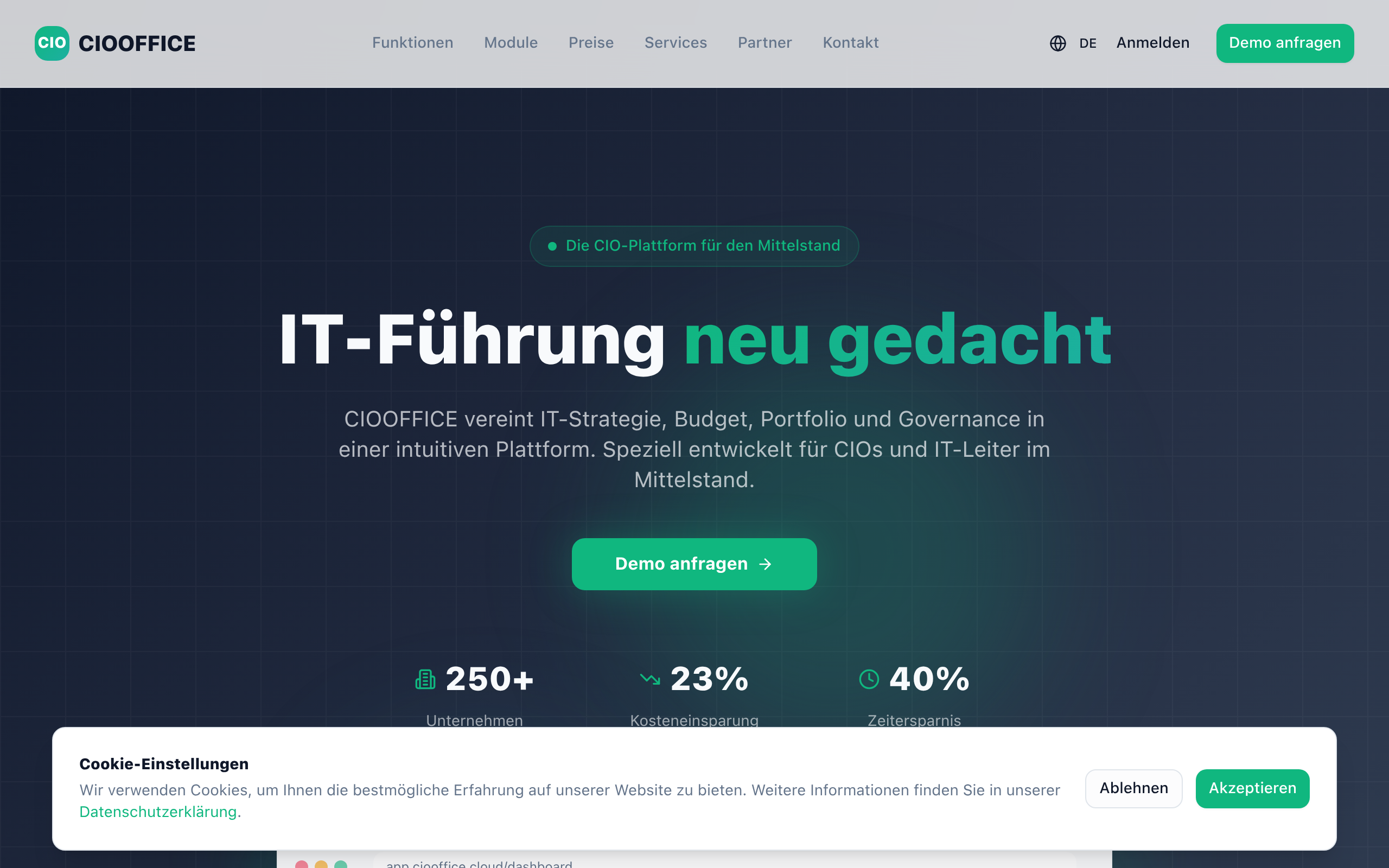
CIOOffice: the CIO-Software
CIOOffice is a cloud-based IT management platform that helps CIOs manage IT strategy, projects, budgets, vendors, and KPIs in one centralized dashboar
About
CIOOffice is a modern cloud-based IT management and CIO workspace platform designed for CIOs, IT managers, and digital leaders. The platform centralizes IT strategy management, project portfolio management, budget control, software and vendor management, and performance analytics into one integrated system. With CIOOffice, organizations gain full transparency across their IT landscape, improve operational efficiency, reduce complexity, and enable data-driven decision-making. Real-time dashboards provide insights into IT performance, costs, risks, and strategic initiatives. CIOOffice supports digital transformation programs by standardizing IT governance processes, improving collaboration between business and IT teams, and enabling scalable IT operations. Built with enterprise security standards and GDPR compliance in mind, CIOOffice is ideal for enterprises and mid-sized companies looking to modernize their IT management.
Key Features
Strategy & Roadmapping
Create, align and track IT strategies and roadmaps to business objectives; prioritize initiatives and map dependencies across the portfolio.
Project Portfolio Management
Centralized management of IT projects with status tracking, resource allocation, timelines and risk indicators to optimize delivery and prioritization.
Budget & Cost Control
Plan and monitor IT budgets, forecast spend, track actuals vs. planned and generate alerts for budget overruns.
Vendor & Software Management
Maintain an inventory of software and suppliers, manage contracts and renewals, assess vendor risks and consolidate licensing information.
Dashboards & KPI Reporting
Real-time dashboards and customizable KPI reports provide transparency on performance, costs, risks and strategic progress for executives and teams.
How to Use CIOOffice: the CIO-Software
1) Sign up and configure your organization: create your company profile, invite CIOs/IT managers and set roles/permissions. 2) Import or create assets: add projects, budget lines, software items and vendor records or connect integrations to sync data. 3) Configure strategy and KPIs: define strategic objectives, link projects to goals and set KPIs and budget thresholds. 4) Monitor and act: view real-time dashboards, run reports, identify risks/cost overruns and assign actions to teams or update roadmaps.