
Chatgiraffe
AI bookkeeping: Toss anything in, organized books out
About
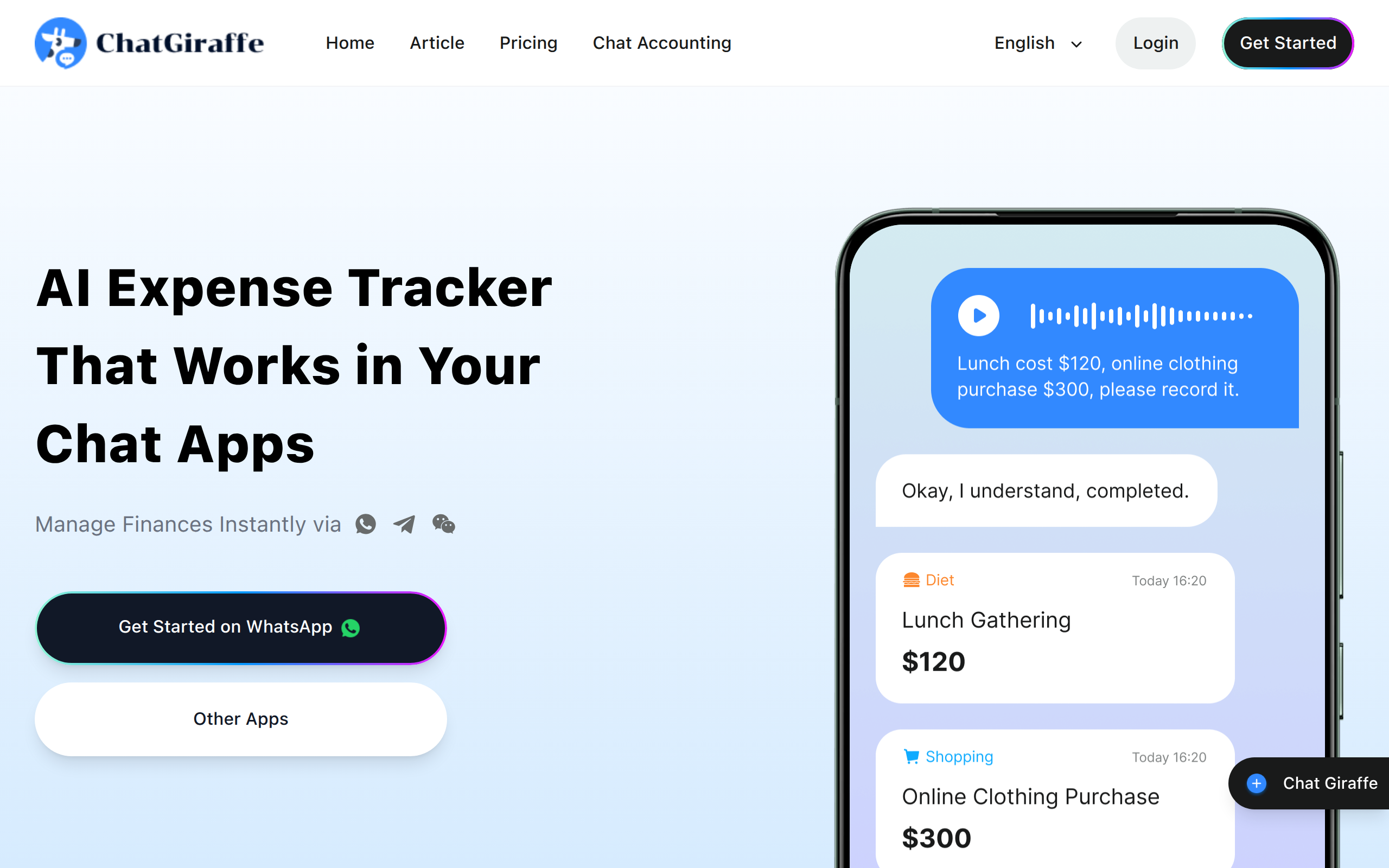
ChatGiraffe is an AI-powered bookkeeping app built around four core capabilities. Zero-Friction Capture: Accept voice, photos, and text inputs in any combination. Snap a crumpled receipt or speak while walking—AI automatically extracts amounts, categories, and currencies. No manual field selection required. Multi-Currency Ledger: Record expenses in their original currencies without forced conversion. Thai Baht stays as THB, USD as USD. This preserves accuracy and matches bank statements, ideal for travelers, students abroad, and cross-border professionals. Conversational Recall: Retrieve records using natural language. Ask "How much on coffee last month?" or "Total spending in Tokyo?" for instant answers across categories and currencies. No filter menus needed. Dual-Mode Control: AI handles input; you keep control. All conversations generate dashboard charts and calendar views. Every AI entry can be manually reviewed and edited, combining automation with human oversight.
Key Features
Zero-Friction Capture
Accepts voice, photos, and text. Snap receipts or speak notes—AI extracts amounts, categories, and currencies automatically.
Multi-Currency Ledger
Records expenses in original currencies (THB, USD, EUR) without conversion, preserving accuracy for travelers and cross-border users.
ConversatioDual-Mode Controlnal Recall
Retrieves records via natural language. Ask "Coffee spending last month?" or "Total in Tokyo?" for instant answers across categories.
Dual-Mode Control
AI handles input; users keep control. All records sync to dashboard charts and calendar views, with manual editing available.
How to Use Chatgiraffe
1) Create an account or log in (email, Google, Apple or supported chat channels). 2) Capture an expense by snapping a receipt photo, typing details, or speaking a message — ChatGiraffe automatically extracts amount, currency, date and category. 3) Review the AI-created entry in the chat or ledger; edit any fields if needed or confirm to save. 4) Ask natural-language questions (e.g., “Total coffee last month?” or “Spending in Tokyo”) or open the dashboard/calendar to view charts, trends and export insights.