
CharaSync
Keep characters consistent across AI-generated images and videos with reusable references.
About
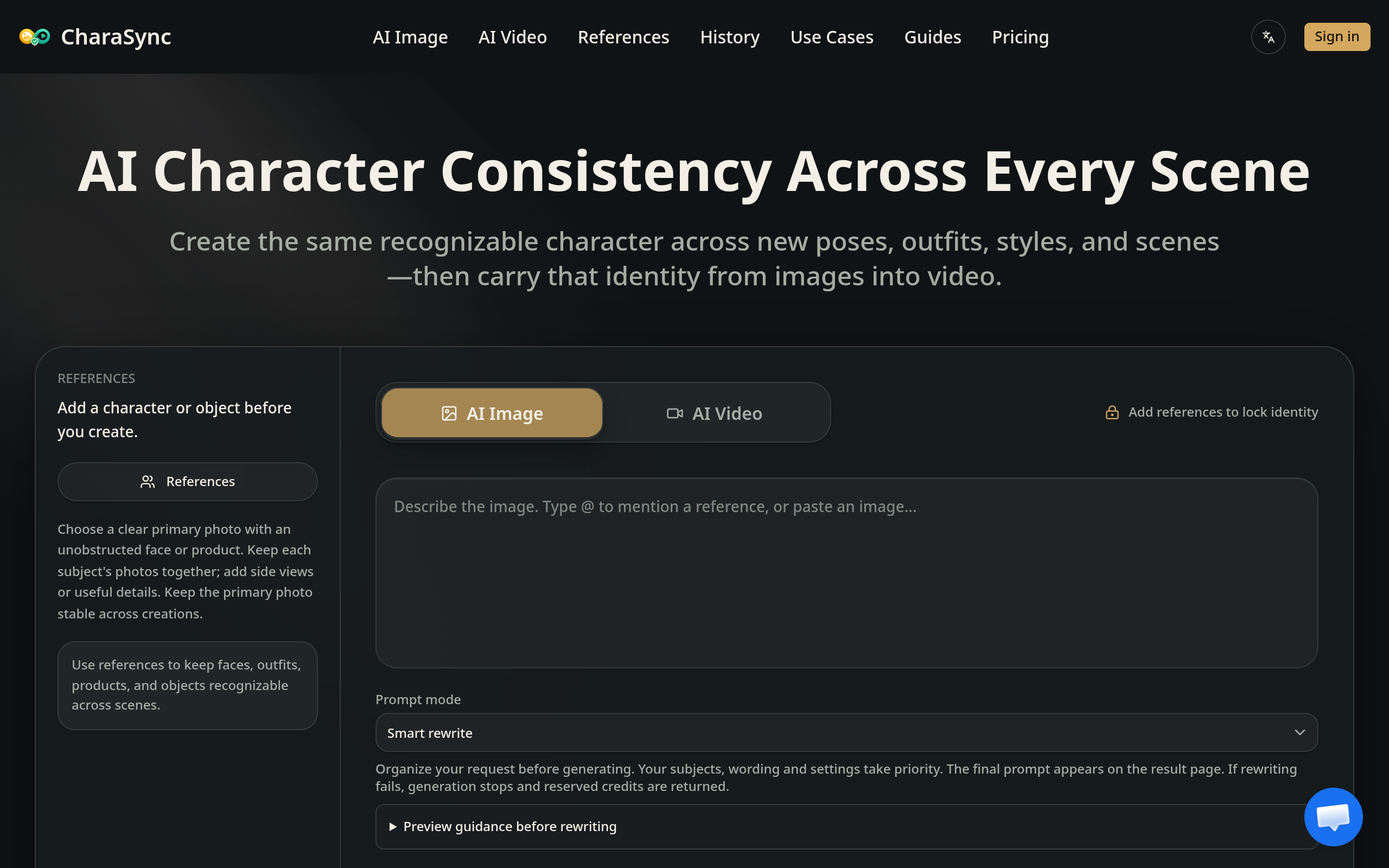
CharaSync helps creators keep characters consistent across AI-generated images and videos by reusing character references across scenes. It supports storyboards and recurring-character content, with paid subscriptions and credit packages plus trial credits for new users.
Key Features
Character Reference Library
Create and store reusable character references (images, attributes, poses and metadata) that serve as the canonical source for that character across projects.
Cross-media Consistency
Apply the same character references to both image and video generation workflows so characters remain visually consistent across scenes and formats.
Storyboard & Scene Management
Organize scenes, timelines and recurring-character appearances with storyboard tools to plan sequences and ensure character continuity across shots.
Exportable Prompts & Assets
Export reference packages, prompts and assets for use with image/video generation models or to share with collaborators and production pipelines.
Subscription & Credit System
Flexible paid subscriptions and credit packages with trial credits for new users to allow scale-based usage and project-based billing.
How to Use CharaSync
1) Sign up and claim your trial credits or purchase a subscription/credit pack. 2) Create a new character by uploading reference images and adding metadata (name, style tags, outfits, expressions, poses). 3) Build a storyboard or scene list and assign your saved character reference to scenes where the character should appear. 4) Generate or export assets: either send the character reference to your image/video generation model (or export prompts/assets) to produce consistent images and videos, then manage versions and variants in the character library.