
Cece AI
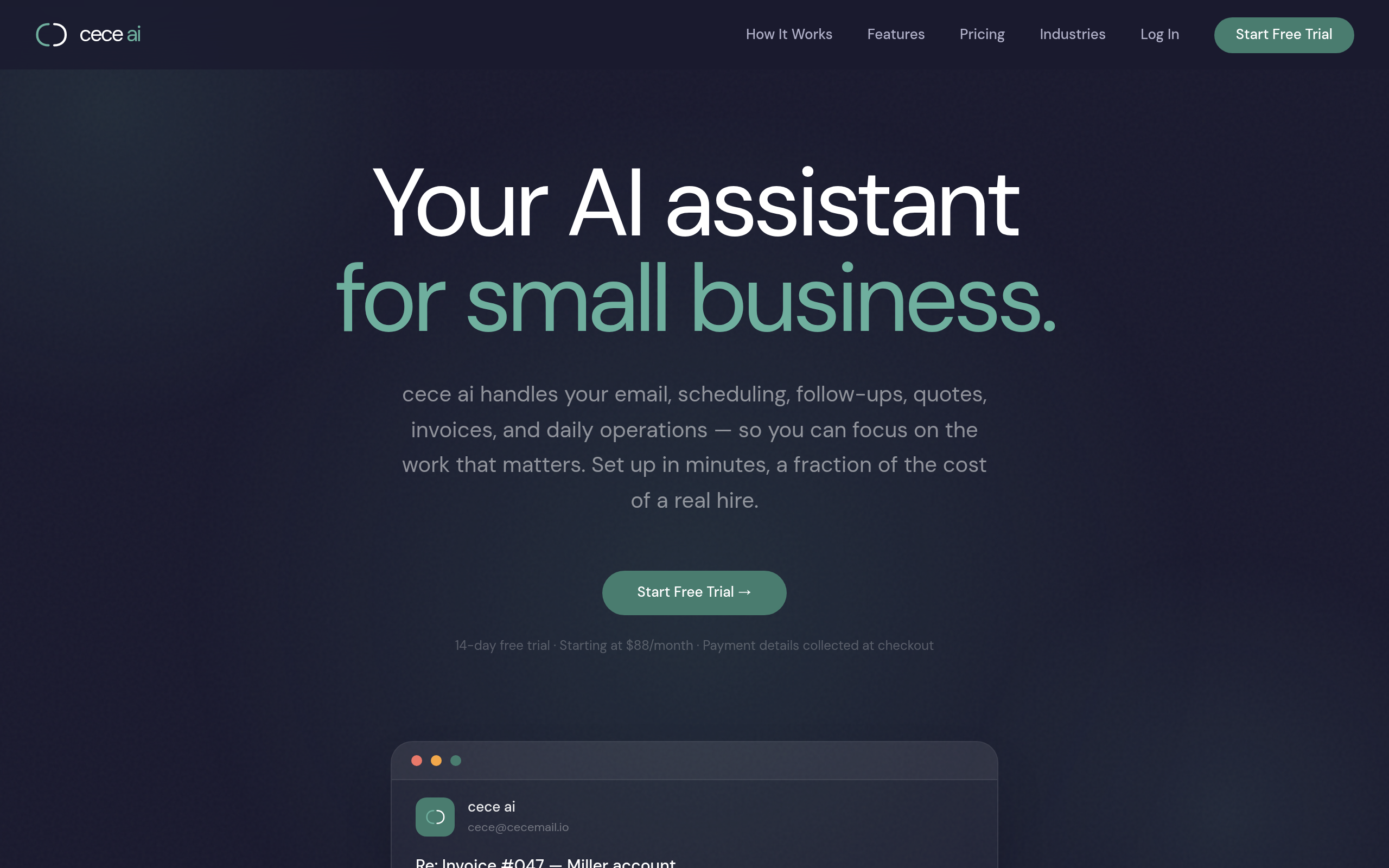
CeCe AI is an AI executive assistant that works through email. It handles scheduling, replies, quotes, invoices, and follow-ups.
About
CeCe AI is an AI executive assistant built for business owners who are tired of drowning in email, admin work, and half-finished follow-ups. Users set up their calendar, business profile, price book, and preferences in the CeCe dashboard, then use CeCe directly through email for daily execution. CC CeCe on an email and it can help schedule meetings, respond to customers, create quotes, send invoices, track follow-ups, manage reminders, and keep work moving without adding another full-time hire. CeCe works where business already happens, inside the inbox, turning messy threads into completed tasks, faster responses, and fewer dropped balls. It is not another chatbot to babysit. It is a practical AI assistant for small businesses that want less admin, faster customer communication, and more time back.
Key Features
Email-First Automation
Work directly from your inbox by CCing cece@cecemail.io; CeCe reads the thread, understands intent, and takes action without a separate chat interface.
Automated Scheduling
Checks your calendar, proposes time slots, coordinates participants, and sends calendar invites (with meeting links) directly in email threads.
Quotes & Invoice Generation
Creates branded PDF quotes and invoices using your price book and terms, attaches them to email replies, and tracks payment follow-ups.
Follow-ups & Reminders
Automatically chases overdue invoices, nudges prospects after set intervals, and sets reminders so conversations and tasks don't slip through the cracks.
Dashboard & Business Configuration
Set up calendar integrations, business profile, pricing, FAQs and preferences in the dashboard and review CeCe's activity or set to draft-only when desired.
How to Use Cece AI
1) Sign up and connect your business email and calendar, then configure your business profile, price book, FAQs and preferences in the CeCe dashboard. 2) Use CeCe directly from your inbox: CC cece@cecemail.io (or email that address) on threads where you want assistance. 3) CeCe reads the thread, applies your configuration, and handles tasks—scheduling meetings, drafting replies, generating quotes/invoices, or sending follow-ups. 4) Monitor activity in the dashboard, review or edit drafts if needed, and adjust settings or tone as CeCe learns your preferences.