
Cactal
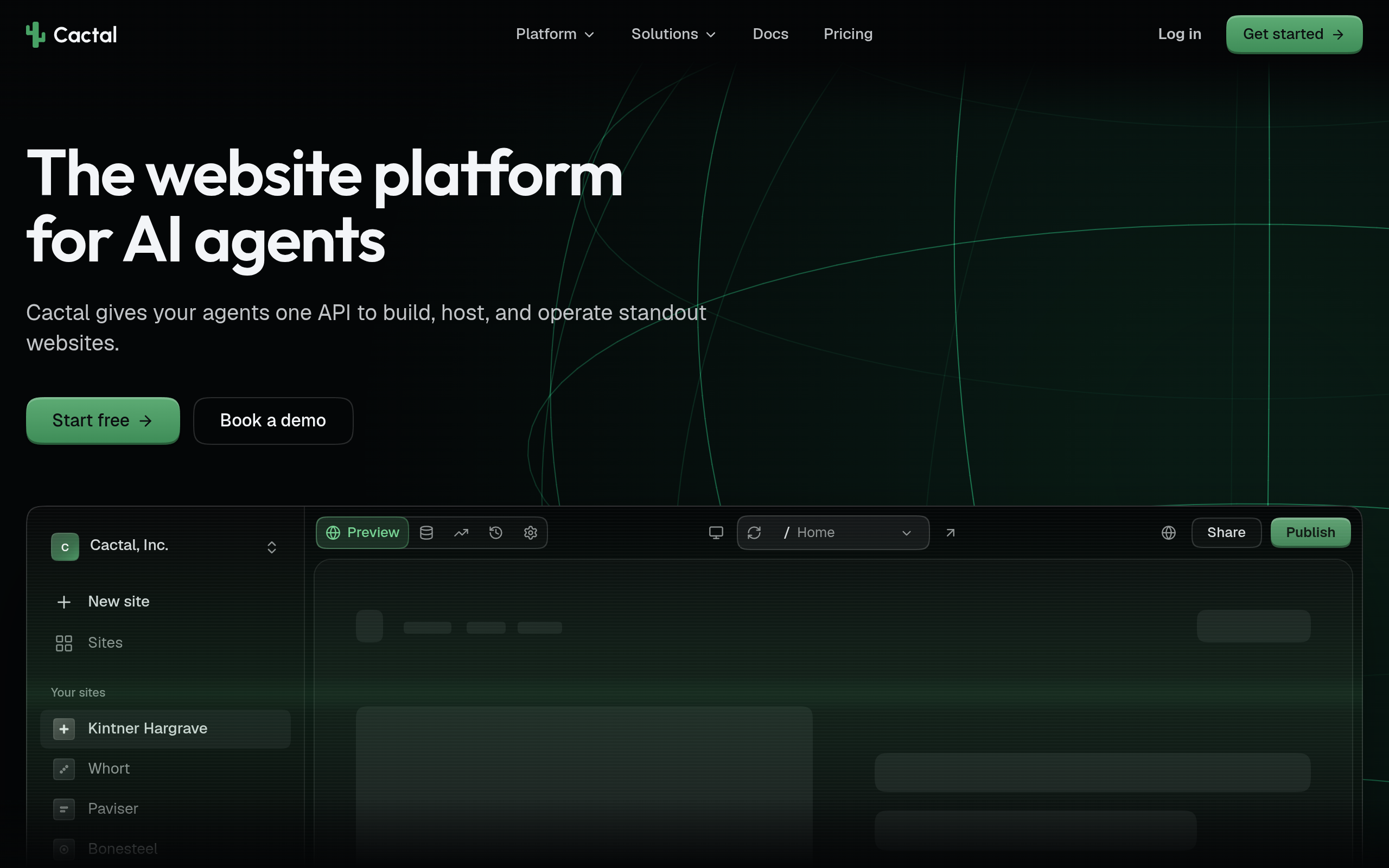
The website platform for AI agents. Give your agent one API to build, host, and operate production websites.
About
Cactal is the website platform built for AI agents. Most website builders assume a human is clicking around a canvas. Cactal assumes an agent is doing the work. Connect Claude Code, Cursor, or anything that speaks MCP, and your agent gets a real toolset: React and Tailwind source code it can read and edit, a headless CMS, asset hosting, custom domains, analytics, and versioned draft-then-publish deploys. That means the whole lifecycle runs through the agent, not just the first draft. It can ship a change, check the preview, roll back a bad deploy, update CMS content, and wire a domain, all through MCP, the API, the CLI, or the SDKs. Build and publish as many websites as you like on Cactal domains for free, with no card required. Paid plans start at $20 a month for a site on a domain you own.
Key Features
Agent-Native Workflow (MCP, API & SDKs)
Let your AI agent control the entire website lifecycle via the MCP protocol, REST APIs, CLI or SDKs — from first draft to publishing, preview checks, rollbacks and ongoing operations.
Real Source Code Sites
Sites are produced as real React + Tailwind source code your agent (and devs) can read, edit or extend, enabling integrations with CRMs, booking systems, or any external APIs.
Built-In CMS & Content Editing
Headless CMS and content management let teams or agents update published content, schedule changes, and hand off content control to clients without breaking agent workflows.
Managed Hosting, Domains & Versioned Deploys
Fast, secure global hosting with custom domains, preview links, versioned draft-then-publish deploys and one-click rollbacks to keep broken changes from going live.
Analytics, Access Control & Audit
Integrated analytics, scoped API keys, access controls and project history enable agencies and enterprises to ship client sites at scale with governance and observability.
How to Use Cactal
1) Sign up and create a new project/site in Cactal. 2) Connect or bring your agent (Claude, Cursor, or any MCP-capable assistant) via the API, SDK, or CLI and provide the project brief, brand assets and guidelines. 3) Ask the agent to generate a homepage or full site; review the preview link, iterate using the agent to tweak code, layout, images and copy. 4) Publish to a Cactal domain or bind your custom domain, manage content via the CMS, and use analytics and versioning to monitor and roll back if needed.