
C2PA Lab
Inspect image and video provenance in your browser. Files never leave your device. Free, no signup.
About
C2PA Lab is a free, privacy-first web tool for inspecting C2PA Content Credentials and digital provenance in images and videos. C2PA parsing and verification run locally in your browser through WebAssembly — media files are not uploaded to the server for inspection. The evidence view shows whether the file carries a C2PA credential, the verification status of its manifest and asset binding, the recorded provenance timeline, ingredient references, and signer and issuer information. Everything shown comes from the manifest itself, never inferred from file names or heuristics. Developers get a dedicated Manifest Viewer that exposes the raw manifest store, active manifest, claims, assertions, and JSON, plus a Metadata Inspector that lays out signer identities, timestamps, recorded actions, and source disclosures in a structured table. Any inspection result can also be exported as a locally rendered Proof Card — a 1200×630 PNG summary. The site's Guides section covers what C2PA and Content Credentials are, how to check them, how verification works, camera support, and how C2PA compares to watermarking approaches like SynthID — always with an honest account of what credentials can and cannot prove. Supported formats include JPEG, PNG, WebP, AVIF, MP4, and MOV. All tools are free to use, with no ads and no signup required.
Key Features
Local C2PA Verification
Parses and cryptographically verifies C2PA manifests entirely in your browser via WebAssembly — media files are never uploaded to a server.
Evidence View
Clear summary of whether a file carries Content Credentials, manifest verification state, asset binding, provenance timeline, ingredients and signer/issuer details — all extracted from the manifest itself.
Manifest Viewer (Developer)
Dedicated view exposing the raw manifest store, active manifest, claims, assertions and raw JSON for deeper developer inspection and debugging.
Metadata Inspector
Structured table layout of signer identities, timestamps, recorded actions and source disclosures to make provenance data easy to review.
Proof Card Export
Export any inspection result as a locally rendered Proof Card (1200×630 PNG) for sharing or archiving without sending file data to the server.
How to Use C2PA Lab
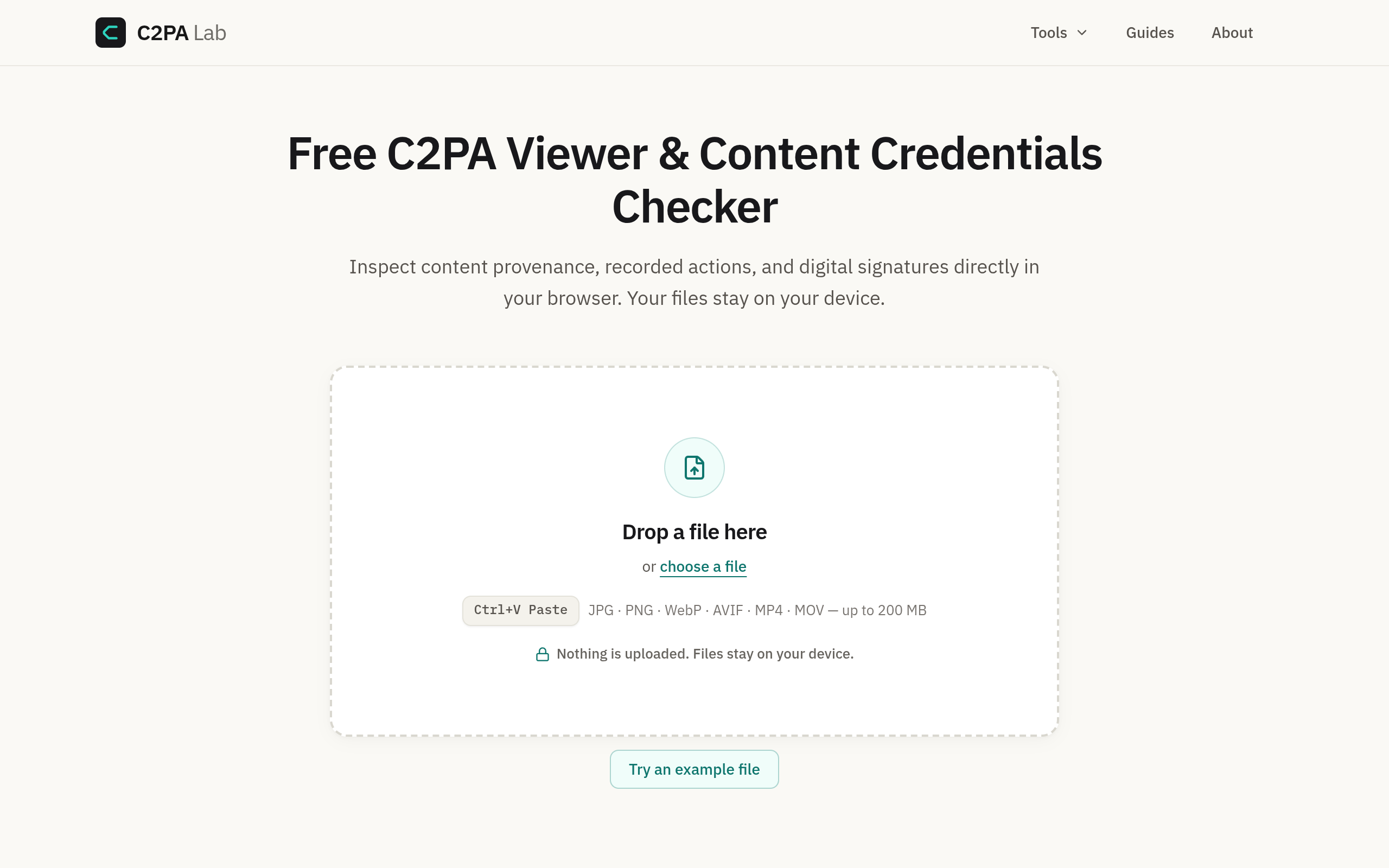
1) Open c2palab.com and drag-and-drop an image or video (JPEG, PNG, WebP, AVIF, MP4, MOV up to 200 MB) or paste a file. 2) The C2PA engine runs locally in your browser to parse and verify the manifest—nothing is uploaded. 3) Review the Evidence View for verification state, provenance timeline, ingredients and signer info; switch to Manifest Viewer or Metadata Inspector for raw manifest JSON and structured details. 4) Optionally export a Proof Card (1200×630 PNG) to save or share the inspection summary.