
ButterKit
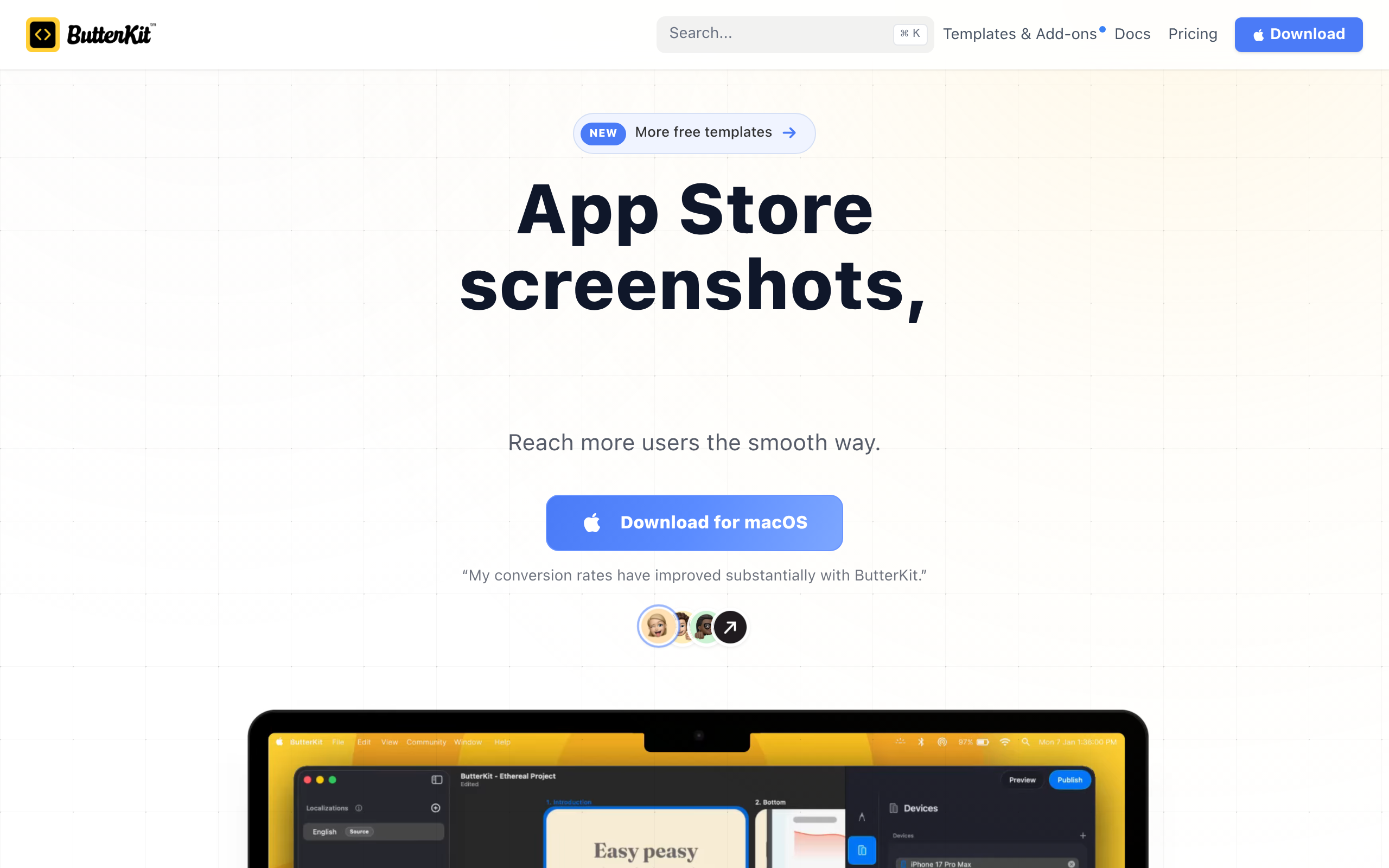
Used by thousands of Apple developers to automate App Store screenshot capture, design, localization, and publishing.
About
ButterKit is a native macOS app used by thousands of Apple developers to automate the App Store publishing workflow. Capture screenshots from Xcode Simulator directly into photorealistic 3D device frames, translate into all 50 App Store Connect languages using frontier AI models (bring your own key) or 18 languages for free using on-device Apple Silicon. Upload everything directly via the App Store Connect API. Start with professional templates or from scratch. Link entire folders for input and output, making it a natural fit for Fastlane and CI/CD pipelines. Use custom fonts, add 3D callouts, and utilize MCP support so AI coding tools can automate the entire workflow. Most developers skip localization because the manual effort doesn't feel worth it. ButterKit makes it trivial, so your app shows up in native language search results across every market Apple supports. Built by a solo developer for developers who ship. Smooth.
Key Features
Xcode Simulator Capture
Capture screenshots directly from Xcode Simulator (or drag-and-drop images) for rapid iteration and high-fidelity results—supports up to 120fps capture built on Metal.
Photorealistic 3D Device Frames & Design Editor
Place screenshots into adjustable, high-resolution 3D device frames, span devices across artboards, use panoramic backgrounds, custom fonts, gradients and pro editing controls to create polished App Store assets.
AI & On-Device Localization
Automatically translate screenshots and metadata into all 50 App Store Connect languages using user-provided frontier AI keys, or translate up to 18 languages locally on Apple Silicon—designs remain synced across languages.
Direct App Store Connect Upload & Batch Export
Batch export images or upload designs directly to App Store Connect in the correct order via the API, saving manual steps when publishing localized builds.
CI/CD & Fastlane Integration
Link input/output folders (e.g. Fastlane), automate workflows with MCP/AI agent support, and integrate ButterKit into CI/CD pipelines for fully automated screenshot generation and publishing.
How to Use ButterKit
1) Install ButterKit on macOS and open your project. 2) Capture screenshots from Xcode Simulator or drag-and-drop/export a folder of images (e.g. from Fastlane). 3) Choose a template or design from scratch: place screenshots in 3D device frames, adjust fonts/gradients/backgrounds and add callouts. 4) Translate to target languages (via your AI key or on-device), preview App Store previews, then batch export or upload directly to App Store Connect. Optionally link folders or CI/CD pipelines to fully automate this process.