
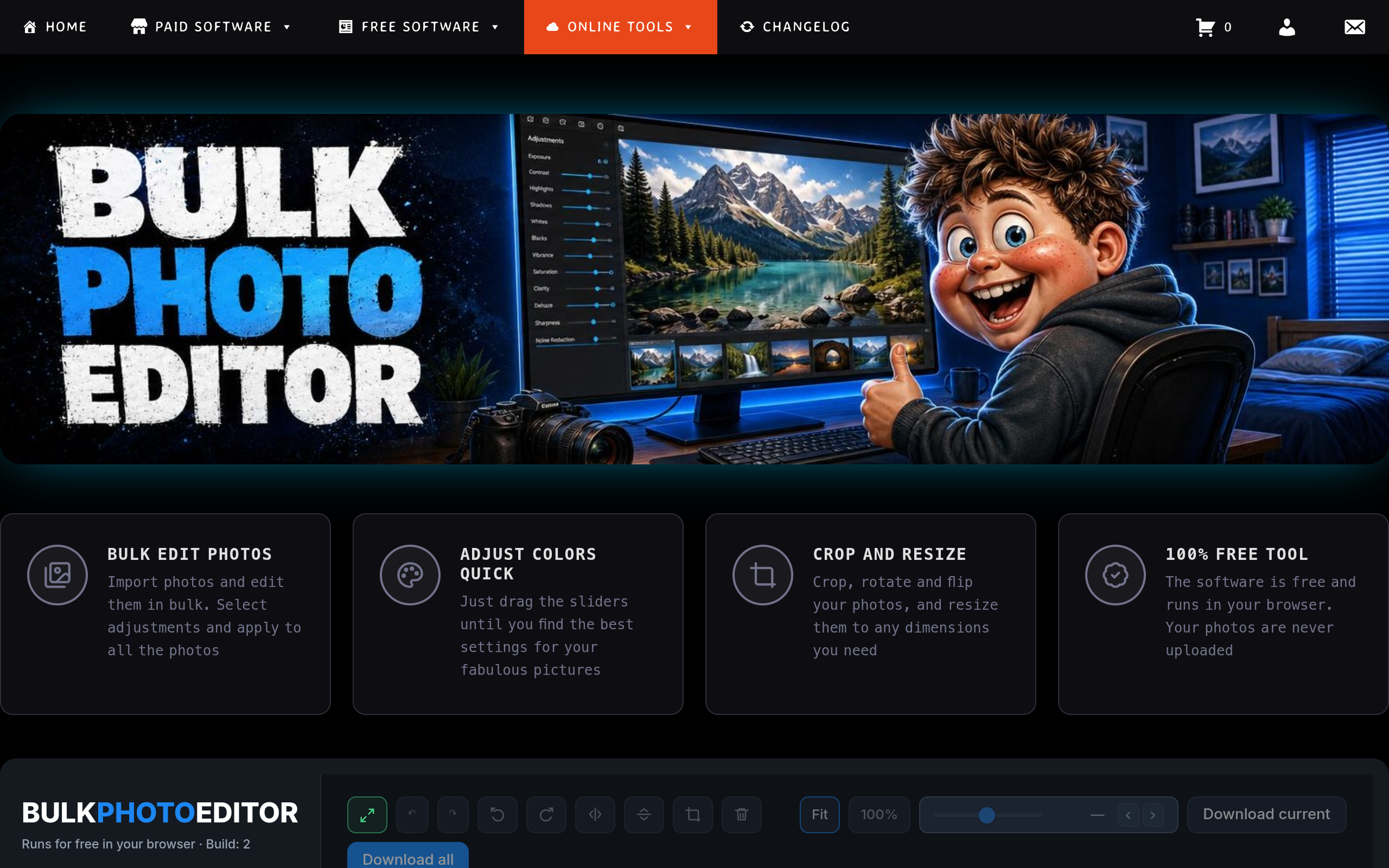
Bulk Photo Editor
Bulk color edit, resize, and rename your pictures in the browser. Bulk Photo Editor is free and requires no downloading or registrations
About
Made for anyone who comes home with hundreds of photos and no patience to edit them one by one. Bulk Photo Editor batch-processes your shots right in the browser. Resize them all to one size, lift colors with vibrance and contrast, sharpen, crop and rotate, rename with automatic numbering, and export everything as a single zip. Free to use, nothing gets uploaded, no account needed, nothing to download
Key Features
Batch Adjustments
Apply color corrections (vibrance, contrast, saturation), sharpening, and other adjustments to many photos at once with single-slider controls.
Resize, Crop & Rotate
Uniformly resize images to exact dimensions, crop, rotate or flip multiple photos in one operation to prepare consistent outputs.
Automatic Renaming & Numbering
Rename files in bulk with custom prefixes and automatic sequential numbering to keep photos organized.
Local Browser Processing
All edits are performed in the browser — images are not uploaded to a server, keeping your photos private and fast to process.
Export as ZIP
Download all edited images together as a single zip archive for easy transfer, backup or upload.
How to Use Bulk Photo Editor
1) Open the Bulk Photo Editor page and drag & drop (or select) the photos you want to edit. 2) Choose the edits you want to apply — adjust vibrance/contrast/sharpness, set a resize/crop/rotate, and configure renaming options. 3) Apply the chosen adjustments to all (or select) images and preview results. 4) When satisfied, export your edited photos as a ZIP file and download them — processing happens locally in your browser.