
Browser Notes
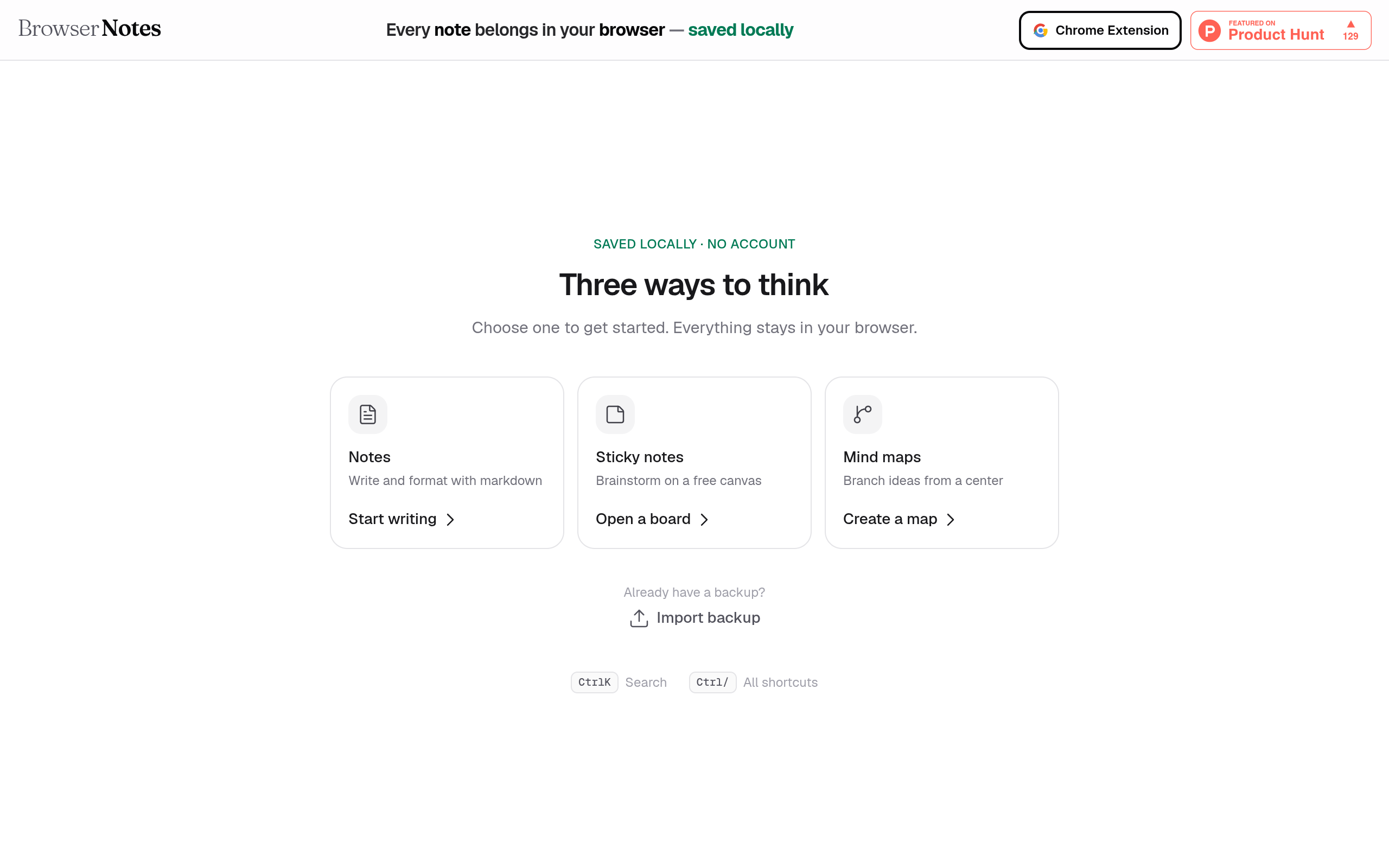
Browser Notes is a local-first workspace for notes, sticky boards, and mind maps. No signup, no forced cloud sync—just open, capture your thoughts, an
About
Notes are often scattered across writing apps, sticky boards, and mind-mapping tools, while your private ideas are pushed to the cloud. Browser Notes brings notes, sticky notes, and mind maps into one local-first workspace. No account, no tracking, and no forced sync. It works offline, stores everything in your browser, and lets you back up your data anytime.
Key Features
Local-first Storage
All data is stored in your browser — no account, no tracking, and no forced cloud sync. Works fully offline and keeps your notes private.
Unified Workspace (Notes, Sticky Boards, Mind Maps)
Create traditional notes, drag-and-drop sticky boards for quick ideas, and build mind maps to visualize relationships — all in one interface.
Quick Capture & Simple Editor
Open the app instantly and start capturing thoughts with a lightweight editor and fast creation of notes, stickies, and map nodes.
Backup & Export
Export or back up your data at any time (downloadable backups), so you control where your content is stored and can migrate it as needed.
How to Use Browser Notes
1) Open the site in your browser — no signup required. 2) Create a new note, sticky board, or mind map from the workspace toolbar. 3) Add content: type notes, create and move stickies, or add and connect nodes on a mind map. 4) Periodically export/backup your workspace via the backup/export option to save a local copy.