
Browsable
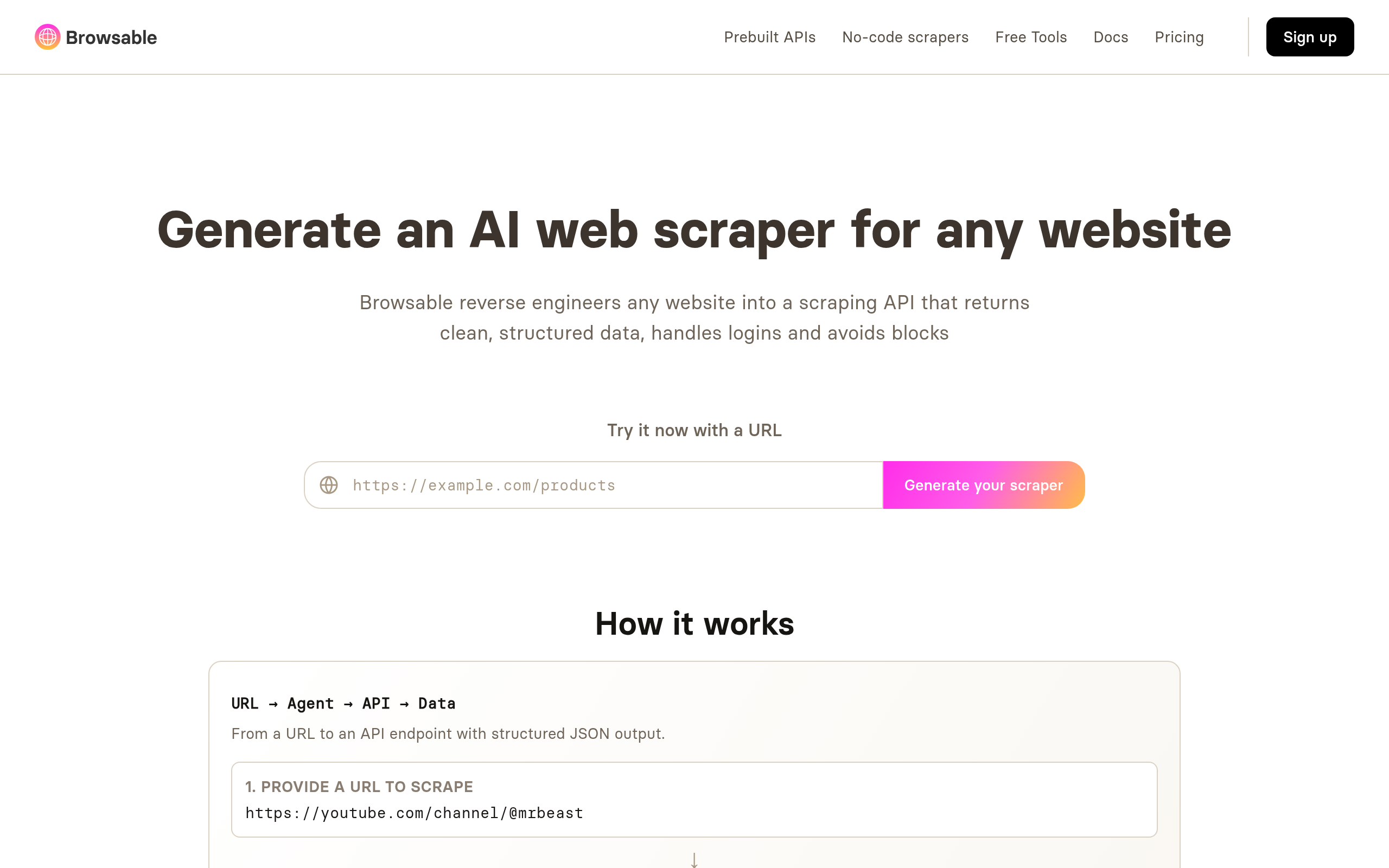
Browsable reverse engineers any website into a scraping API that returns clean, structured data, handles logins and avoids blocks.
About
Browsable is an AI web scraper that turns any webpage into a reusable scraping API. Provide a URL and it will analyze the page, determine what data can be extracted, and reverse engineer the structure to generate an API. The generated API works not just for the page you provide, but for any page with the same structure. For example, if you create a scraper for https://youtube.com/@mrbeast, Browsable will generate an API that can scrape any YouTube channel by passing the channel name as a parameter. Many websites contain valuable data that businesses, individuals, and AI agents need, but most do not provide APIs to access it. Browsable solves this by automatically generating APIs for any website, allowing you to download the data you need or integrate it directly into your own applications.
Key Features
Automatic Scraper Generation
Provide any URL and Browsable's agent analyzes the page structure and generates a reusable scraping API that extracts clean, structured JSON data.
Reusable, Parameterized APIs
Generated endpoints accept parameters (for example channel names or search queries) so a single API can scrape any page with the same structure.
Anti-blocking & CAPTCHA Handling
Built-in measures for proxy rotation, request throttling, and solving or avoiding CAPTCHAs so scrapers run reliably at scale.
Authenticated Scraping
Supports login/session handling to extract data from pages that require authentication (private feeds, member-only content, etc.).
No-code Dashboard & Export
Use the web dashboard without coding to run scrapers, preview results, and download data as JSON or CSV — or call the API directly with your API key.
How to Use Browsable
1) Enter a target URL (e.g., a product page or channel) in the Browsable dashboard and click Generate. 2) The agent analyzes the page and presents the fields it can extract; confirm or adjust the mapping. 3) Receive a reusable API endpoint and your API key — test it from the dashboard or with curl/HTTP requests. 4) Integrate the endpoint into your app or download results as JSON/CSV; adjust parameters (pagination, limits, filters) as needed.