
BRCKS
Construction project communication software for builders, trades and homeowners.
About
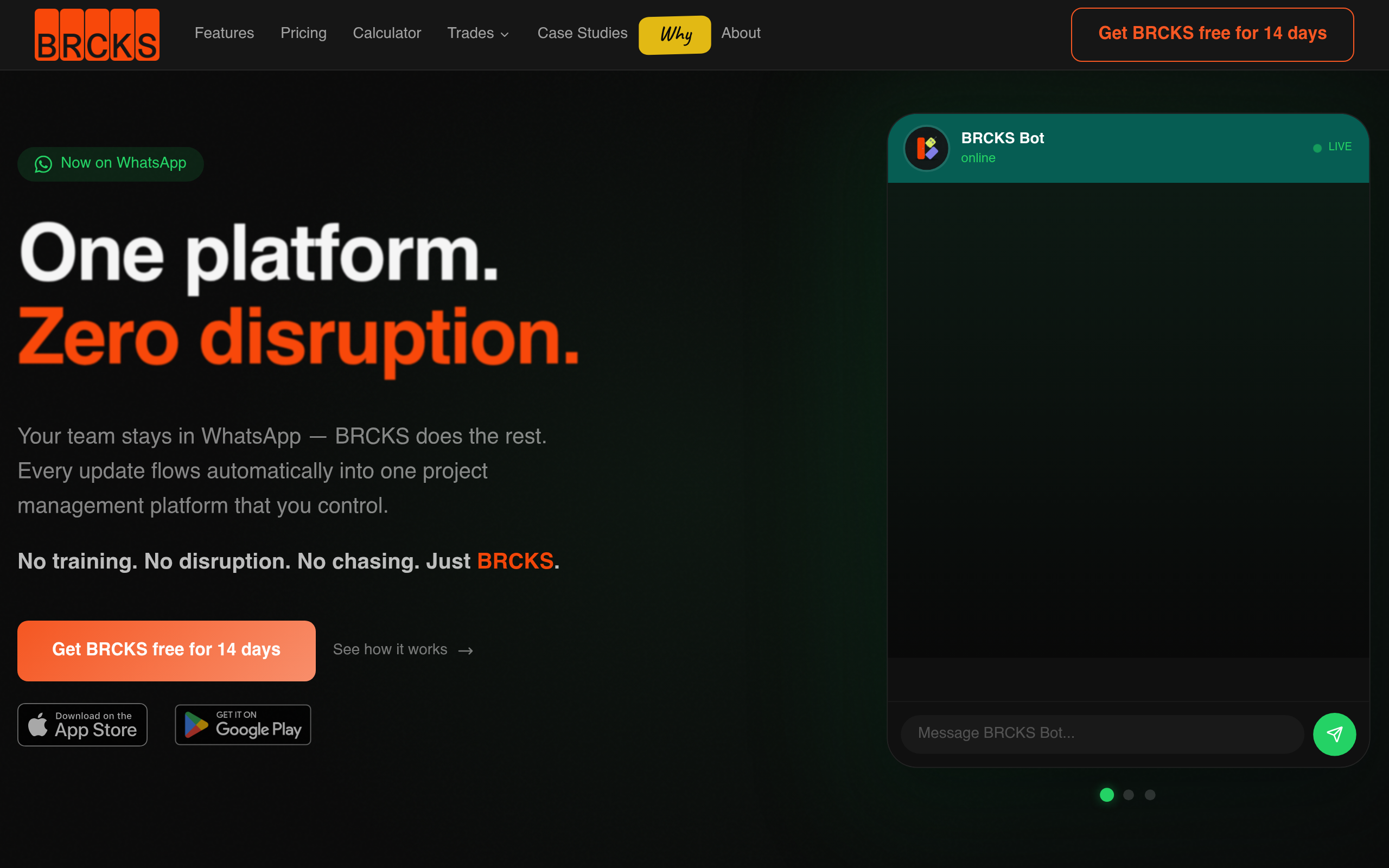
BRCKS is construction project management and communication software built for residential builders, trades and homeowners. It keeps project conversations, checklists, tasks, files, photos and meeting notes in one place, so nothing gets lost in WhatsApp, email or scattered documents. Use BRCKS to organise day-to-day site communication, track actions, share updates with clients and keep a clear record of decisions across the project. It is designed to be simple, practical and easy to use for real construction teams.
Key Features
Centralised Conversations
Keep all project communication in one place (threads per site, trade or task) to stop fragmented messages across WhatsApp and email.
Tasks & Checklists
Create, assign and track tasks and checklists with deadlines and assignees so actions are resolved and progress is visible.
Photos & File Management
Attach, organise and view photos, drawings and documents directly on issues or tasks to maintain a clear visual record of site progress and decisions.
Client & Team Updates
Share tailored updates with homeowners or stakeholders and keep a clear audit of decisions, meeting notes and approvals.
Meeting Notes & Decision Log
Record meeting minutes and decision logs linked to projects so you can trace who agreed to what and when.
How to Use BRCKS
1) Create a project in BRCKS and add basic details (site address, timeline). 2) Invite your team, trades and clients and set permissions so everyone sees only what they need. 3) Start conversations for daily site issues or specific trades, attach photos/drawings and convert items into tasks or checklist items. 4) Assign tasks, set due dates, take meeting notes in BRCKS and use the file/photo library to keep a single source of truth for progress and decisions.