
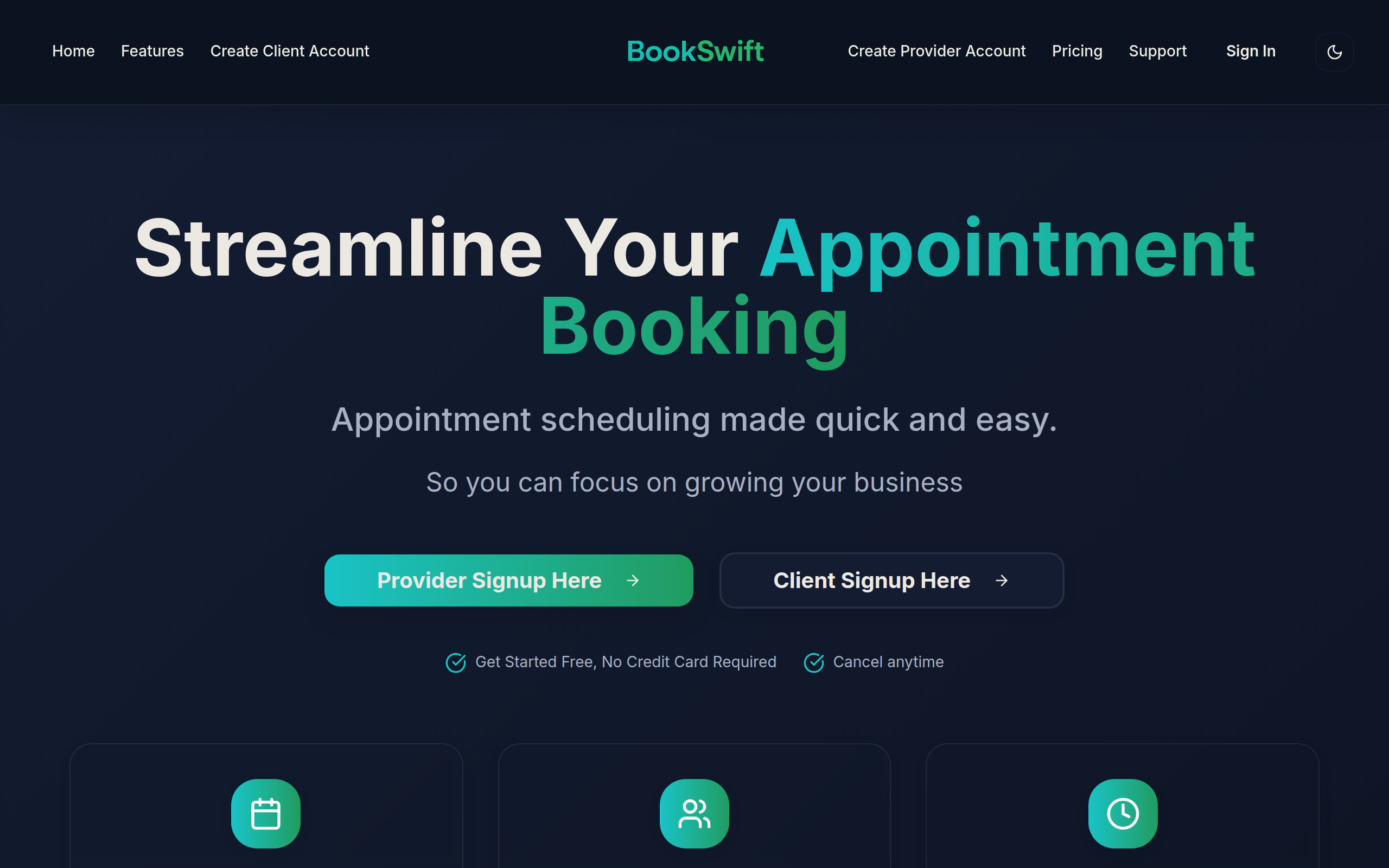
BookSwift
Appointment scheduling app for independent service providers and small teams.
About
📅 BookSwift – Appointment Scheduling App
Key Features
Online Booking Page
Create a customizable public booking page where clients can view services, staff availability and book appointments 24/7.
Calendar Sync
Two-way synchronization with Google Calendar, Outlook and other calendars to avoid double-booking and keep schedules up to date.
Automated Reminders & Confirmations
Email and SMS reminders, confirmations and follow-ups to reduce no-shows and keep clients informed.
Team & Staff Management
Add team members, set individual availability, assign appointments, and manage permissions for small teams.
Payments & Deposits
Accept online payments, deposits or card-on-file through integrated payment providers to secure bookings and simplify billing.
How to Use BookSwift
1) Sign up and create your account. 2) Add your services, durations and pricing, then set your availability and staff members. 3) Connect your calendar(s) and payment provider to enable syncing and online payments. 4) Share your booking page link or embed it on your website; manage and confirm bookings from the dashboard.