
BonSplit
AI receipt scanner & expense splitter for couples, flatshares or group travel. Snap a receipt, split costs fairly, see who owes whom each month.
About
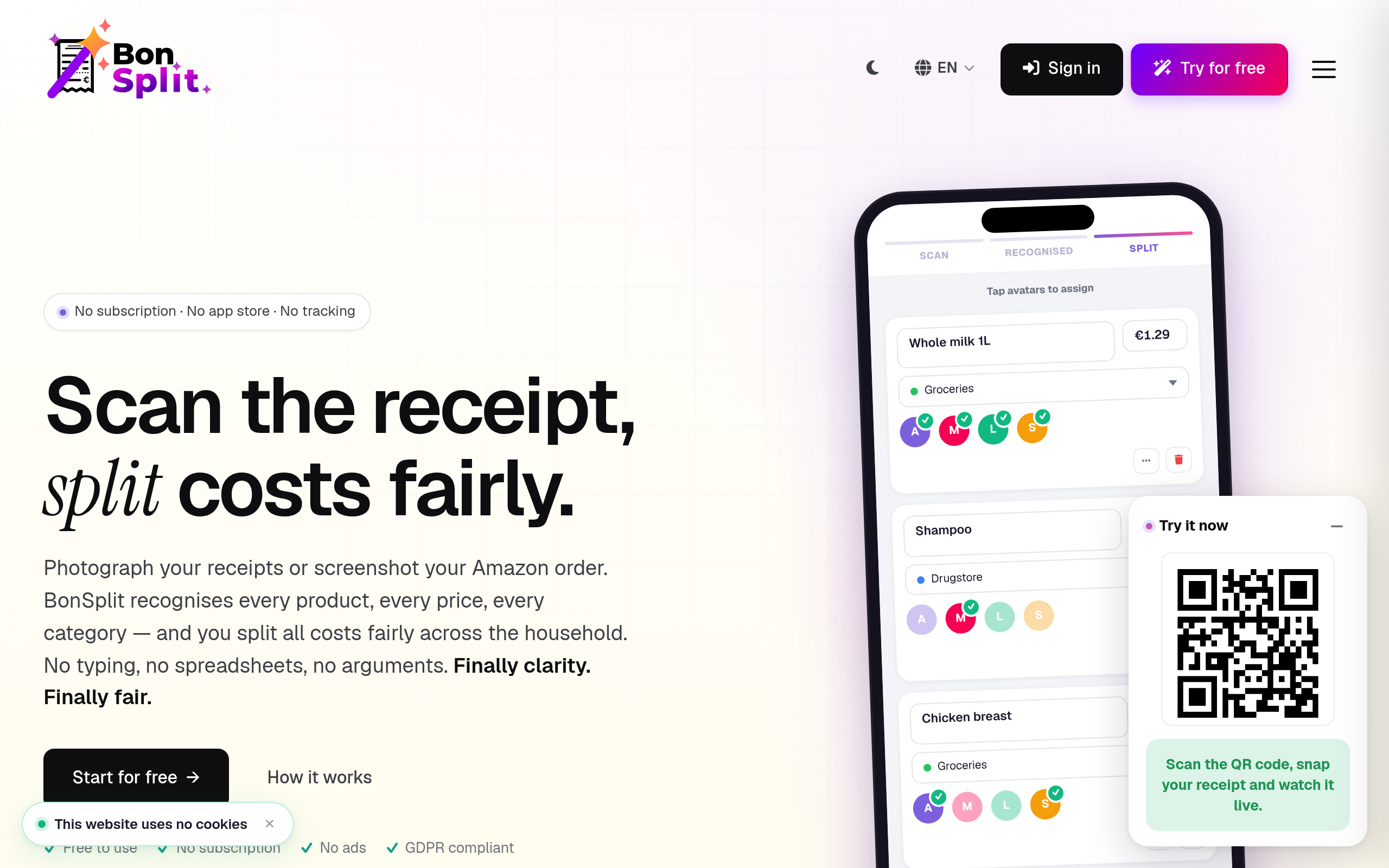
BonSplit is an AI-powered receipt and expense app for couples, families, shared households or group travel. Take a photo of any receipt and BonSplit™ automatically recognizes the merchant, date, individual line items, prices and categories — not just the total like a banking app, but every single position on the bill. Shared costs can be split per item or evenly between household members. At the end of each month, BonSplit™ shows exactly who paid what and who owes whom, acting as a neutral settlement partner instead of awkward money discussions. Beyond splitting, you get spending dashboards by category and merchant, recurring expense templates (rent, electricity, subscriptions) and a permanent digital receipt archive with CSV/PDF export for taxes, warranties or insurance. Privacy by design: the household settlement works without real names — members use nicknames and internal IDs, and account/billing data is kept separate from household data. Hosted in Germany, GDPR-compliant.
Key Features
AI Receipt Scanning & Line-item Extraction
Snap a photo or upload a screenshot — the AI reads merchant, date, VAT, and every single line item (product names, quantities, prices and categories), not just the total.
Fair Expense Splitting
Split receipts per item or evenly across members, support for income-weighted shares and nicknames so households settle fairly without awkward money talks.
Spending Dashboards & Reports
Visualize spending by category and merchant, track who paid what each month and export receipts and summaries as CSV or PDF for taxes, warranties or accounting.
Recurring Templates & Archive
Create recurring expense templates (rent, utilities, subscriptions) and maintain a searchable digital receipt/archive for easy retrieval.
Privacy-first Hosting & GDPR Compliance
Household data is kept separate from billing data, members use nicknames/internal IDs, hosted in Germany with GDPR-compliant privacy practices and no trackers or ads.
How to Use BonSplit
1) Open BonSplit and create or join a household (or try guest mode). 2) Snap a receipt photo or upload a screenshot — the AI will extract merchant, date and each line item. 3) Tap avatars to assign items (or choose even/income-based split) so the app calculates who owes whom. 4) Review monthly dashboard, export CSV/PDF or settle balances with your household.