
BoltShot
Generate screenshots with one simple API call, without managing browser clusters or dealing with complex edge cases.
About
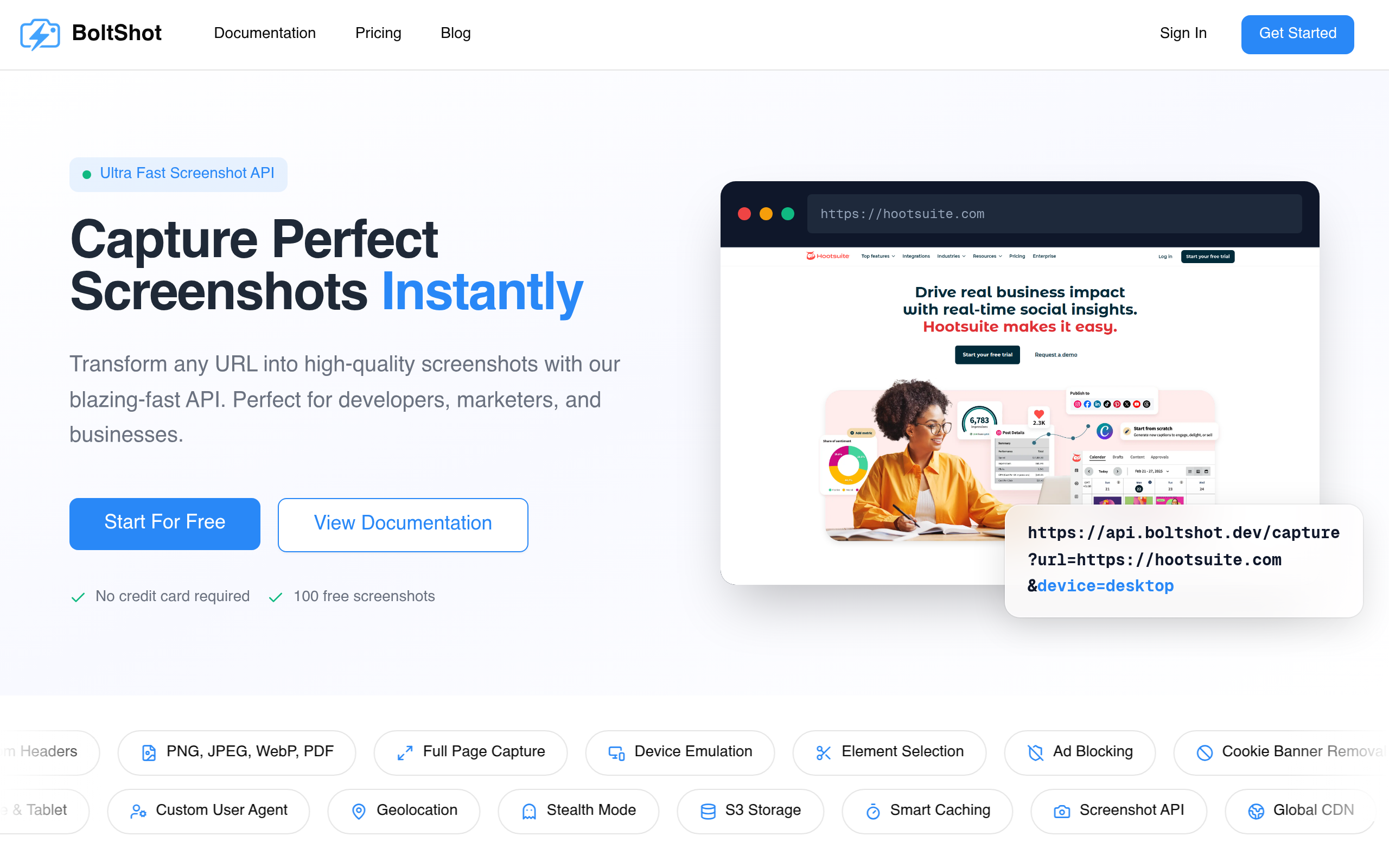
BoltShot is a website screenshot API that turns URLs into high-quality screenshots in formats like PNG, JPEG, WebP, and PDF all through a simple API request. It supports full-page capture, device emulation for mobile, tablet, and desktop, and custom viewport settings for flexible rendering. Users can capture specific page elements using CSS selectors, while built-in features like ad blocking, cookie banner removal, and smart caching help produce clean, efficient results. BoltShot also offers advanced capabilities such as S3 uploads with CDN delivery, custom user agents, geolocation emulation, stealth mode, and custom headers. Designed for developers and businesses, BoltShot integrates seamlessly into workflows for e-commerce previews, automated reporting, web archiving, testing, compliance monitoring and many more without the need for managing browser clusters or infrastructure.
Key Features
Multi-format Output
Capture pages as PNG, JPEG, WebP, or PDF with adjustable quality settings to suit thumbnails, high-res images, or printable reports.
Device & Viewport Emulation
Simulate mobile, tablet, and desktop viewports or specify custom width/height for pixel-perfect screenshots across devices.
Element Targeting & Clean Screenshots
Target specific DOM elements via CSS selectors and automatically remove ads, cookie banners, overlays and popups for clean captures.
Smart Caching & Storage
Built-in caching with configurable TTL plus automatic S3 uploads and CDN delivery for fast, reliable distribution and reduced costs.
Advanced Request Controls
Supports custom headers, user agents, geolocation emulation, stealth mode, and custom cookies to handle edge cases and protected content.
How to Use BoltShot
1) Sign up and get your API key from the BoltShot dashboard. 2) Build a request to https://api.boltshot.dev/capture with required params (url, apiKey, format) and optional params (device, fullPage, selector, cacheEnabled, cacheTtl). 3) Send the request (GET or fetch). BoltShot returns the image/PDF blob or a direct URL (or uploads to your S3) which you can display or save. 4) Adjust options (element selector, device, headers, caching) as needed and integrate the response URL/blob into your app or pipeline.