
Bolly.AI
Put yourself in any viral clip: pick a meme template, upload a photo, and Bolly puts you in it. Plus AI image, video and audio models in one place.
About
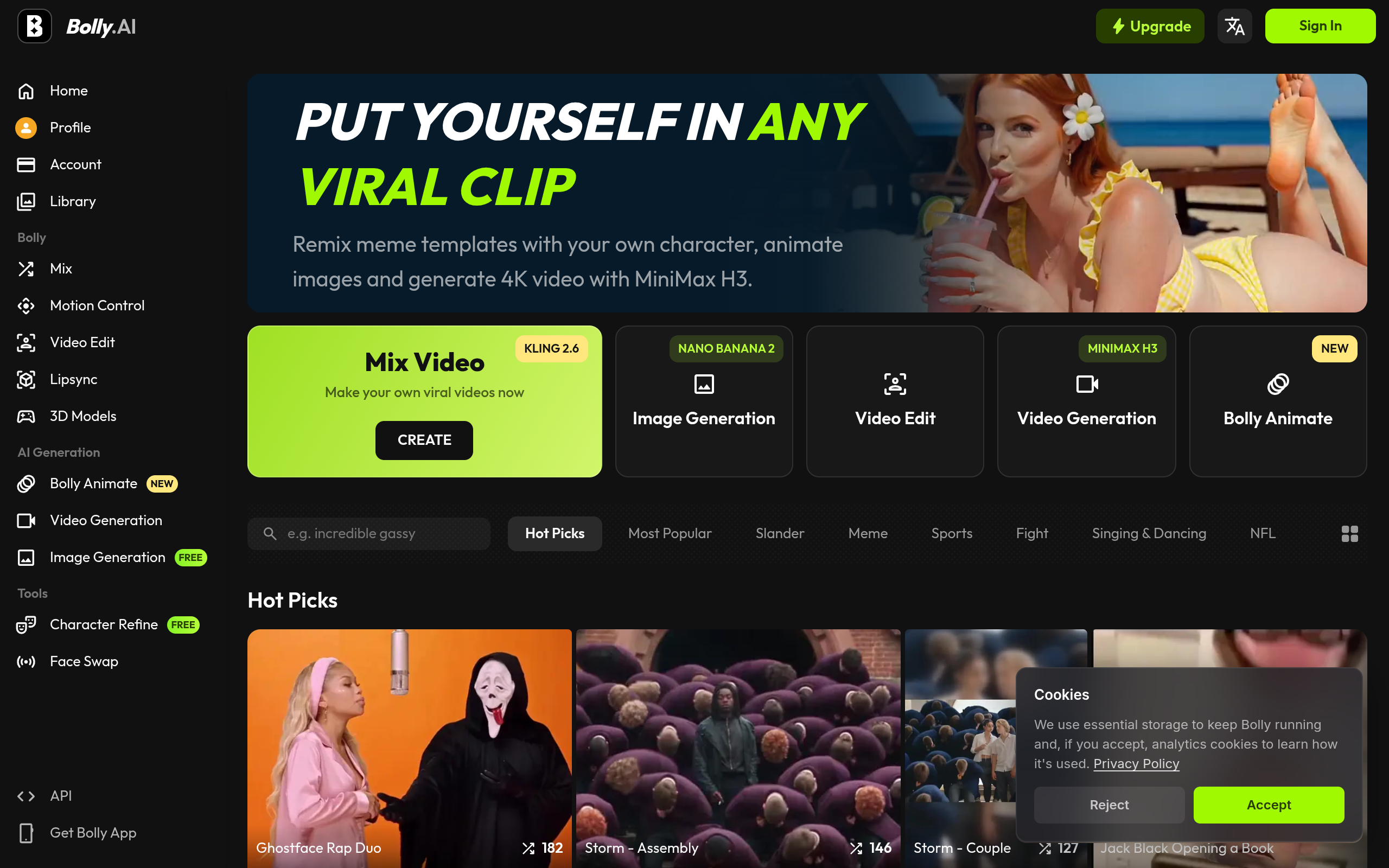
Bolly.AI is an AI creative suite built around one idea: put yourself in any viral clip. Pick one of 245 meme and trend templates, or paste a TikTok link, upload a photo, and Bolly swaps you into the clip with Kling O3, keeping the same moves and the same scene. On two-person templates you can replace one person or both. Bolly also brings the latest models together: image generation and editing (Nano Banana 2, GPT Image 2, Seedream 5, FLUX.2 Pro, Ideogram 4), video generation (Seedance 2.5, Veo 3.1, Kling 3, MiniMax H3), Bolly Animate for turning a photo, drawing or 3D render into a video, prompt-based video editing with Kling O3, lipsync, face swap, character sheets, music and voice (ElevenLabs, MiniMax Music), and image-to-3D with Meshy 7. Every model runs on one credit pool, you see the exact price before you generate, and failed runs are refunded automatically. The Free plan includes 10 credits a day for image, audio and tool models; paid plans start at $19/month.
Key Features
Meme Template Face Swap
Choose from 245+ viral meme and trend templates (or paste a TikTok link) and swap yourself into the clip; supports single- and two-person templates while preserving moves and scene using Kling O3.
Multi-Model Creative Suite
Access state-of-the-art image, video and audio models (Nano Banana 2, GPT Image 2, Seedream, Kling, MiniMax, ElevenLabs, Meshy 7, etc.) from one interface for generation, editing, lipsync and more.
Bolly Animate & Video Tools
Turn a photo, drawing or 3D render into animated video, perform prompt-based video edits, generate high-res videos (MiniMax H3 / Seedance), and create character sheets or image-to-3D outputs.
Unified Credit System & Safe Billing
All models draw from a single credit pool; you see exact cost before generating, free daily trial credits for images/audio/tools, and failed runs are automatically refunded.
Audio & Music Integration
Built-in lipsync, voice and music tools (ElevenLabs, MiniMax Music) for voices, songs, and syncing audio to generated/edited videos.
How to Use Bolly.AI
1) Pick a template from the gallery or paste a TikTok/video link. 2) Upload a photo (or multiple photos) of the person(s) to insert. 3) Choose model and output options (animation, lipsync, audio, resolution) and preview estimated credit cost. 4) Confirm to generate, then download or share the finished video — failed runs are refunded automatically.